How to Check Internal Links and Anchor Text
Find vague labels, unnamed image links and missing destinations in your HTML. Learn which flags to fix first and when context is enough.
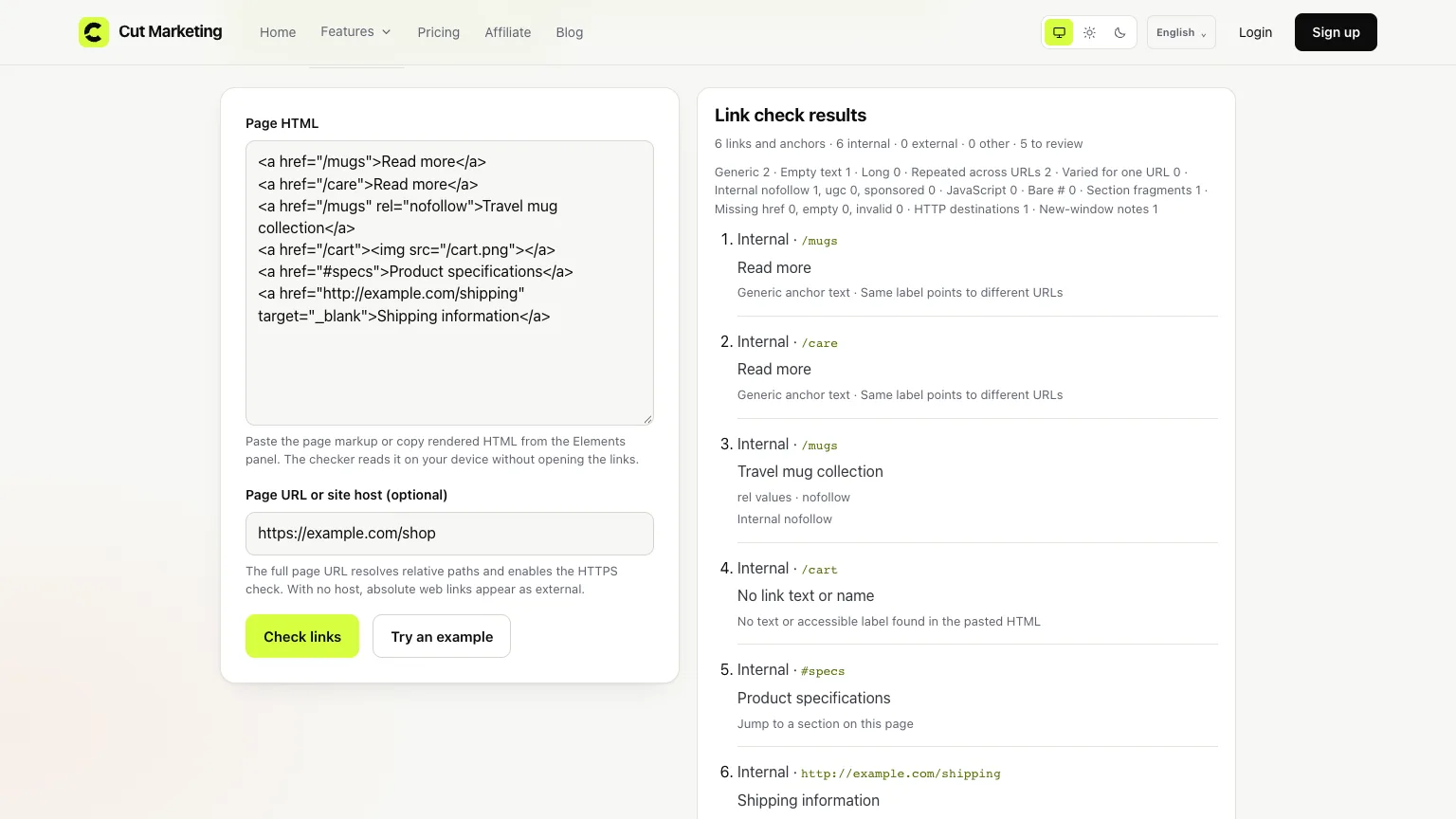
Cut Marketing’s internal link and anchor text checker lists links in page order and finds labels that repeat across different destinations. Paste your HTML directly into the tool. It reads the markup in your browser, so you can check a draft product page before it goes live.
Start with the destination
Enter the full HTTPS URL if you have it. The checker uses the page path to resolve relative references, treats links on the same host as internal and identifies links that point back to HTTP. You can enter a site host when you only need to classify links by host.
Google generally crawls links made with an a element and an href that resolves to a web address. If a script inserts the link after load, copy the rendered HTML from the Elements panel. Review missing or empty href values, a bare # and javascript: destinations when the reader is meant to reach a page. A fragment such as #care can be a useful jump to a section on the current page. Google’s link best practices
Read the link by itself first
A label such as “read more” means different things under a size chart and next to a delivery estimate. On a mug page, “mug size guide” and “delivery estimates” tell shoppers where they will land. Google recommends wording that is descriptive, concise and relevant to both pages. WCAG 2.4.4 also considers context that assistive technology can determine, such as the text in the same paragraph or list item. Google’s anchor text guidance, WCAG 2.4.4 link purpose in context
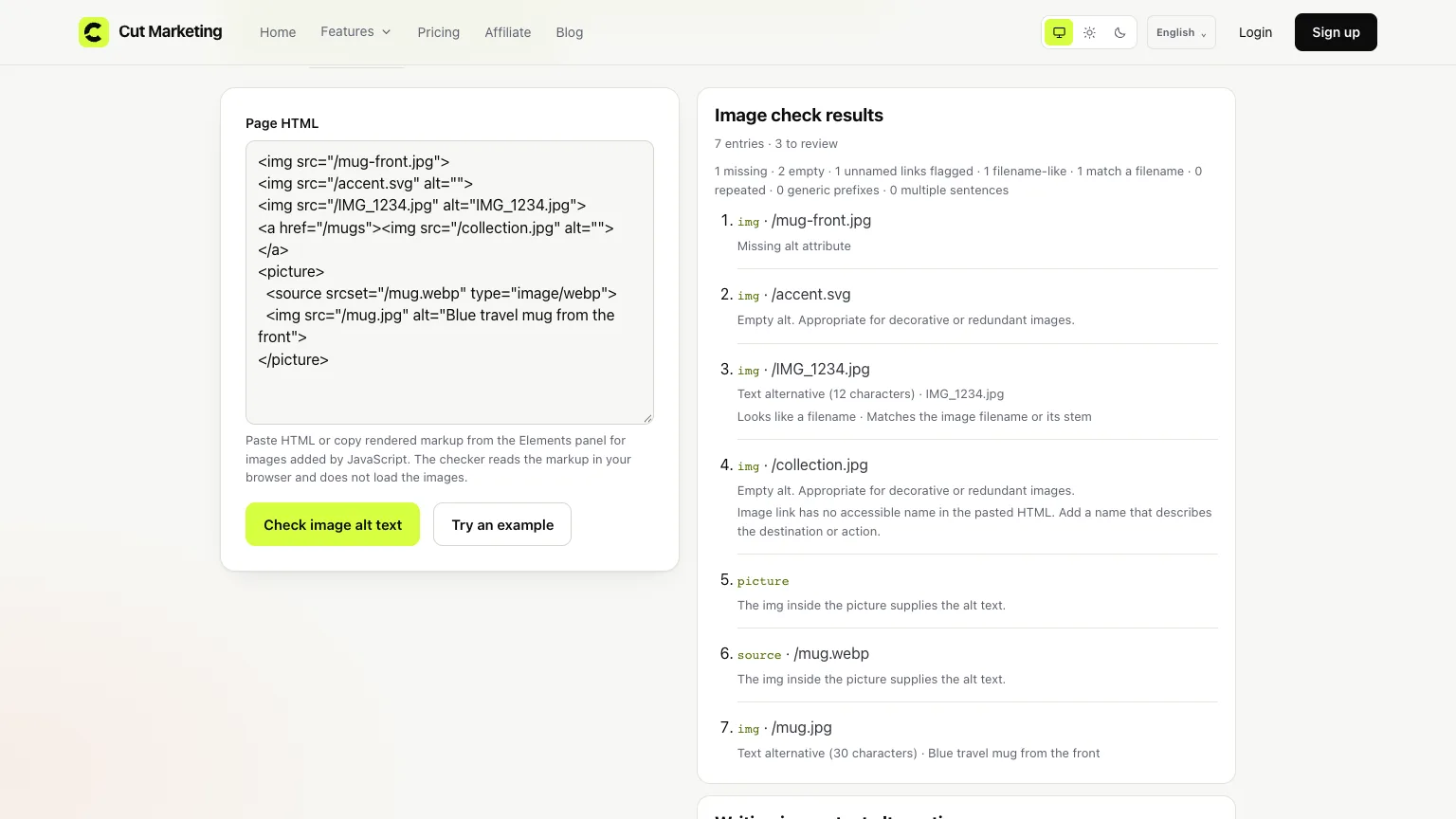
If a cart icon or photo is the whole link, check that the rendered link exposes a useful name. A linked image can get its name from the image’s alt. An icon-only link can use an aria-label such as “View cart”. The image alt text checker can help you review nearby images as well.
The tool also flags text longer than 100 characters and links that use three or more distinct labels for one URL. Use these cues to spot awkward phrasing or inconsistent navigation. If two labels describe different reasons someone might visit the same guide, both can be useful.
Review the link attributes
If a standard menu or related-product link carries nofollow, ugc or sponsored, check whether the template applied the value deliberately. Google describes sponsored for ads and paid placements, ugc for user-generated links, and nofollow when other values do not fit and you prefer that Google not associate your site with or crawl the destination from your site. The checker reports these attributes on internal links for review. Google’s outbound link attributes