AI CREATIVE WORKSPACE

Video ads that begin with a real product

Choose the scene, the audience and the action, then let the studio build a first direction around your product. You keep control of the offer and the final review.

  • Product-first video, image and presenter tools
  • A credit quote before you generate
  • One asset library for the whole set

A practical workflow to generate a video ad direction from a product photo or reference. It runs on the same studio, credit balance and asset library as every other tool in the workspace.

Product hero example for Home Extension Product hero
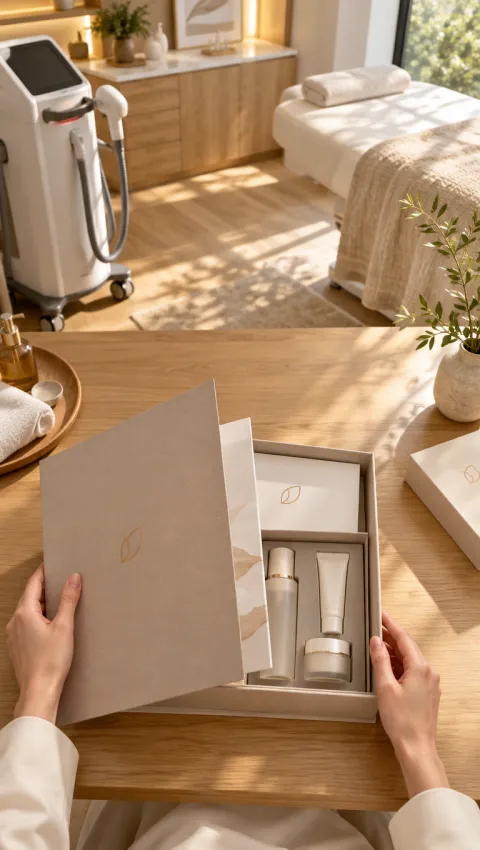
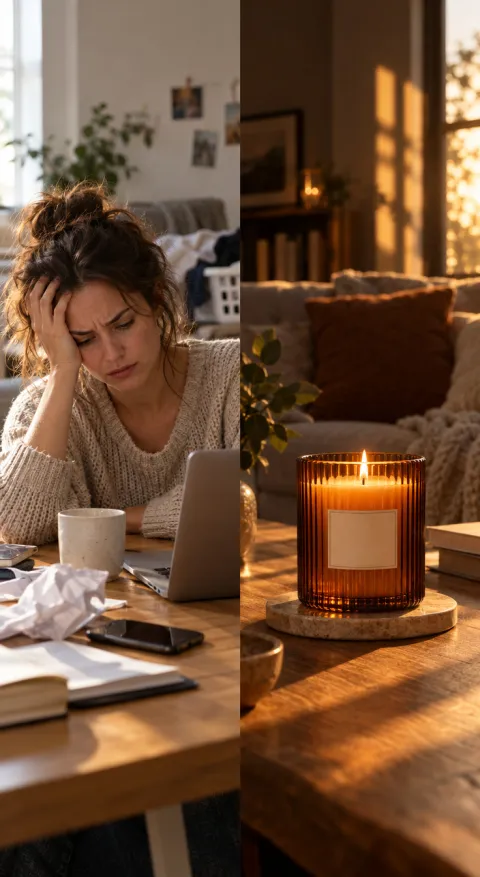
Problem → solution example for Amber Scented Candle Problem → solution
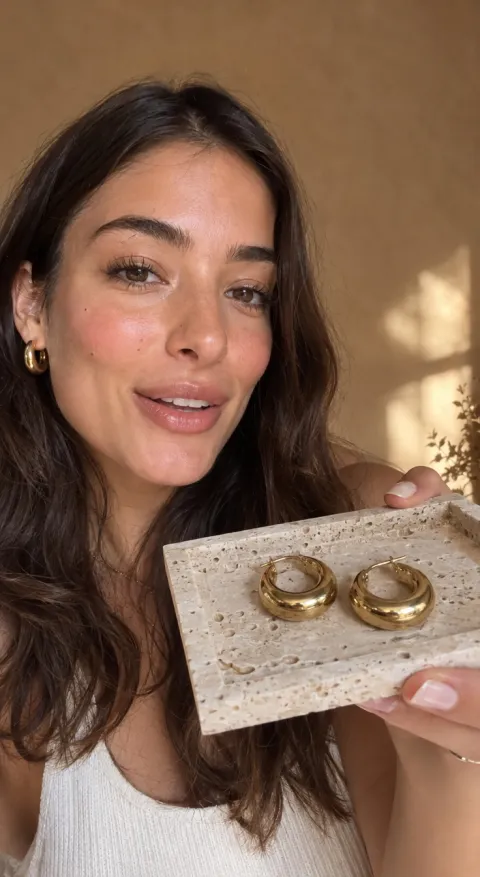
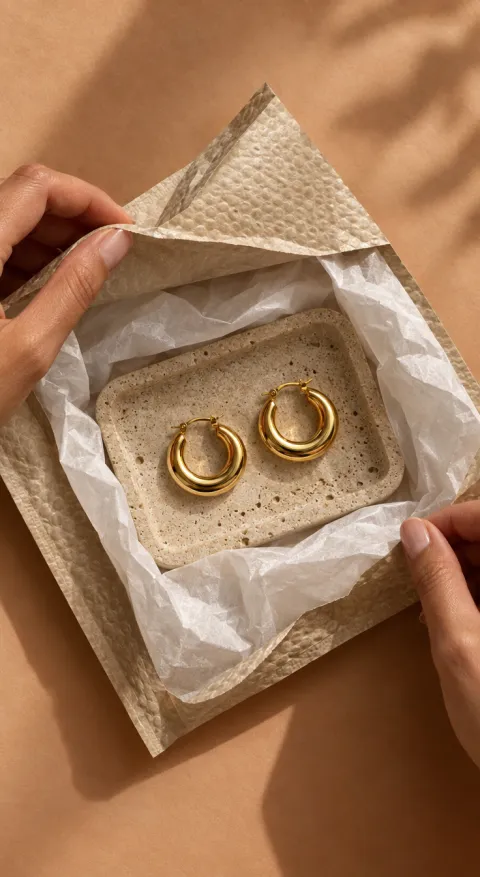
UGC selfie example for Chunky Gold Hoops UGC selfie

02 / HOW IT WORKS

How the workflow runs

  1. Add a product reference or write the brief

    Upload a product image or reference frame. Add the audience, offer and the moment the video should show.

  2. Pick a format and model

    Choose the aspect ratio, duration and quality. The studio shows the credit cost for that exact setup before you submit.

  3. Generate, review and refine

    Review each output against the brief, keep the strongest direction and make the next variation from the same project.

03 / WHAT YOU CAN DO

Built around the product, not a generic template

01 / PRODUCT FIRST

Keep the item recognizable while the scene moves

Start from a product photo, a reference frame or a clear brief. AI video ad generator keeps the offered item as the anchor while the model adds motion, light and camera direction. The goal is a usable draft that still looks like the product you sell.

Start from a product image
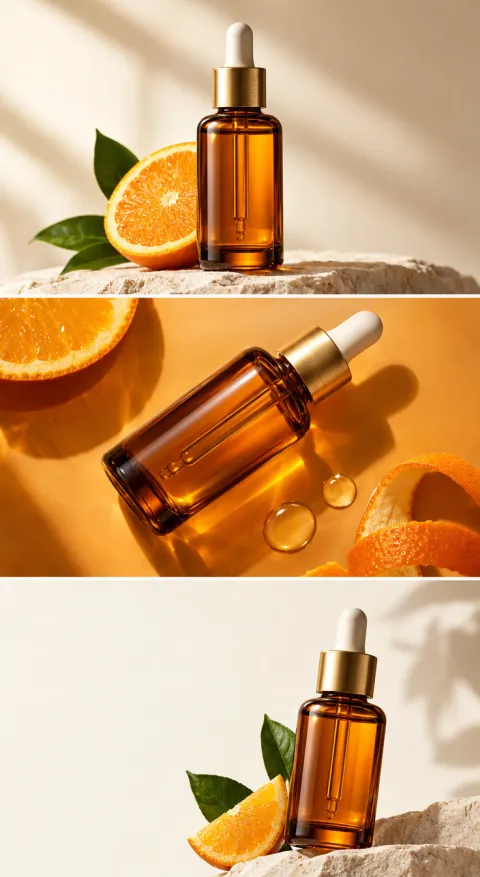
Problem → solution direction for Barrier Repair Serum Problem → solution
Problem → solution

02 / HOOK & PACING

Give the first two seconds a job

Describe the opening beat, the one benefit to land and the action you want. short product video ads work when the hook, product moment and ending are planned together. The studio turns that direction into a prompt you can iterate on, not a one-off roll of the dice. Brief to test: generate a video ad direction from a product photo or reference.

Generate a video concept
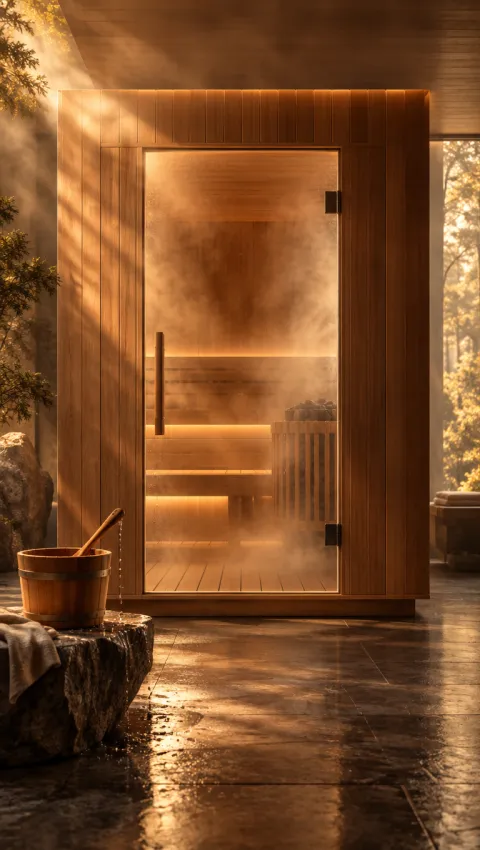
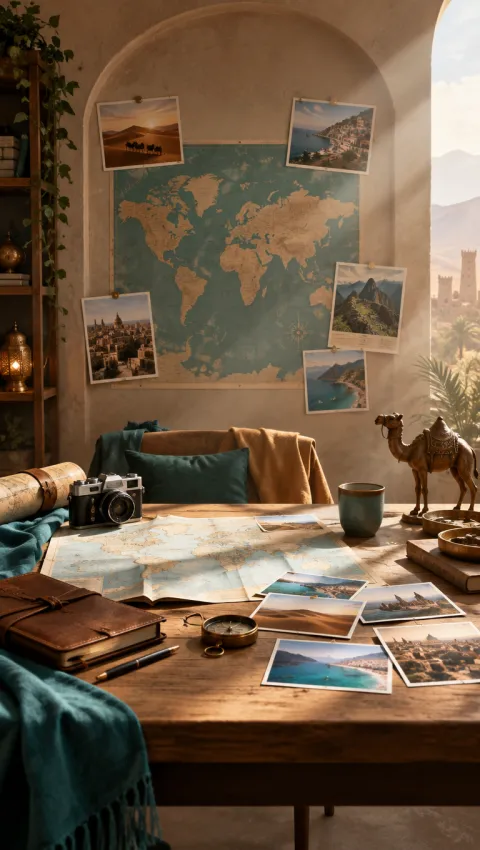
Product hero direction for Cedar Sauna Product hero
Product hero

03 / ITERATION

Change one variable at a time

Duplicate the brief and swap the hook, presenter, scene or call to action. performance marketers and ecommerce teams can compare directions in the same workspace and carry the strongest treatment into the next test instead of restarting from zero.

Plan the next variation
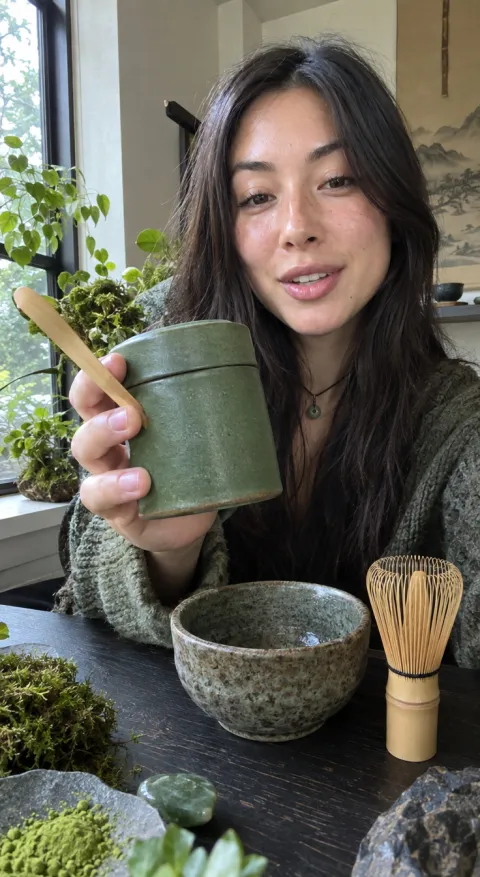
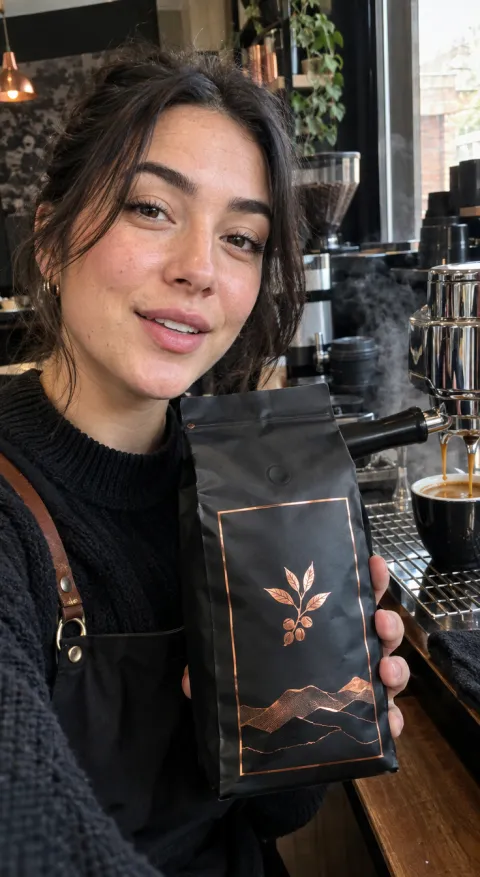
UGC selfie direction for Ceremonial Matcha UGC selfie
UGC selfie

04 / START FROM AN EXAMPLE

Open any frame with its prompt in the studio, replace the product and keep the structure.

Generate a video ad

05 / USE CASES

Where this workflow fits

Product launches

Build a first round of short product video ads before the product page and paid campaigns go live.

Always-on social

Keep a small library of hooks and scenes ready for the next placement.

Agency concepts

Give clients concrete video directions instead of another written treatment.

06 / WHY THIS WAY

What changes in the day-to-day

One brief, several directions

Keep the product and offer consistent while you test different openings and formats.

Credits before commitment

Every model shows its rate and the studio quotes the job before you submit.

Assets stay together

Uploads, generations and approved cuts live in the same workspace.

A repeatable loop instead of a one-off production

Area This workflow A manual production loop
Starting point A product photo, reference frame or brief A blank timeline or a new shoot brief
Next version Duplicate the brief and change one variable Re-book talent, studio and edit time
Cost visibility A credit quote before you submit Quotes after scope and production meetings

07 / FAQ

Questions about this workflow

What is AI video ad generator?

It is a guided workflow for generate a video ad direction from a product photo or reference. You bring the product and the direction; the studio handles the generation settings and keeps the output in one place.

Do I need a product photo?

A clear product image helps the model keep shape, packaging and colour consistent. A reference frame or a written brief can also start a concept depending on the selected tool.

Can I choose the format?

Yes. Pick the ratio, duration and quality that match the placement before generating.

How much does it cost?

Each model has a credit rate. The studio shows the exact cost for the selected quality, duration and count before you submit.

Can I use the result in paid ads?

The output is a draft for your review. Check product details, claims and platform rules, then export the version you approve.

09 / START HERE

Make the next ad from the product you already have.

Open the studio, add one product image and a clear hook. You will see the cost before you generate.