AI CREATIVE WORKSPACE

Your clothes on a model, without booking a shoot

AI virtual try-on puts a garment from a product photo onto a person in another photo, or onto a fictional AI model, so a shop gets on-model photos without a photo shoot. In Cut Marketing (Cutma) you upload the model photo (or choose an AI model) and up to three garments, pick the shots, and each photo starts from 6 credits ($0.06). Paid plans start at $9 a month for 900 credits with every model included, and new Google accounts get 40 free credits for 30 days.

Dress your own model photo in a new garment, or let an AI model of the age, look and body type you choose wear it. Every photo keeps the garment's color, print and logo.

  • Images from $0.02 each with FLUX.3 Klein 1K
  • Plans from $9 a month (900 credits), the same model prices on every plan
  • Captions, AI narration and music in Finish the Ad; uploads to Meta, Google Ads and TikTok
  • 40 free credits for new accounts, valid 30 days

A workflow to put your clothes on a model without a photo shoot. Nano Banana 2.1, Seedream 5.0 Pro, GPT Image 2.6 and FLUX.3 Klein share one studio, credit balance and asset library, from $0.02 an image.

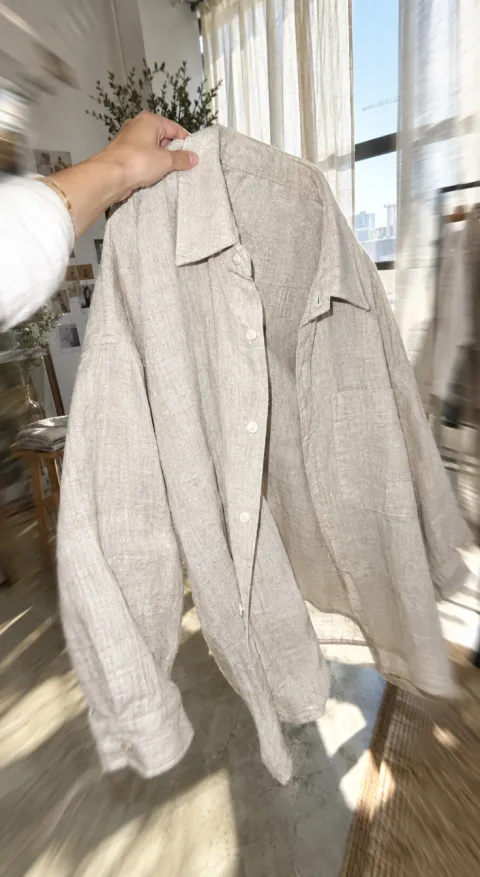
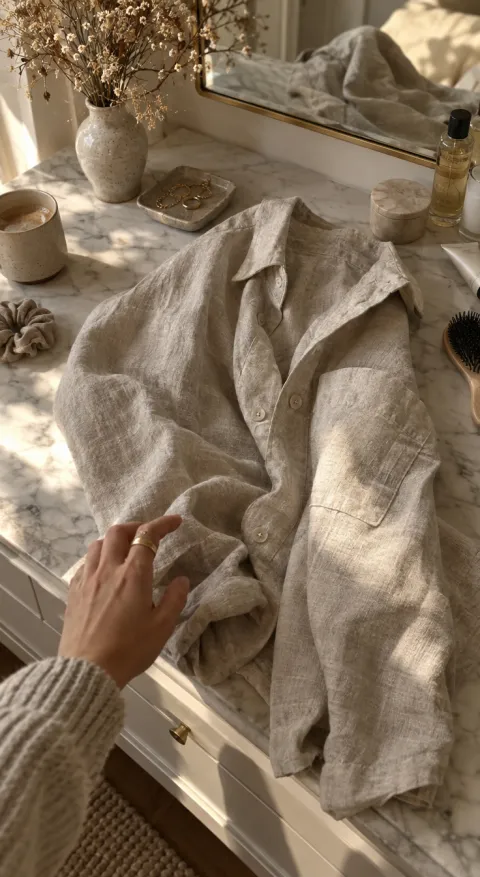
Washed Linen Overshirt · Haul / finds
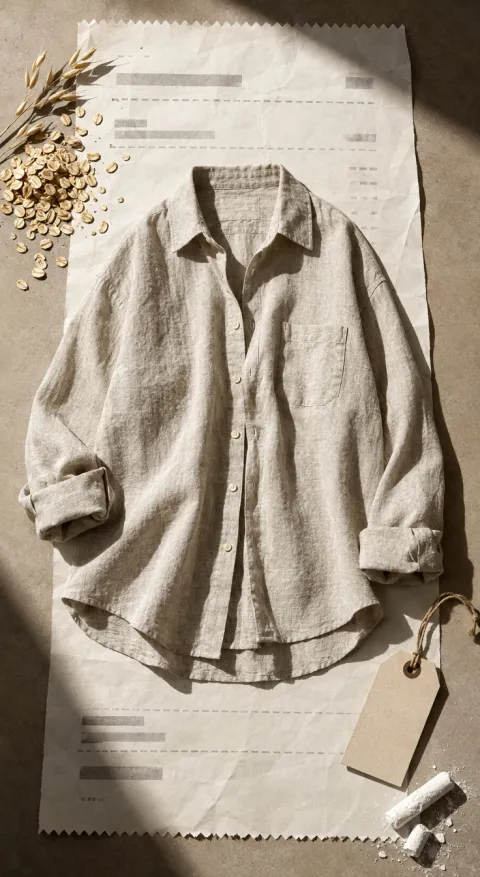
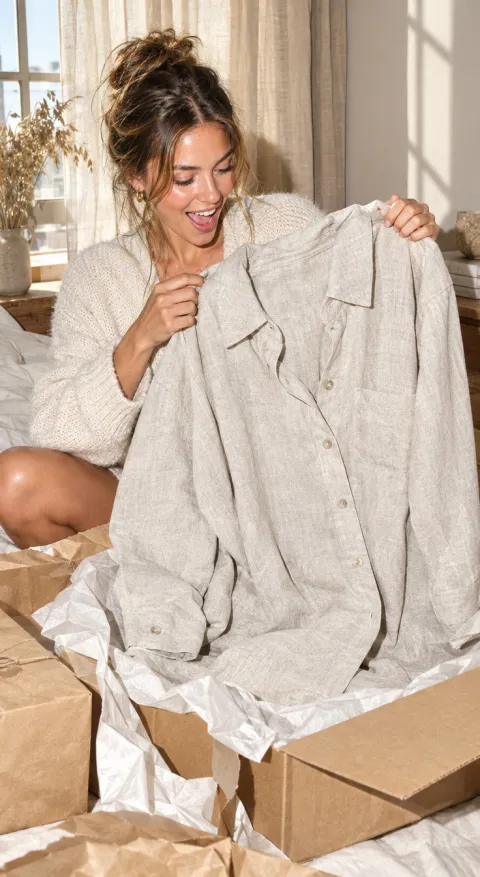
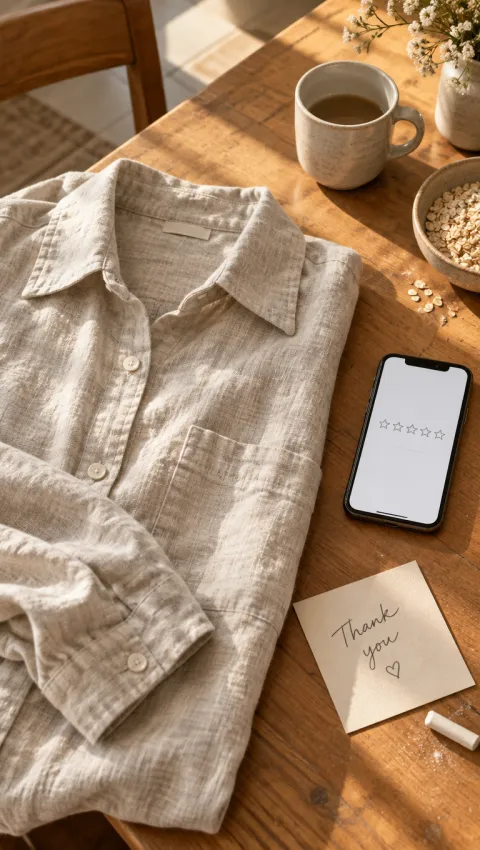
Washed Linen Overshirt · Customer review
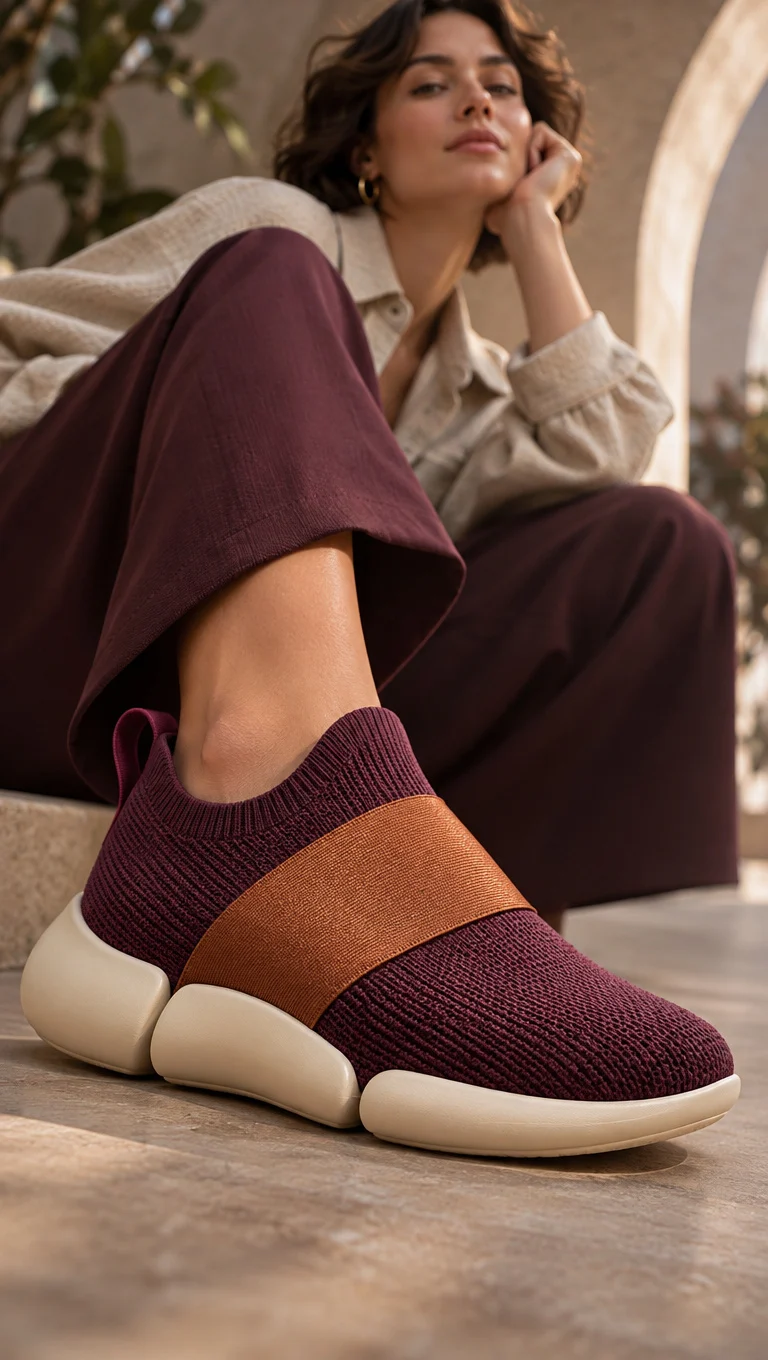
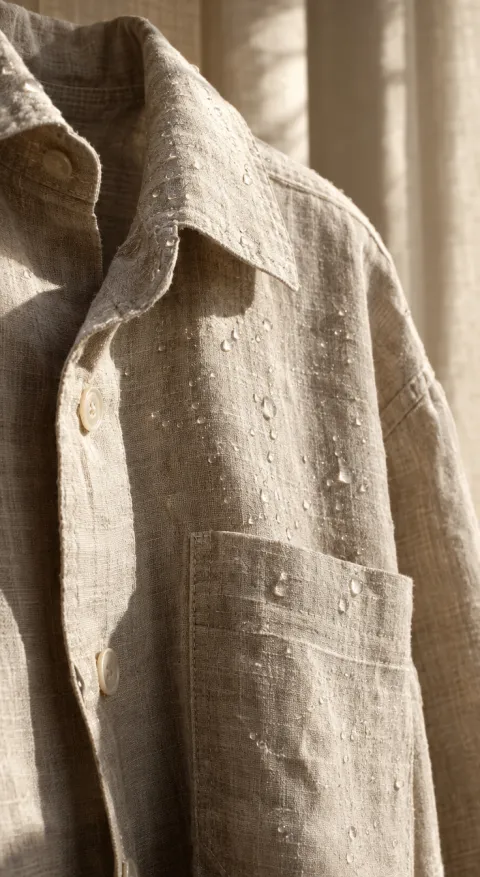
Sculpted Sneaker · Macro texture

02 / HOW IT WORKS

How to generate a product image set

  1. Add the product or a starting reference

    Upload a product photo, choose a reference or start from a prompt. Clear source images matter when packaging and material must stay accurate.

  2. Describe the shot and the crop

    Write the background, lighting, composition and text needs. Choose the ratio, resolution and number of outputs.

  3. Generate, inspect and download

    Check label text, product edges and colour, then keep the versions that match the placement.

03 / WHAT YOU CAN DO

Images that still look like the product

01 / PRODUCT FIDELITY

Keep the label, shape and material readable

Upload a clear product photo and describe what must stay exact: packaging, colour, logo placement or texture. AI virtual try-on uses that image as the visual anchor, so the result starts from your product instead of an unrelated stock scene.

Start from a product photo
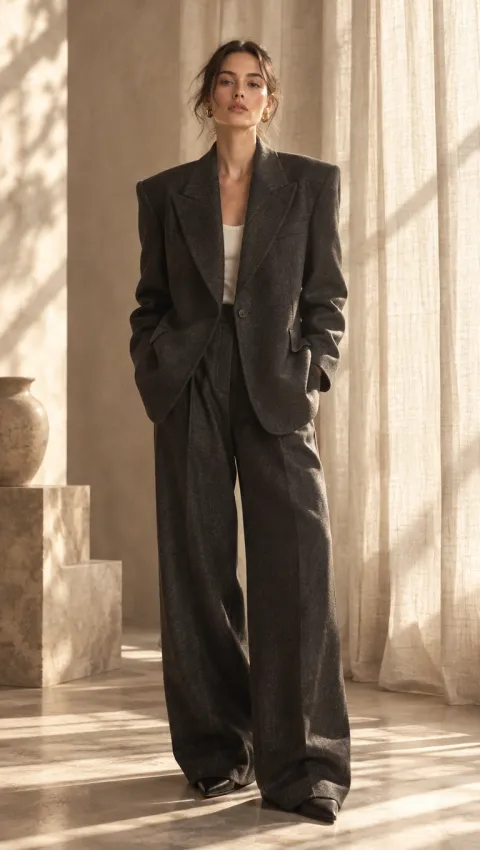
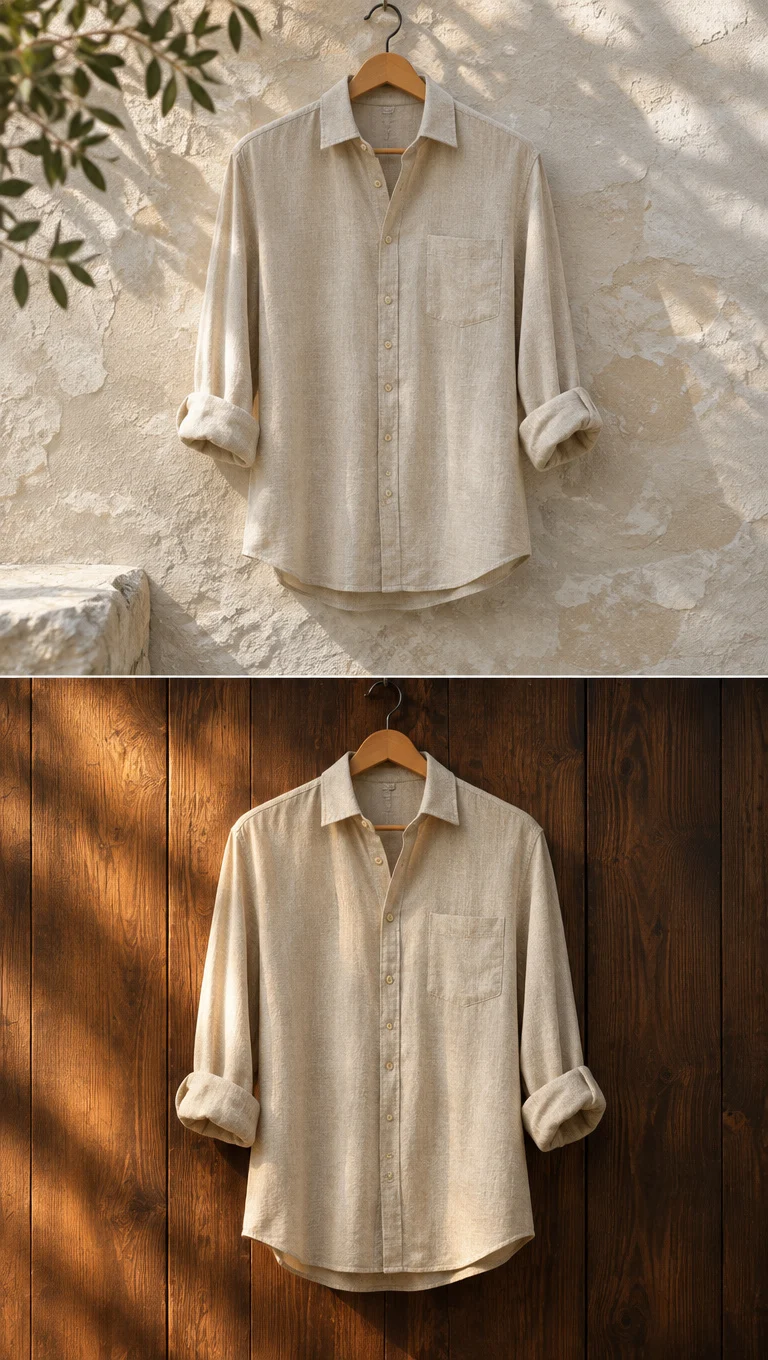
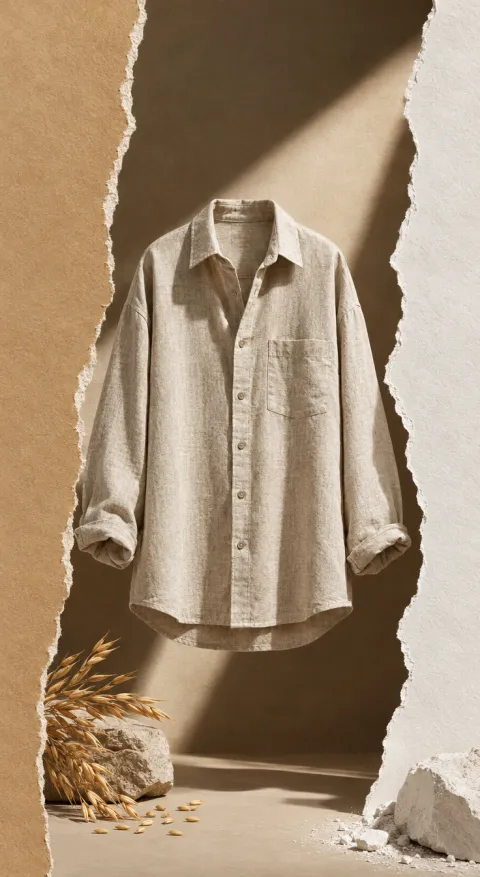
Tailored Blazer · Product hero
Product hero

02 / EVERY PLACEMENT

Build the crop before the design review

Generate 1:1, 4:5, 3:4, 9:16 or 16:9 assets for a store, marketplace, social post or banner. Keeping one product source across product image sets makes a campaign feel like one campaign. The set to build: put your clothes on a model without a photo shoot.

Make placement-ready crops
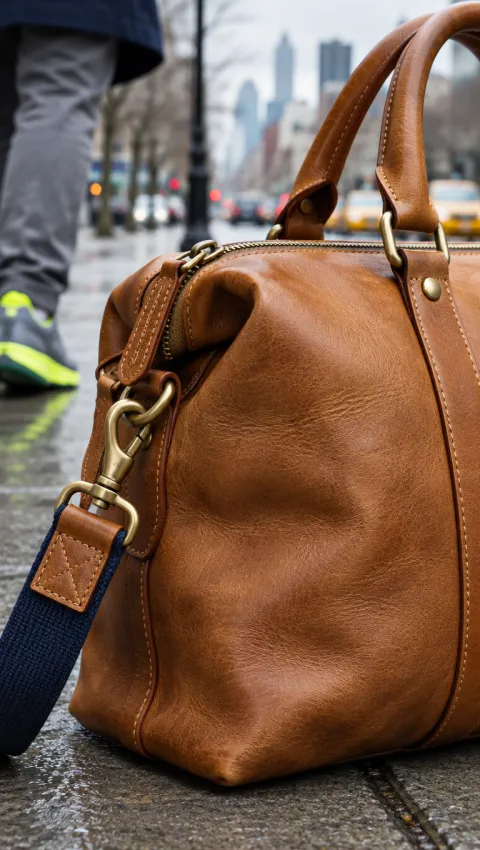
Leather Weekender Tote · Macro texture
Macro texture

03 / THE JOB OF THE IMAGE

Give each visual one clear purpose

A main image sells the product, a lifestyle image sells the moment and a detail shot answers a objection. Describe the job first, then the scene. Ecommerce teams and marketplace sellers can build a small set instead of one overworked visual.

Plan an image set
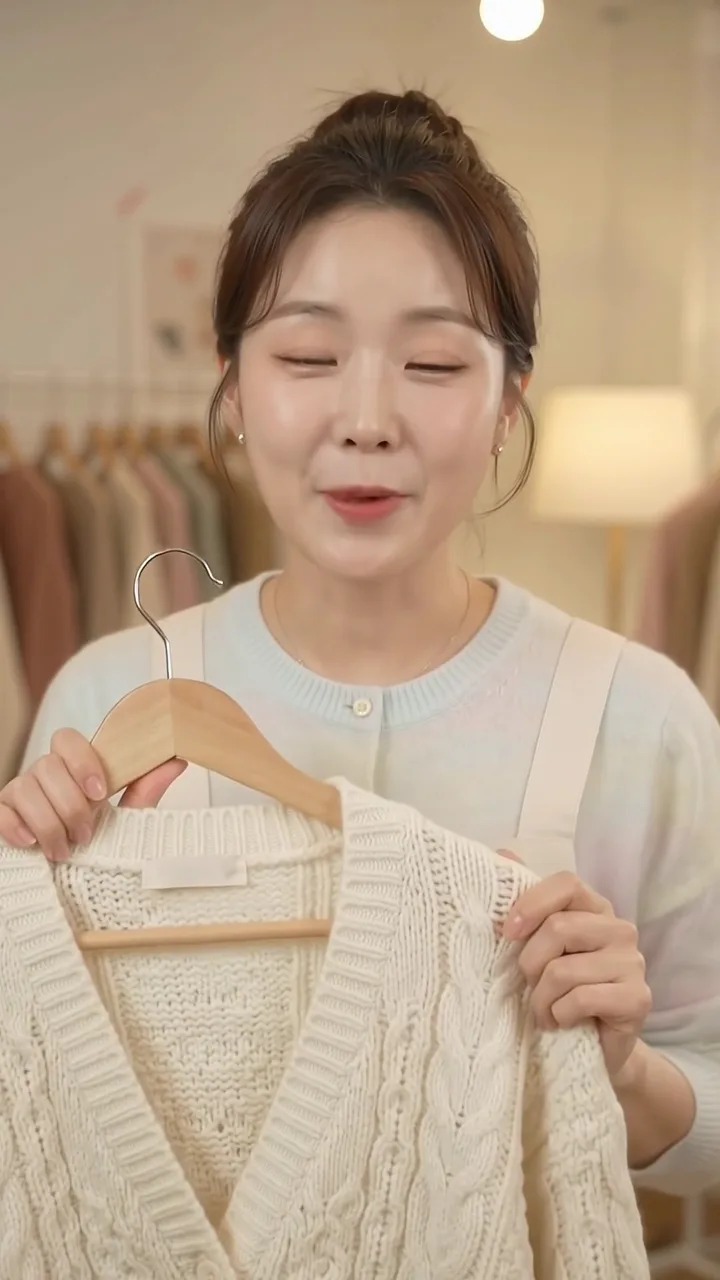
Fashion Live Commerce · Price reveal Price reveal
Price reveal

04 / START FROM AN EXAMPLE

Open a frame in the image studio, replace the product and adapt the crop.

Generate product images

05 / USE CASES

Where a generated image set helps

Marketplace listings

Prepare a main image, detail view and lifestyle frame, then build the Coupang or SmartStore detail page from the same photos.

Paid social

Make several crops and concepts for the same offer without a second photoshoot.

Seasonal promotions

Refresh the background and composition while the product stays unchanged.

06 / WHY THIS WAY

A smaller production loop for visual assets

One product source

Keep packaging and colour consistent across a set of images.

Every ratio in one place

Generate the crops your store, feed and ads actually need.

From $0.02 an image

A FLUX.3 Klein image is 2 credits, and the studio quotes the selected model and output count before you generate.

From one photo to a usable set

Area This workflow A manual production loop
Source A product photo, reference or prompt Book a photographer and studio
Crop options Generate the ratios in the same session Reshoot or re-crop every placement
Review Inspect each output before download Wait for a full retouch cycle

07 / FAQ

Questions about AI product images

What is AI virtual try-on?

AI virtual try-on puts a garment from a product photo onto a person in another photo, or onto a fictional AI model, so a shop gets on-model photos without a photo shoot. In Cut Marketing (Cutma) you upload the model photo (or choose an AI model) and up to three garments, pick the shots, and each photo starts from 6 credits ($0.06).

Can I use AI virtual try-on without a model photo?

Yes. Choose AI model and pick gender, age, look and body type; a fictional model that resembles no real person wears your garment. Shops without a model, and plus-size or menswear lines, use it to show fit on the right body.

Does the garment's color and print stay accurate?

The prompt asks the model to keep the color, pattern, print, logo, fabric and fit details exactly, and garment photos with the whole item in even light give the most faithful result. Check every photo against the real item before you publish it, especially small logos and text.

Can I use someone else's photo as the model?

Only your own photo or the photo of a person who agreed to its use in your shop's images. The tool asks you to confirm this, and celebrity photos are not allowed.

Can the model keep my label text exactly?

It can get close, but generated lettering is not reliable enough to publish unchecked. Inspect every label and replace the image if the text is wrong.

Which aspect ratios are available?

Availability depends on the selected image model. Common options include 1:1, 4:5, 3:4, 9:16 and 16:9.

Do I need a white-background photo first?

Not necessarily, but a clean source with the whole product visible gives the model the best chance of preserving its shape.

How much does it cost?

An image starts at 2 credits ($0.02) with FLUX.3 Klein 1K. The price depends on the model and resolution and is the same on every plan. One credit is $0.01, and the studio shows the exact cost before you submit. Paid plans start at $9 a month for 900 credits with every model included, and new Google accounts get 40 free credits for 30 days.

Can I use the image on a marketplace?

Yes, after you check the marketplace's image rules and your product claims. For Coupang and SmartStore, the detail page generator also writes and designs the long detail page and exports 780 px or 860 px slices.
09 / START HERE

Turn the product photo you have into the set you need.

Start with one clean product image. Add the placement, then generate and inspect the set, from $0.02 an image.