01 / PRODUCT FIRST
Start from the product you sell
Upload a product image or reference frame and describe the scene. Keep the packaging, shape and colour as the anchor for the motion.
Add a product image Problem → solution
VIDEO
Describe a scene and generate an original product video concept. Video-reference cloning is not available in this tool.
Product Video Concepts is an AI tool that turns a product image or a short brief into vertical video ads. It is built for e-commerce and performance marketers who need fresh creative without a shoot.
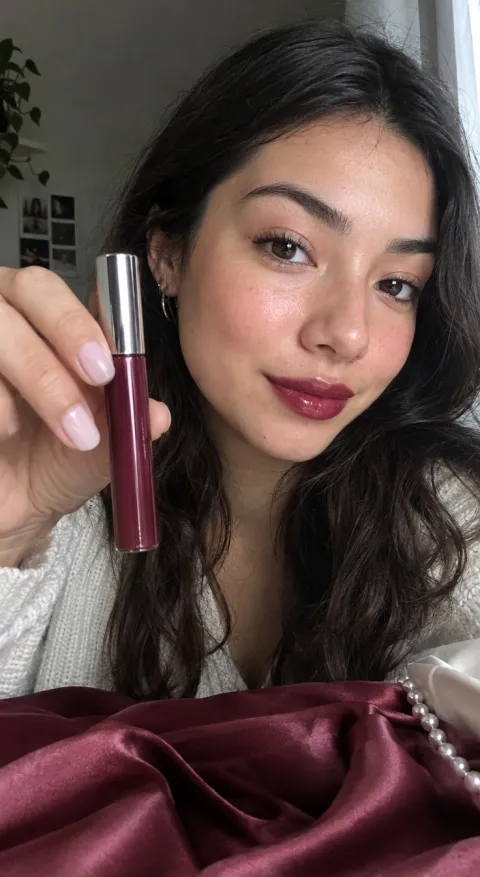 UGC selfie
 UGC selfie
 Product hero
02 / HOW IT WORKS
Write the product, audience and the hook you want. Add a reference image if you have one.
Pick quality, aspect ratio and duration. The studio shows the exact credit cost.
Track the job in the studio. Download when it lands, or retry with the same setup.
03 / WHAT IT DOES
01 / PRODUCT FIRST
Upload a product image or reference frame and describe the scene. Keep the packaging, shape and colour as the anchor for the motion.
Add a product image Problem → solution 02 / HOOK
Write the opening beat, the one benefit and the action. The studio turns that direction into a video prompt you can review and iterate.
Generate a concept Problem → solution
03 / ITERATION
Keep the product and offer fixed while you test the hook, presenter or scene. Compare the versions in the same workspace.
Plan the next variation Product hero
04 / SHOWCASE
Open any frame as a prompt in the studio, replace the product and keep the structure.
 UGC selfie
 Outfit transition
 Product hero
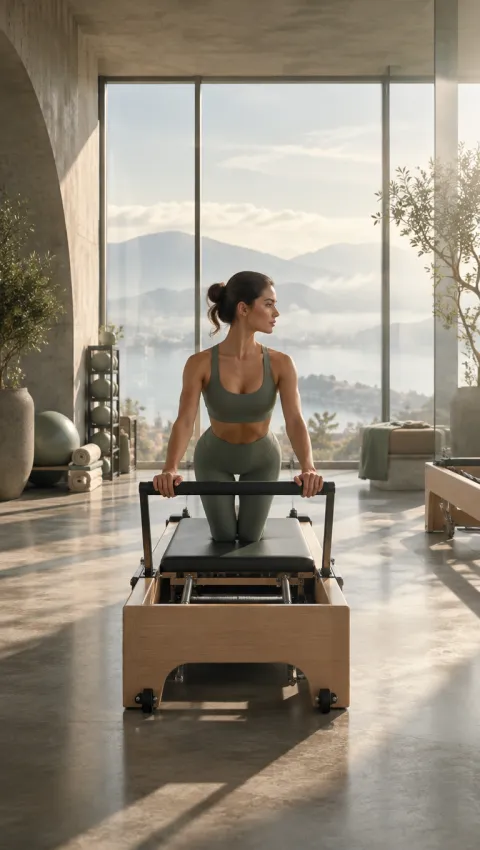 Product hero
 UGC selfie
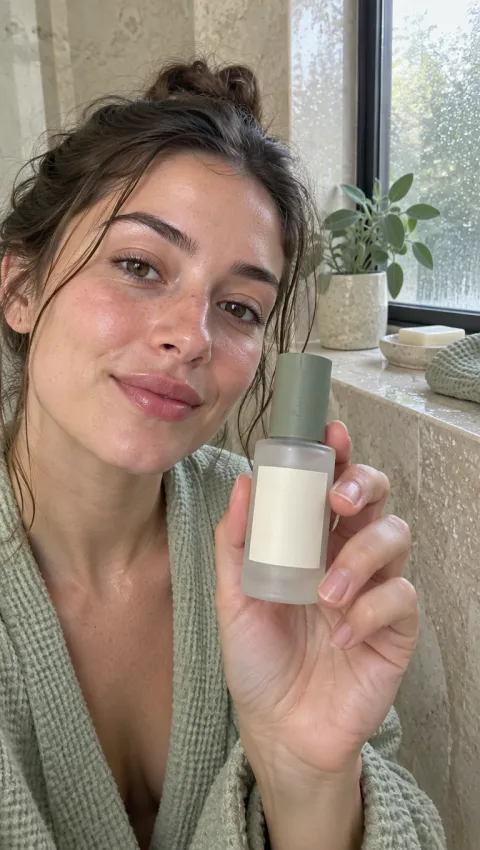 UGC selfie
05 / USE CASES
Prepare a first video direction before the product page and campaigns go live.
Change the hook or scene while the product and offer stay fixed.
Give clients a concrete direction instead of another written treatment.
06 / WHY THIS WAY
Keep the product, brief and output together as you iterate.
Every model shows its rate and the job is quoted before submission.
Generated work is a draft; check product accuracy and claims before publishing.
| Area | This tool | Manual production |
|---|---|---|
| Starting point | A product photo or short brief | A blank timeline or new shoot |
| Next version | Change one variable | Re-book the full production |
| Cost | Credit quote before submission | Quote after a scope meeting |
07 / MODELS
Compare quality, formats and credit rates before you generate.
| Model | Quality | Ratios | Credits |
|---|---|---|---|
| Seedance 2.5 | 480p, 720p | 9:16, 16:9, 1:1 | from 14 credits/sec |
| Kling 4.0 | 720p, 1080p | 9:16, 16:9, 1:1 | from 12 credits/sec |
| MiniMax H3 Max | 480p, 768p | 9:16, 16:9, 1:1 | from 5 credits/sec |
| Wan 3.0 | 480p, 720p, 1080p | 9:16, 16:9, 1:1 | from 5 credits/sec |
| Happy Horse 1.1 | 720p, 1080p | 9:16, 16:9, 1:1 | from 12 credits/sec |
| Veo 3.1 | 720p, 1080p | 9:16, 16:9 | from 28 credits/sec |
| Veo 3.1 Fast | 720p, 1080p | 9:16, 16:9 | from 14 credits/sec |
| MiniMax H3 | 512p | 16:9, 9:16, 1:1, 4:3, 3:4 | 8 credits/sec |
08 / FAQ
Product Video Concepts is an AI tool that turns a product image or a short brief into vertical video ads. It is built for e-commerce and performance marketers who need fresh creative without a shoot.
A product image is recommended for product-specific tools. Text-only tools can start from a prompt.
Each model has a credit rate. The studio shows the exact cost before submission and refunds failed jobs.
The output is a draft. Check product accuracy, claims and platform rules before publishing.
10 / START HERE
Open the studio, add a product image and see the credit cost before you generate.