How to Write a Direct Answer Block for AEO
Put the answer where readers can find it. See how to check the opening, cite numbers, and rewrite a page section with Cut Marketing’s free AI checker.
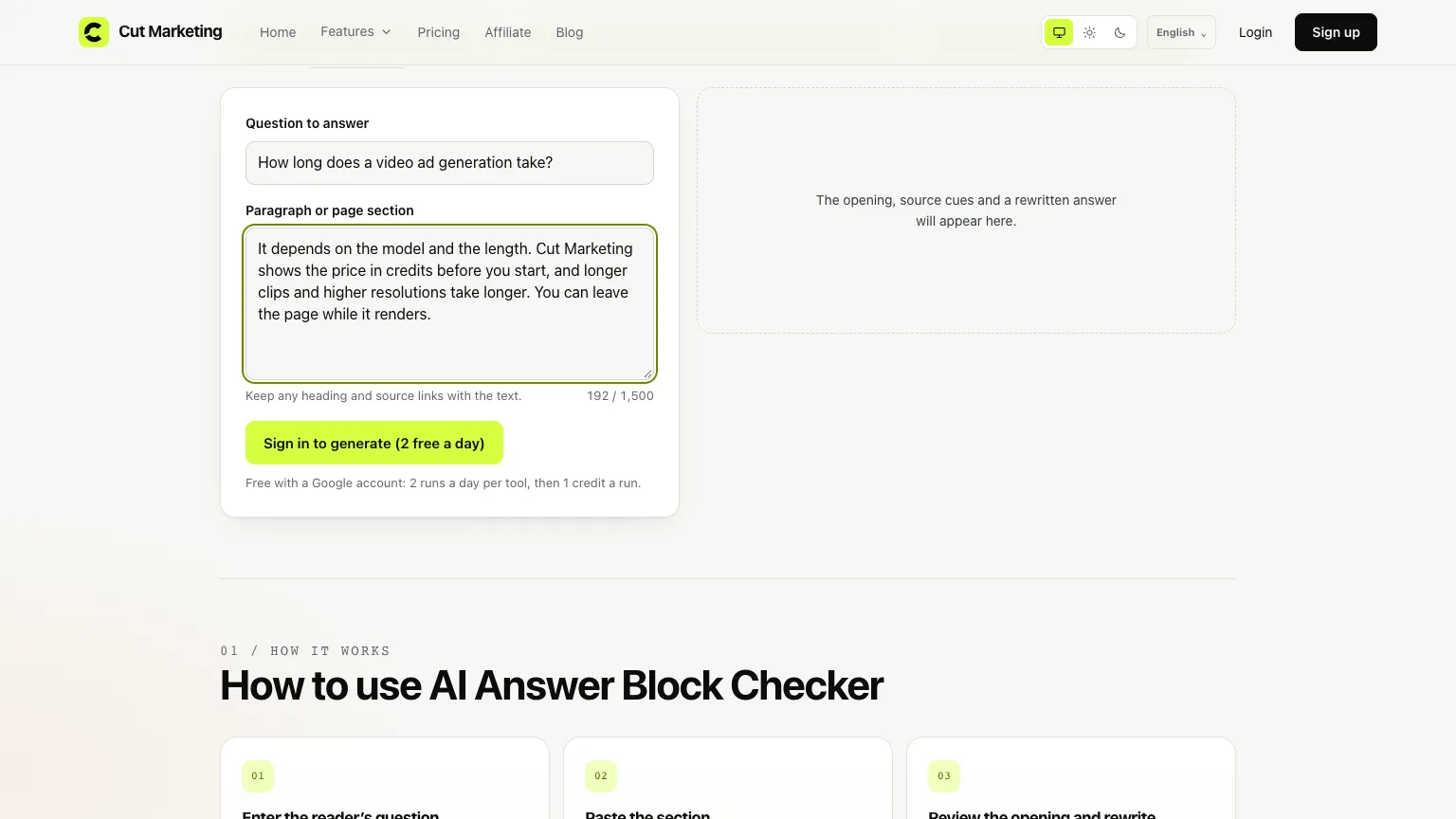
Cut Marketing is an AI ad studio. Our free AI answer block checker helps you see whether the first thing a shopper reads actually answers their question. Try it on a product detail page, a comparison or a help article. Sign in with Google for two free checks per UTC day.
Start with the sentence a reader came for
Suppose a customer asks, “Can I put this tumbler in the dishwasher?” An opening about the mug’s design leaves them hunting for the answer. If the care instructions say the lid needs hand washing, start with the distinction that changes what the customer does.
The tumbler body can go in the dishwasher. Wash the lid by hand and let it dry before reassembling.
Put any rack placement or temperature guidance next, using the actual care instructions. A question heading can help readers scan for that section. A common practitioner guideline puts the opening at 40–60 words. A simple question like this one can take less room.
Google says its usual SEO best practices apply to AI Overviews and AI Mode, with no special optimizations needed. Its helpful content guide says Google has no preferred word count and asks whether sources are clear. Use the opening length as an editing aid. Google’s AI features guide · Google’s helpful content guide
Check what the opening actually says
- Enter the question and paste the section. Keep the heading on its own line and include source names or links. The checker reviews up to the first 60 words of the body and shows the excerpt it used.
- Review what’s flagged. Read the AI’s directness assessment and check the named entities. For each number, the report shows whether it found a nearby source cue. Open the source to see whether it supports the claim. Review each hedge in context. A word like “may” can express uncertainty the reader needs to know about.
- Edit the rewrite. Keep the facts, sources and qualifications the reader needs. If the original paragraph lacks an answer, add the missing information before publishing.
When a section is trying to cover several unrelated questions, try the FAQ question generator to draft a list you can review against customer emails and support tickets.