Schema Markup for AI Search in 2026: What Still Works
Does schema help AI Overviews? What Google and Bing say, which rich results survive in 2026, what a shop should add first, and a free JSON-LD generator.
Schema markup does not get a page into Google’s AI Overviews by itself. Google says there is no special structured data for its AI features. It still recommends markup because it makes pages eligible for rich results such as product prices, video thumbnails and business details, and it states your facts plainly for any engine or assistant that reads them.
In short:
- Google: “There’s also no special schema.org structured data that you need to add” for AI Overviews or AI Mode. Markup still earns rich results.
- FAQ rich results are gone from Google since May 7, 2026, and HowTo since 2023. Several other types were phased out in June 2025.
- For a small business, the types that still pay off are Organization, Product, LocalBusiness, VideoObject and Article.
- Markup must match what visitors see on the page. Fake or self-controlled reviews break Google’s rules.
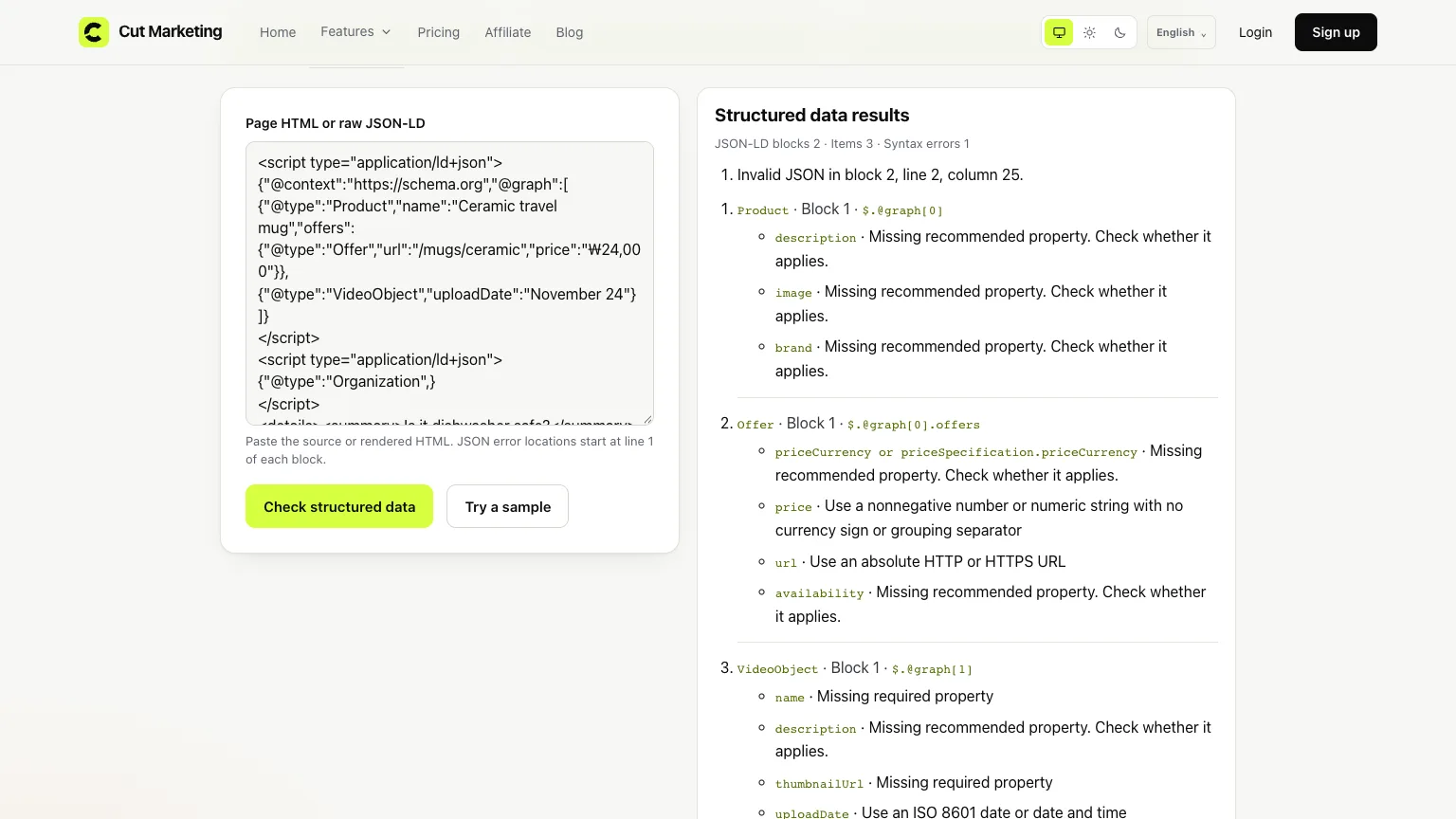
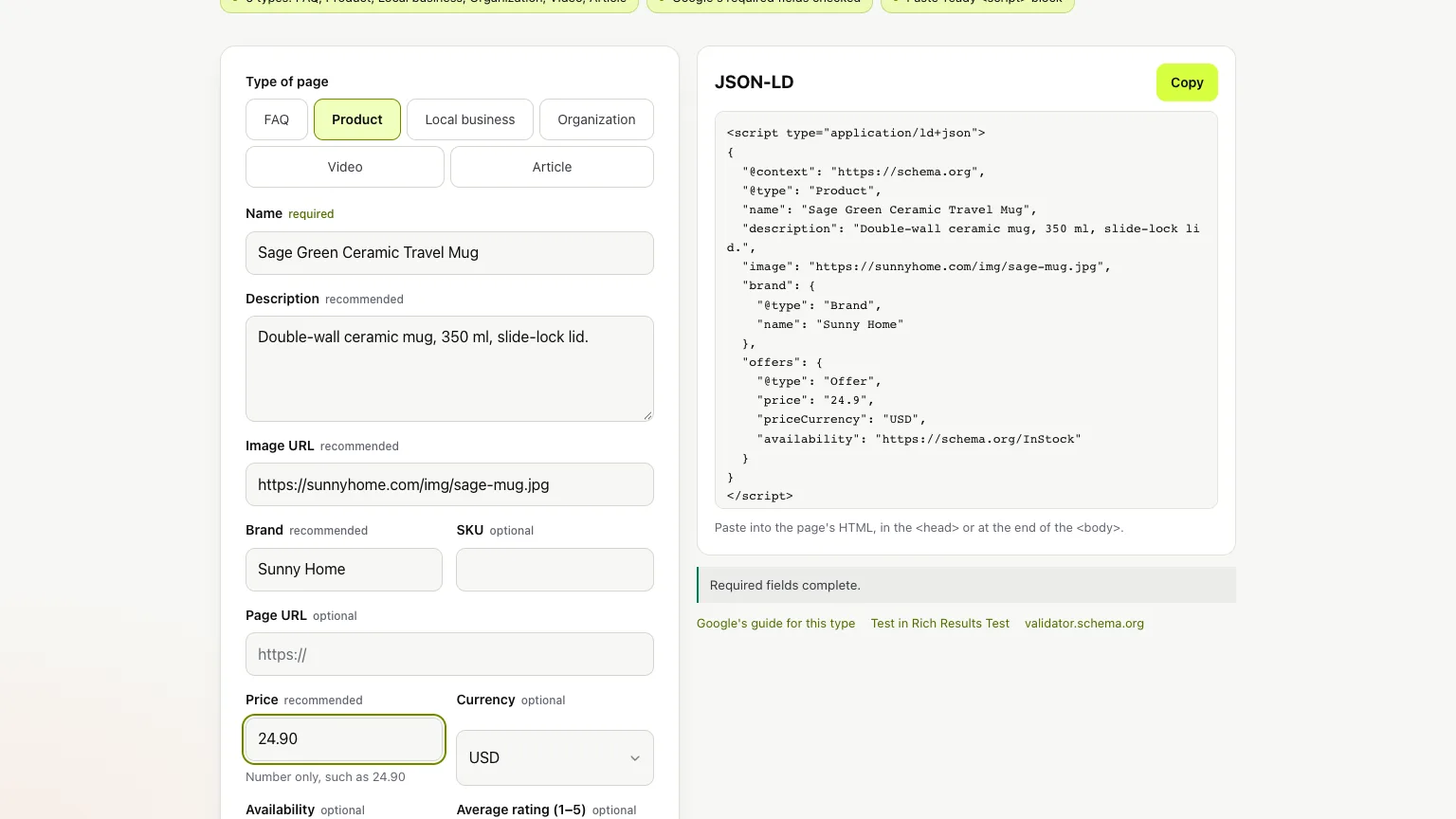
You can build each of these in our free Schema Markup Generator. It covers six types, checks Google’s required properties as you type and gives you a paste-ready script block. No account needed.
What is structured data?
Structured data is code, usually a JSON-LD block, that describes a page in standard schema.org fields: this is a product priced at $24, this is a bakery open 9 to 6, this video is 45 seconds long. Google calls it “a standardized format for providing information about a page and classifying the page content.”
Google’s introduction to structured data says it “recommends using JSON-LD for structured data if your site’s setup allows it.” It sits in its own script tag, so the visible layout stays untouched.
Does schema markup help with AI Overviews and AI search?
Google’s AI features page (updated 10 December 2025) is direct: “There are no additional requirements to appear in AI Overviews or AI Mode, nor other special optimizations necessary.” It adds: “There’s also no special schema.org structured data that you need to add.”
The AI optimization guide Google added in May 2026 keeps the same line and then gives the reason to continue: “Structured data isn’t required for generative AI search, and there’s no special schema.org markup you need to add. However, it’s a good idea to continue using it … as it helps with being eligible for rich results.”
For Google, then, markup is how you qualify for rich results and how you remove guesswork about prices, hours and dates. AI answers quote the page text.
Bing is less documented. In March 2025, Search Engine Roundtable relayed a LinkedIn post from SMX Munich in which Microsoft’s Fabrice Canel was reported as saying schema markup helps Microsoft’s LLMs understand your content. That is a second-hand report, and Microsoft has published no detailed rules.
Which rich results still exist in Google in 2026?
FAQ rich results were limited to “well-known, authoritative government and health websites” in August 2023. Then the Search updates log recorded: “This feature will no longer appear in Google Search starting May 7, 2026.” HowTo went in 2023, first on mobile and then on desktop on 13 September. In June 2025, Google phased out several more types and said “This update won’t affect how pages are ranked.”
| Type | Status in Google, 2026 | Still worth adding? |
|---|---|---|
| Product | Active: price, availability, ratings, shipping and returns in results | Yes, on every product page |
| LocalBusiness | Active: business details in a knowledge panel | Yes, if customers visit a physical location |
| Organization | Active: helps choose the logo and knowledge panel details | Yes, on the home page |
| VideoObject | Active: video results, key moments | Yes, on pages with a video |
| Article | Active: better title, image and date display | Yes, on blog posts and news |
| BreadcrumbList | Active | Yes, if the page shows breadcrumbs |
| FAQPage | Not shown since May 7, 2026 | Optional. No Google effect; other tools can still read it |
| HowTo | Deprecated in September 2023 | No Google effect |
| Course Info, ClaimReview, Estimated Salary, Learning Video, Special Announcement, Vehicle Listing | Phased out in June 2025 | No Google effect |
| Practice Problem | Phased out November 2025 | No Google effect |
| Sitelinks search box | Removed November 2024 | No |
Book Actions was on the June 2025 list and was later kept. The current list of supported features is Google’s search gallery.
Do you need to delete old FAQ or HowTo markup? No. Google wrote that “there’s no need to proactively remove it” and that “Structured data that’s not being used does not cause problems for Search.”
Which schema types should a small business or online shop add first?
- Organization on the home page. Google recommends placing it “on your home page, or a single page that describes your organization.” It helps Google pick your logo.
- Product on each product page. Price and stock status in results are the most direct benefit structured data still gives a shop.
- LocalBusiness for a physical shop. Address, phone and opening hours feed Google’s business details. Use a subtype such as Bakery or HairSalon when one fits.
- VideoObject on pages with a product video. It lets Google show the page in video results with your thumbnail.
- Article on blog posts. It helps Google show the right headline, image and dates.
Google’s required properties, checked on 17 November 2026:
| Type | Google’s required properties | Worth adding too |
|---|---|---|
| Product snippet | name, plus one of review, aggregateRating or offers | image, description, brand, availability |
| Merchant listing (shoppers buy on the page) | name, image, offers with price (above zero) and priceCurrency | availability, shipping and return details |
| LocalBusiness | name, address | telephone, url, opening hours, geo, priceRange |
| Organization | “There are no required properties” | url, logo, description, sameAs profile links |
| VideoObject | name, thumbnailUrl, uploadDate | description, duration, contentUrl or embedUrl |
| Article | “There are no required properties” | headline, image, datePublished, dateModified, author |
If shoppers can buy on the page, fill the image and price too, so the markup meets the merchant listing rules.
What rules does Google set for structured data?
Two rules in Google’s structured data guidelines matter most.
- Markup must match the page. “Your structured data must be a true representation of the page content,” and “Don’t mark up content that is not visible to readers of the page.” If the page says $29, the markup says $29.
- No fake reviews. Google says not to mark up “fake reviews,” and its review snippet rules say “Ratings must be sourced directly from users.” Pages for a LocalBusiness or Organization that controls the reviews about itself “are ineligible for star review feature.”
Breaking these can bring a structured data manual action, which means “a page loses eligibility for appearance as a rich result.” Google also notes that it “does not guarantee that your structured data will show up in search results,” even when the markup is valid.
How do you add and test schema markup?
The free generator handles the first four steps in your browser.
- Open the Schema Markup Generator and pick a type: Product, Local business, Organization, Video, Article or FAQ.
- Fill in what the page shows. Copy the name, price, address and text exactly as visitors see them. Required fields are marked, and the check panel lists anything missing.
- Fix the flagged fields. The tool checks that links are full URLs, that dates use the YYYY-MM-DD format and that opening hours follow lines like
Mo-Fr 09:00-18:00. For Product it asks for a price or a rating with a review count. - Copy the script block. Paste it into the page’s HTML, in the
<head>or at the end of the<body>. Most site builders and shop platforms have a custom code or header script field. - Test the live URL in Google’s Rich Results Test. For FAQPage, which Google no longer reads for rich results, check the syntax at validator.schema.org.
- Watch Search Console. Use URL Inspection on the page, then check the rich result status reports over the next weeks.
Before step 4, check whether your shop platform already outputs Product markup, so you do not end up with two conflicting blocks.
What are the most common schema markup mistakes?
- Prices that drift. The page shows a sale price and the markup keeps the old one. Update both together.
- Markup on the wrong page. Product markup belongs on the product’s own page, not a category page.
- Self-made ratings. Stars typed in by the business break the review rules.
- Relative or broken links. thumbnailUrl, image and logo should be full, working URLs.
- Wrong date format. uploadDate and datePublished use ISO 8601, such as 2026-11-17.
- Expecting AI citations from markup alone. AI answers quote clear page text. Write the facts in the visible copy too.
Titles and descriptions matter too. The SERP Snippet Preview shows where they may be cut, and our title and meta description length guide explains why.
How does Cut Marketing use structured data?
Cut Marketing (Cutma) is an AI ad-creative studio: product photos become video ads, images and product detail pages, with a campaign workflow, in 30 languages.
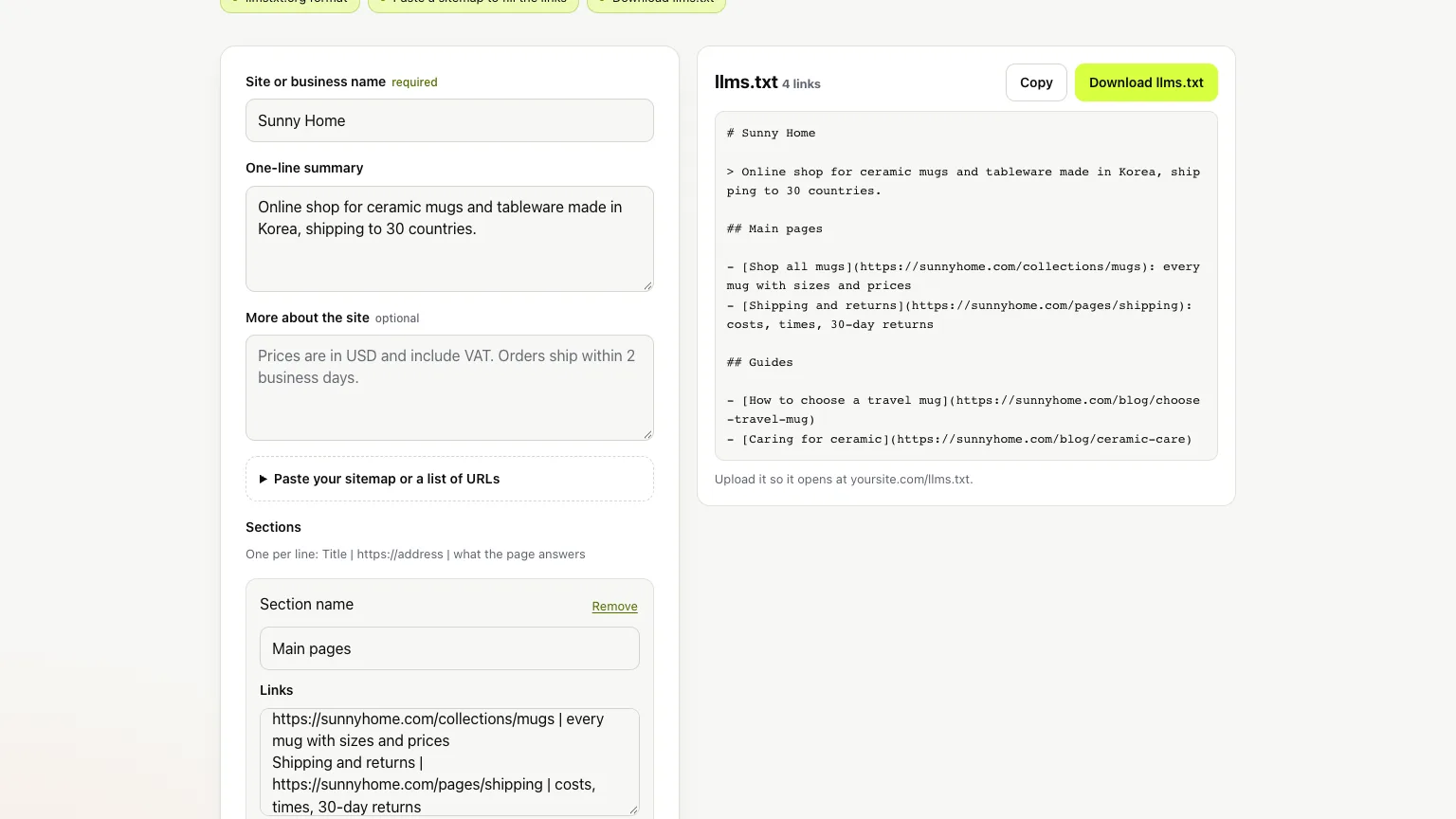
On our own site, cutmarketing.app, we serve JSON-LD for Organization, WebApplication, HowTo, FAQPage, BreadcrumbList and Article, plus VideoObject on blog posts that have a video, across 30 locales. HowTo and FAQPage stay because unused markup does no harm. We also serve llms.txt and llms-full.txt, which Google ignores; our llms.txt guide explains why, and the llms.txt generator builds one.
If a page needs a product video to mark up, you can make one from a single product photo in the Cutma studio. The credit cost is shown before you generate.
FAQ
Does schema markup help you appear in AI Overviews?
Not directly. Google’s AI features page says there is no special schema.org structured data you need to add to appear in AI Overviews or AI Mode. Its AI optimization guide still calls structured data a good idea because it makes pages eligible for rich results. Markup states facts such as price, address and video length plainly, but it does not guarantee a citation.
Is FAQ schema still worth adding in 2026?
Not for Google results. Google limited FAQ rich results to authoritative government and health sites in August 2023 and stopped showing them for everyone on May 7, 2026. FAQPage is still valid schema.org, and Google says unused markup causes no problems, so keeping it is harmless. Put the questions and answers in visible page text, where every reader and engine can use them.
Which schema types should a small business add first?
Organization on the home page, Product on each product page, LocalBusiness if customers visit a physical shop, VideoObject on pages with a product video and Article on blog posts. These types still have live Google features: logos and knowledge panels, prices and availability, business details, video results and better article titles and dates.
What are Google’s required properties for Product markup?
For a product snippet, Google requires a name plus one of review, aggregateRating or offers. If shoppers can buy on the page, Google’s merchant listing rules are stricter: name, image and offers, with a price above zero and a priceCurrency. Add availability, brand and a description as well, and keep every value identical to what the page shows.
Does Bing use schema markup for Copilot?
Microsoft has not published a detailed rule. In March 2025, Search Engine Roundtable relayed a LinkedIn post from SMX Munich in which Bing’s Fabrice Canel was reported as saying schema markup helps Microsoft’s language models understand content. That is a second-hand report, so treat it as a signal and keep the markup accurate.
How do I test my JSON-LD?
Publish the page, then run its URL through Google’s Rich Results Test, which shows the rich result types Google can read and any errors. For types Google no longer shows, such as FAQPage, use validator.schema.org to check the syntax. After launch, Search Console’s rich result reports and URL Inspection tool show what Google found on the live page.
Related: Meta Ads Manager guide for small businesses · Product photos for Coupang and Naver Smart Store · AI product video checklist