What Is llms.txt? Format, Example and Who Uses It
llms.txt explained: the llmstxt.org format with a full example, llms-full.txt vs robots.txt vs sitemap.xml, what Google says, and how to make one free.
llms.txt is a plain Markdown file served at yoursite.com/llms.txt that tells AI agents and assistants what your site is and which pages to read first. Jeremy Howard of Answer.AI proposed it in September 2024. It sets no crawl rules and is not a ranking factor: Google says its Search ignores the file.
In short:
- The format is short: an H1 with the site name (required), a one-line summary in a blockquote, then H2 sections of links with notes.
- Google ignores it for Search. OpenAI and Anthropic publish one for their docs but have not said they use it to pick sources.
- It is quick to make and helps agents and coding assistants that are pointed at your site.
- For AI search visibility, crawlable pages, clear answers, structured data and robots.txt access matter more.
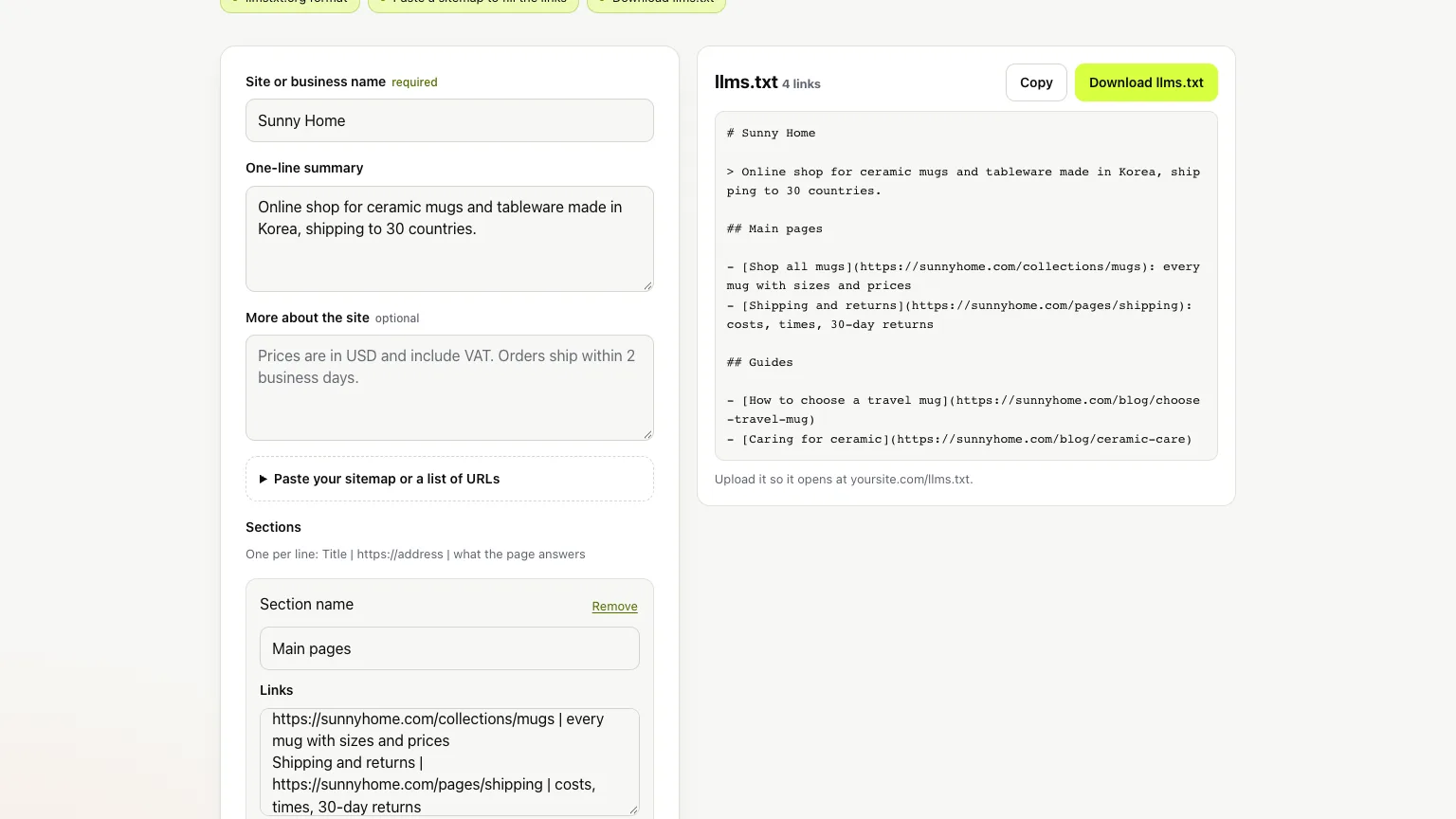
Make yours with our free llms.txt Generator: fill in the name, summary and key pages, or paste your sitemap, then download the file. It runs in your browser and fetches nothing.
We checked every statement below against llmstxt.org, Google Search Central, OpenAI, Anthropic, Perplexity, Shopify and Yoast documentation on 17 November 2026.
Who proposed llms.txt, and what changed in v2?
Jeremy Howard, co-founder of Answer.AI, published the llms.txt proposal on 3 September 2024. Its stated aim is “to help agents use a website”, on the idea that agents are best served by “concise, expert-level information gathered in a single, accessible location.” Web pages carry navigation, scripts and ads that waste a model’s context. A short Markdown index avoids that.
The proposal is now at v2. The changes page lists what v2 (August 2026) changed:
- Subpath files are defined. “A file covers the pages under its path, and the most specific file applies.” A site you only control at /docs/ can have /docs/llms.txt.
- Markdown page versions. v1 allowed page.html.md; v2 also allows page.md.
- Link relations. Pages can point to their Markdown version with
rel="alternate" type="text/markdown"and to the covering llms.txt withrel="describedby", in HTML or an HTTP Link header. - The Optional section is a convention only. It still marks secondary links, but it no longer tells tools what to drop.
- Consumption is described. Agents view or search the file, then follow relevant links. The old llms_txt2ctx expansion tool is no longer part of the proposal.
What does an llms.txt file look like?
The format has five parts, in this order:
- An optional byte-order mark.
- An H1 with the name of the site. This is the only required part.
- A blockquote with a short summary.
- Zero or more paragraphs or lists of extra detail, with no headings.
- Zero or more H2 sections, each a list of links written as
[name](url), optionally followed by:and a note.
Here is a complete file for a fictional online shop. You can paste this structure and change the names.
# Sunny Home

> Online shop for handmade ceramic mugs and tableware made in Korea, shipping to 30 countries.

Prices are in USD and include VAT. Orders ship from Seoul within 2 business days. Every piece is dishwasher and microwave safe unless its product page says otherwise.

## Products

- [Mugs](https://sunnyhome.example.com/collections/mugs): all mugs with sizes (250 to 450 ml), glazes and prices
- [Plates and bowls](https://sunnyhome.example.com/collections/tableware): dinner plates, pasta bowls and side dishes
- [Gift sets](https://sunnyhome.example.com/collections/gift-sets): boxed sets and gift wrapping options

## Buying

- [Shipping](https://sunnyhome.example.com/pages/shipping): countries, delivery times and costs
- [Returns and breakage](https://sunnyhome.example.com/pages/returns): 30-day returns and what to do if a piece arrives broken
- [Contact](https://sunnyhome.example.com/pages/contact): email, hours and wholesale enquiries

## Guides

- [How to choose a travel mug](https://sunnyhome.example.com/blog/how-to-choose-a-travel-mug): size, lid and insulation compared
- [Caring for glazed ceramics](https://sunnyhome.example.com/blog/ceramic-care): washing, stains and chips

## Optional

- [Our story](https://sunnyhome.example.com/pages/about): the two potters behind the shop
- [Blog archive](https://sunnyhome.example.com/blog): all articles
- [Terms of service](https://sunnyhome.example.com/policies/terms-of-service)
Three habits make the file useful. Use full https:// addresses so links work outside your site. Write each note as the question the page answers. Leave out carts, search results, tag pages and thin pages.
How is llms.txt different from llms-full.txt, robots.txt and sitemap.xml?
| File | What it does | Who it is for | Controls access? | Status |
|---|---|---|---|---|
| llms.txt | A short, curated Markdown index with notes | AI agents and assistants | No | llmstxt.org proposal, v2 |
| llms-full.txt | The full text of a site or docs in one Markdown file | Tools that load a whole docs set at once | No | Not in the proposal; Mintlify says it developed it with Anthropic |
| robots.txt | Rules for which paths each crawler may fetch | Search and AI crawlers | Yes, for bots that respect it | Long-standing standard, read by Google and AI vendors |
| sitemap.xml | A complete list of URLs you want crawled | Search engine crawlers | No | Standard, supported by Google |
The sitemap lists everything; llms.txt picks the pages worth reading and says why. That is why pasting a sitemap is a good start for llms.txt, followed by heavy trimming.
Who reads llms.txt today, and who has said they do not?
Google has been the clearest. Its AI optimization guide says: “It’s completely fine if you decide to create and maintain LLMS.txt files … Doing so will neither harm nor help your site’s visibility or rankings in Google Search, as Google Search ignores them.” Its page on AI features adds: “You don’t need to create new machine readable files, AI text files, or markup to appear in these features.”
Google’s John Mueller was blunter in April 2025, as quoted by Search Engine Journal: “AFAIK none of the AI services have said they’re using LLMs.TXT (and you can tell when you look at your server logs that they don’t even check for it)… To me, it’s comparable to the keywords meta tag.”
OpenAI and Anthropic have published no statement that they use llms.txt to choose sources. Both publish one for their own developer docs, at developers.openai.com/llms.txt and platform.claude.com/llms.txt. Shopify now serves a managed /llms.txt on every store by default.
The readers you can count on are tools acting for a person: coding assistants, agents and browser tools that fetch your site because someone asked, especially when they are given the llms.txt URL.
So is llms.txt worth making?
Yes, if you keep expectations honest. It is quick to write, costs nothing and cannot hurt your Google rankings. It gives agents and coding assistants a clean map of your best pages. It will not move Google rankings, and no AI search engine has promised to use it.
What matters more for being found and cited in AI search:
- Crawlable pages. Important content in the HTML, reachable by links, not hidden behind logins or scripts.
- Clear answers. A direct answer near the top of each page, real prices, specs and policies in text.
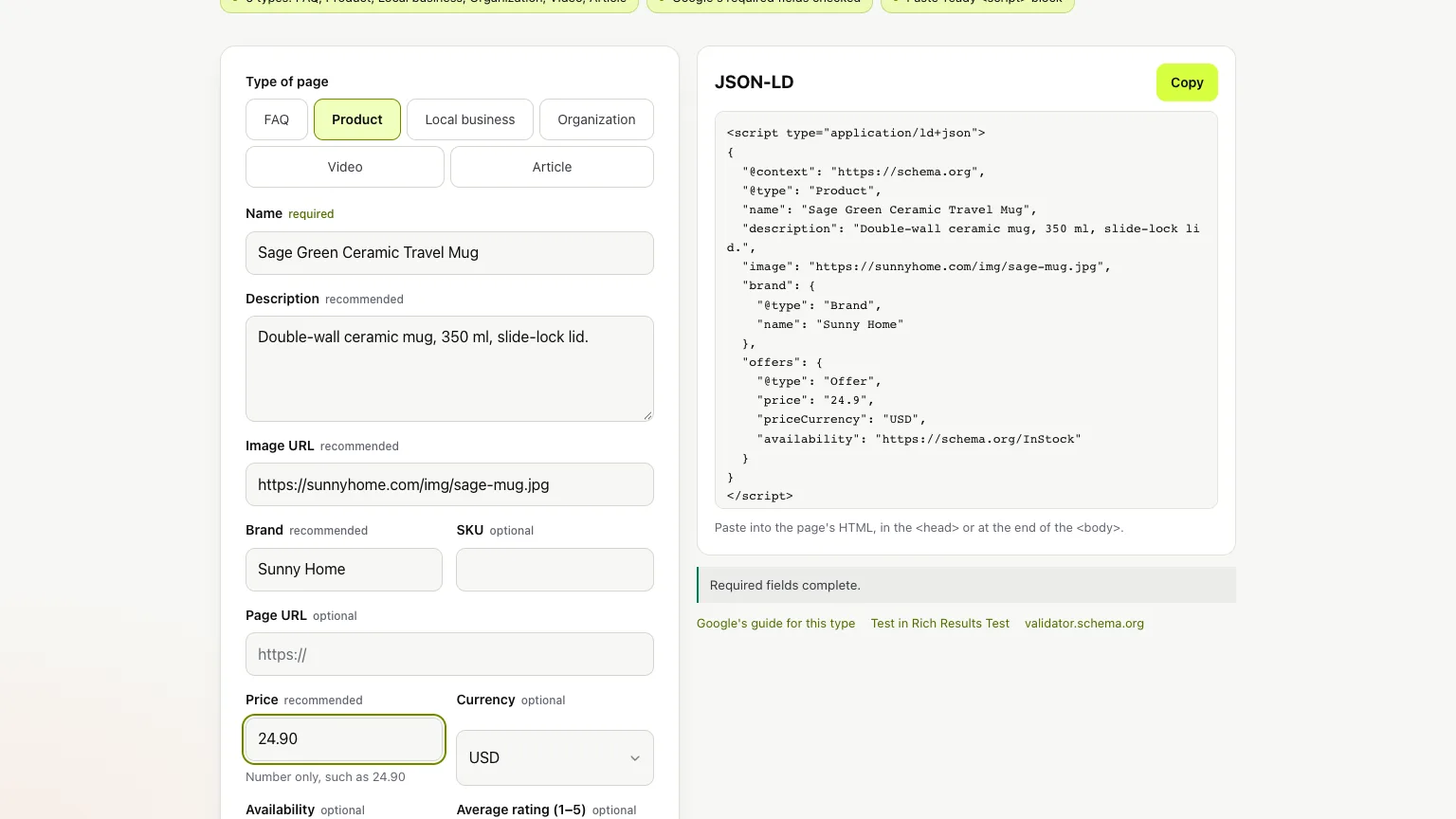
- Structured data. Google says it is not required for AI features but recommends keeping it for rich results. Our Schema Markup Generator makes the JSON-LD, and schema markup for AI search explains which types still matter.
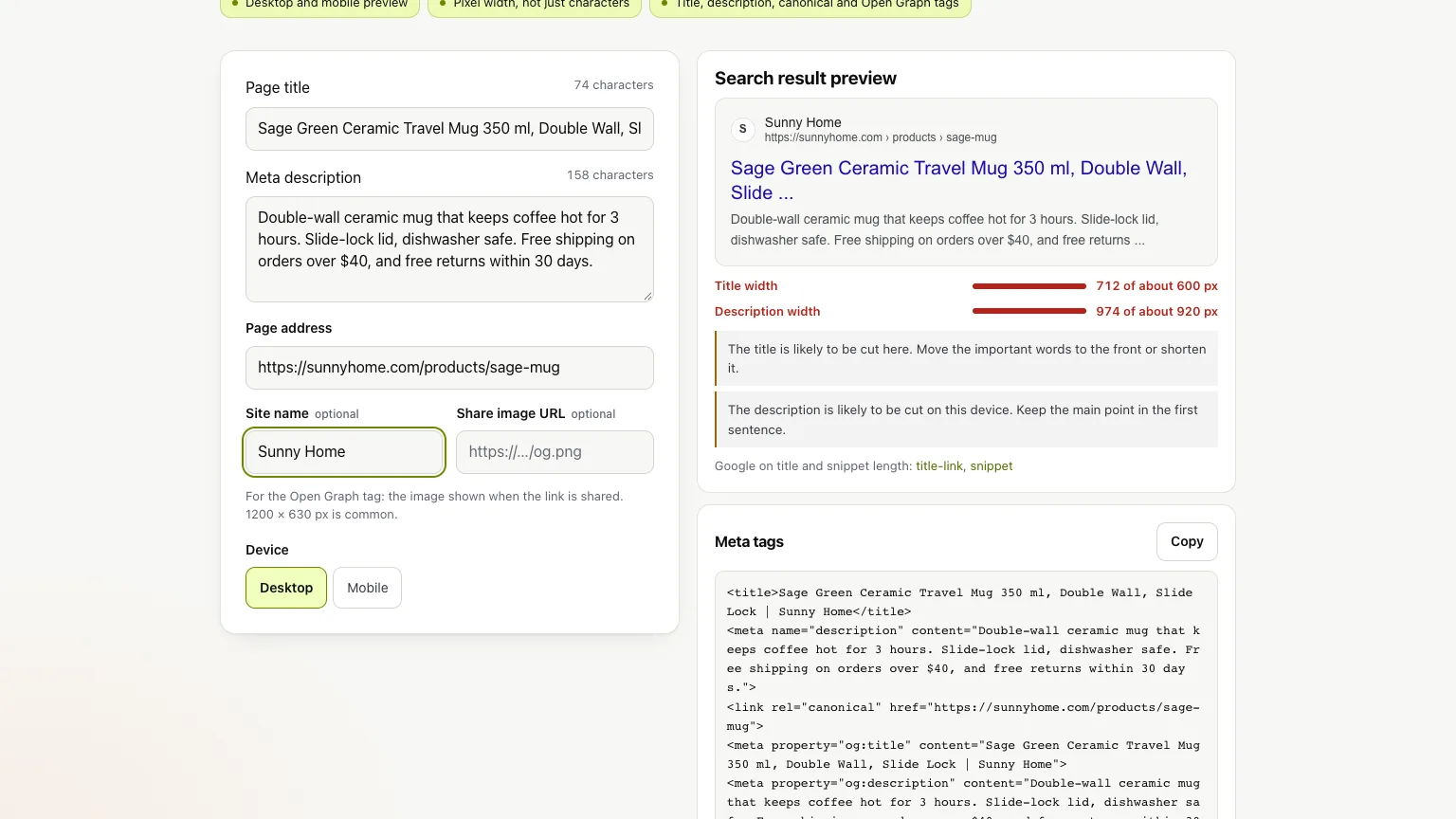
- Titles and snippets that match the page. Check them with the SERP Snippet Preview.
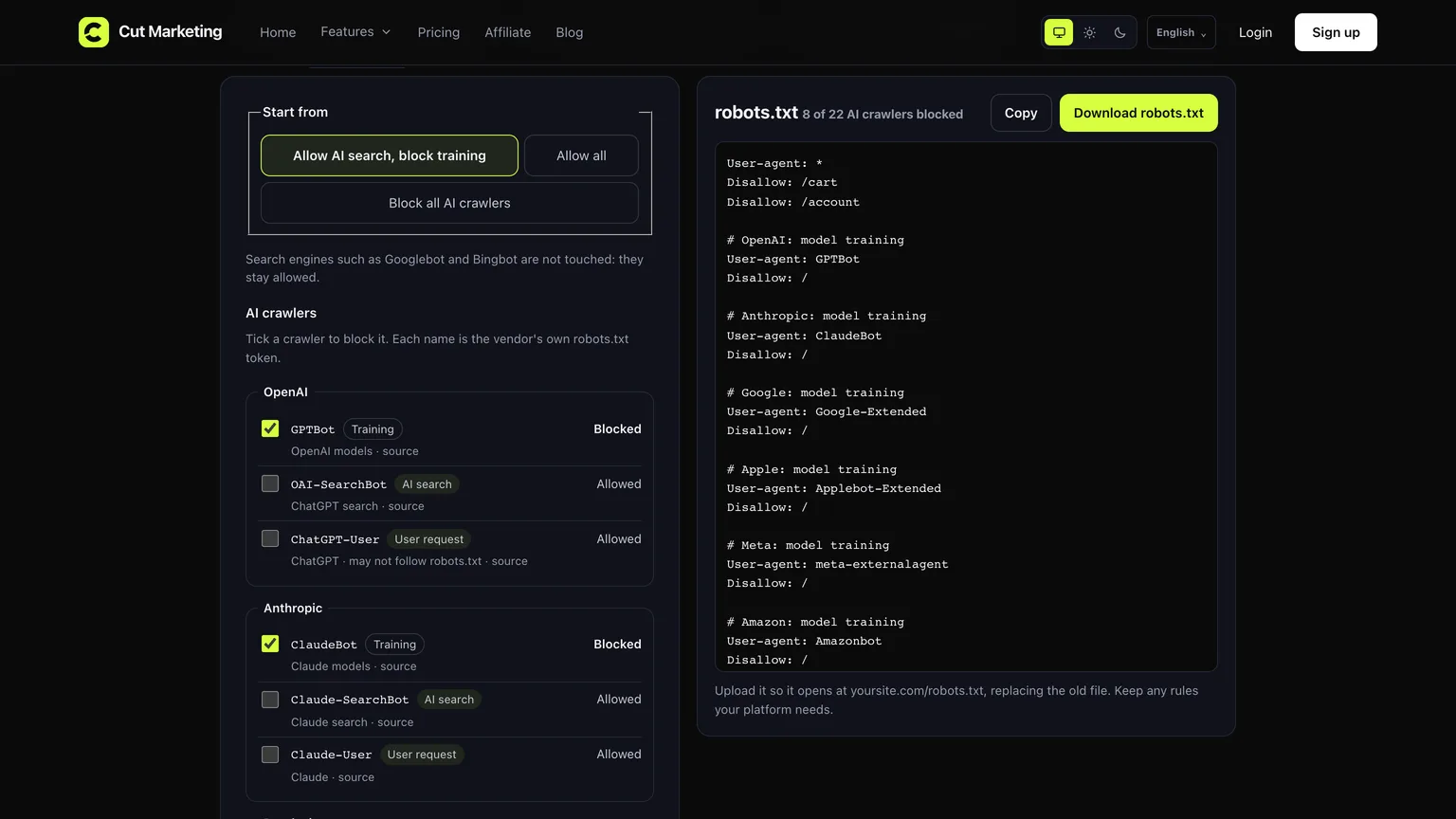
- robots.txt access for search bots. These are separate from training bots:
| Vendor | Bot that powers search answers | Training or other bots |
|---|---|---|
| OpenAI | OAI-SearchBot: sites that opt out “will not be shown in ChatGPT search answers” | GPTBot (training); ChatGPT-User (user-initiated, “robots.txt rules may not apply”) |
| Anthropic | Claude-SearchBot (search quality) | ClaudeBot (training); Claude-User (user fetches). All respect robots.txt |
| Perplexity | PerplexityBot: “not used to crawl content for AI foundation models” | Perplexity-User “generally ignores robots.txt rules” |
| Googlebot (Search, including AI Overviews) | Google-Extended, which “does not impact a site’s inclusion in Google Search” |
You can block GPTBot and ClaudeBot from training and still allow OAI-SearchBot and Claude-SearchBot so your pages can appear in answers.
How do you create llms.txt with the free generator?
- Open the llms.txt Generator. No account is needed.
- Enter the site or business name. It becomes the H1, the only required line.
- Write a one-line summary: what you sell or do, and for whom. The tool flags a summary over 300 characters.
- Add more about the site if useful: prices and currency, shipping times, service area.
- To start fast, open yoursite.com/sitemap.xml, copy all of it and paste it into Paste your sitemap or a list of URLs, then press Fill the sections. The tool keeps up to 200 links and groups them by their first path part (/blog/, /products/), with top-level pages under “Pages”. Nothing is fetched or sent.
- Edit each section. Type one link per line as
Title | https://address | what the page answers, rename sections and delete pages not worth reading. - Put secondary pages, such as the blog archive or policies, in Optional.
- Read the issues list. It flags relative links (use full https:// addresses), duplicate URLs, entries that are not web addresses (left out) and sections with no links.
- Press Download llms.txt, or copy the text.
How do you upload llms.txt to your site?
The file must open at yoursite.com/llms.txt as plain text.
- Static sites and frameworks: put llms.txt in the folder that is served at the root (often public/ or static/) and deploy.
- WordPress: Yoast SEO generates one for free: Yoast SEO > Settings > Site features > AI tools > llms.txt, toggle on, save (steps). To use your own file instead, upload it with your host’s file manager or SFTP to the folder that holds wp-config.php.
- Shopify: Shopify already serves /llms.txt, mirroring its generated /agents.md. To replace it, go to Online Store > Themes > Edit code and create
llms.txt.liquidin the Templates folder. Shopify’s docs note it is served on the primary domain only, with no locale version, and you maintain it yourself once added. - Other site builders: check whether your platform lets you upload a file to the root. If it does not, skip it; the pages themselves matter more.
Open the URL in a browser afterwards to confirm it loads.
How do you keep llms.txt up to date?
Update it when you add or remove an important page, change prices or policies, or restructure URLs. A broken link in llms.txt sends an agent to a 404. A quick check every quarter is enough for most small sites: paste a fresh sitemap into the generator, compare and download again.
Where does Cut Marketing fit?
Cut Marketing (Cutma) is an AI ad-creative studio. It turns product photos into video ads, images and product detail pages, runs a campaign workflow to Meta, Google and TikTok, and works in 30 languages.
We practise what this post describes. cutmarketing.app serves /llms.txt and /llms-full.txt, generated from the same data as the pages at each build. It also carries JSON-LD (Organization, WebApplication, HowTo, FAQPage, BreadcrumbList, Article, and VideoObject on blog posts with videos) in 30 locales. We expect more from clear pages and markup than from the text files, and we built the free tools for exactly that work.
When your pages are ready, make the product visuals in the Cutma studio. For the search snippet side, read Google title and meta description length.
FAQ
What is llms.txt?
llms.txt is a Markdown file at yoursite.com/llms.txt that tells AI agents what the site is and which pages to read first. Jeremy Howard of Answer.AI proposed it on 3 September 2024 and revised it as v2 in August 2026. It has an H1 with the site name (the only required part), a short summary in a blockquote and H2 sections of links with notes.
Does Google use llms.txt?
No. Google’s AI optimization guide says an llms.txt file “will neither harm nor help your site’s visibility or rankings in Google Search, as Google Search ignores them.” Its AI features page adds that you do not need new machine-readable files or AI text files to appear in AI Overviews or AI Mode. Creating one is fine, but expect no Google effect.
What is the difference between llms.txt and robots.txt?
robots.txt sets crawl rules: which paths a bot may fetch, and well-behaved crawlers follow it. llms.txt is a curated reading list with notes and has no effect on access. To allow or block AI crawlers such as OAI-SearchBot, GPTBot, ClaudeBot or PerplexityBot, edit robots.txt. Use llms.txt to point agents at your most useful pages.
What is llms-full.txt?
llms-full.txt is a single Markdown file containing the full text of a site or documentation set, so a tool can load everything in one request. It is not part of the llmstxt.org proposal. Mintlify says it originally developed the format with Anthropic for documentation sites. A small shop rarely needs one; a docs site or knowledge base can benefit.
Do ChatGPT and Claude read llms.txt?
Neither OpenAI nor Anthropic has said it uses llms.txt to choose sources for answers, although both publish an llms.txt for their own developer docs. Google’s John Mueller wrote in 2025 that server logs show AI services do not even check for it. Agents and coding assistants read it when a user or a tool points them at it.
How do I create an llms.txt file for free?
Open the free llms.txt Generator at cutmarketing.app/free-tools/llms-txt-generator, enter the site name and a one-line summary, then type links as “Title | URL | note” or paste your sitemap.xml to fill up to 200 links grouped by their first path part. Fix any flagged issues, download llms.txt and upload it so it opens at yoursite.com/llms.txt.
Where do I put llms.txt on Shopify or WordPress?
Shopify already serves a managed /llms.txt for every store that mirrors /agents.md; to change it, create templates/llms.txt.liquid under Online Store > Themes > Edit code. On WordPress, Yoast SEO generates one for free under Settings > Site features > AI tools, or you can upload the file to the site root with your host’s file manager or SFTP.
Related: Free tools · UTM builder · Coupang and Naver Smart Store images with AI · AI product video: prompts, costs and review checklist