How to Write the FAQs Shoppers Actually Ask
Draft product or service FAQs by buying stage. Edit short answers and turn the final question-and-answer pairs into FAQPage JSON-LD.
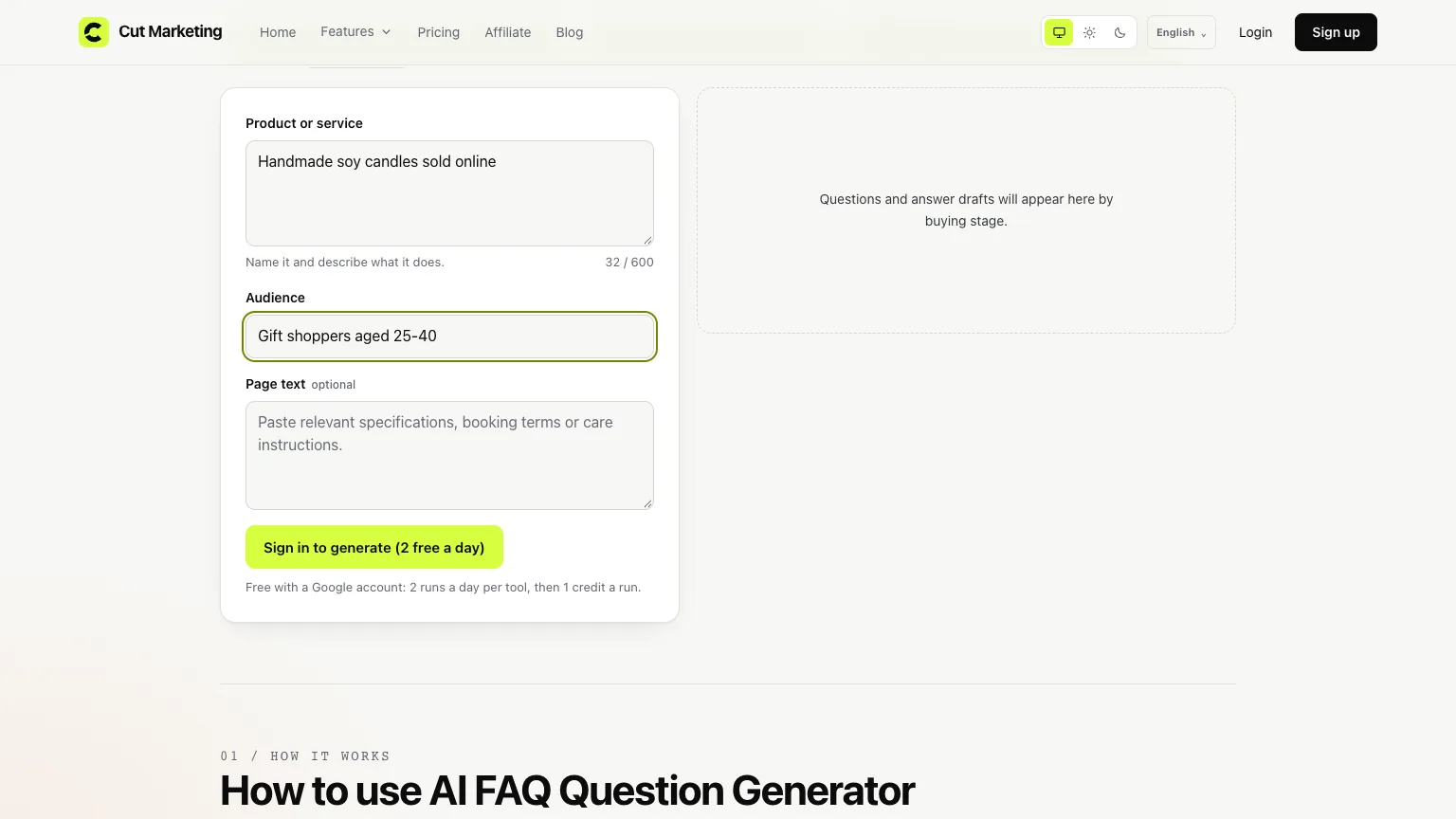
Cut Marketing is an AI ad studio. Our free FAQ question generator gives you People also ask–style questions and short answer drafts for a product page or service. Sign in with Google for two free runs per UTC day.
Group questions by what buyers need to know
Think about a commuter shopping for a travel mug. The same person asks different questions as they narrow down their choices.
| Stage | Question they might ask |
|---|---|
| Discovery | What kind of lid does this travel mug have? |
| Comparison | Will it fit my car’s cup holder? |
| Decision | Can I buy a replacement lid separately? |
Use your customer messages or support notes to decide which questions belong on the page. Give the answer in the first sentence, then add whatever the customer needs to act. For the cup holder question, list the measured diameter at the base and tell shoppers what to measure in their car.
Draft, edit and publish your FAQ
- Describe the product or service and the audience. Paste relevant specifications or policy text when you have it.
- Review the 8–12 suggestions. The tool drafts questions from your input in the style of People also ask. Compare them with the language your customers use. Fill in any missing measurements, prices or terms before using the answer drafts.
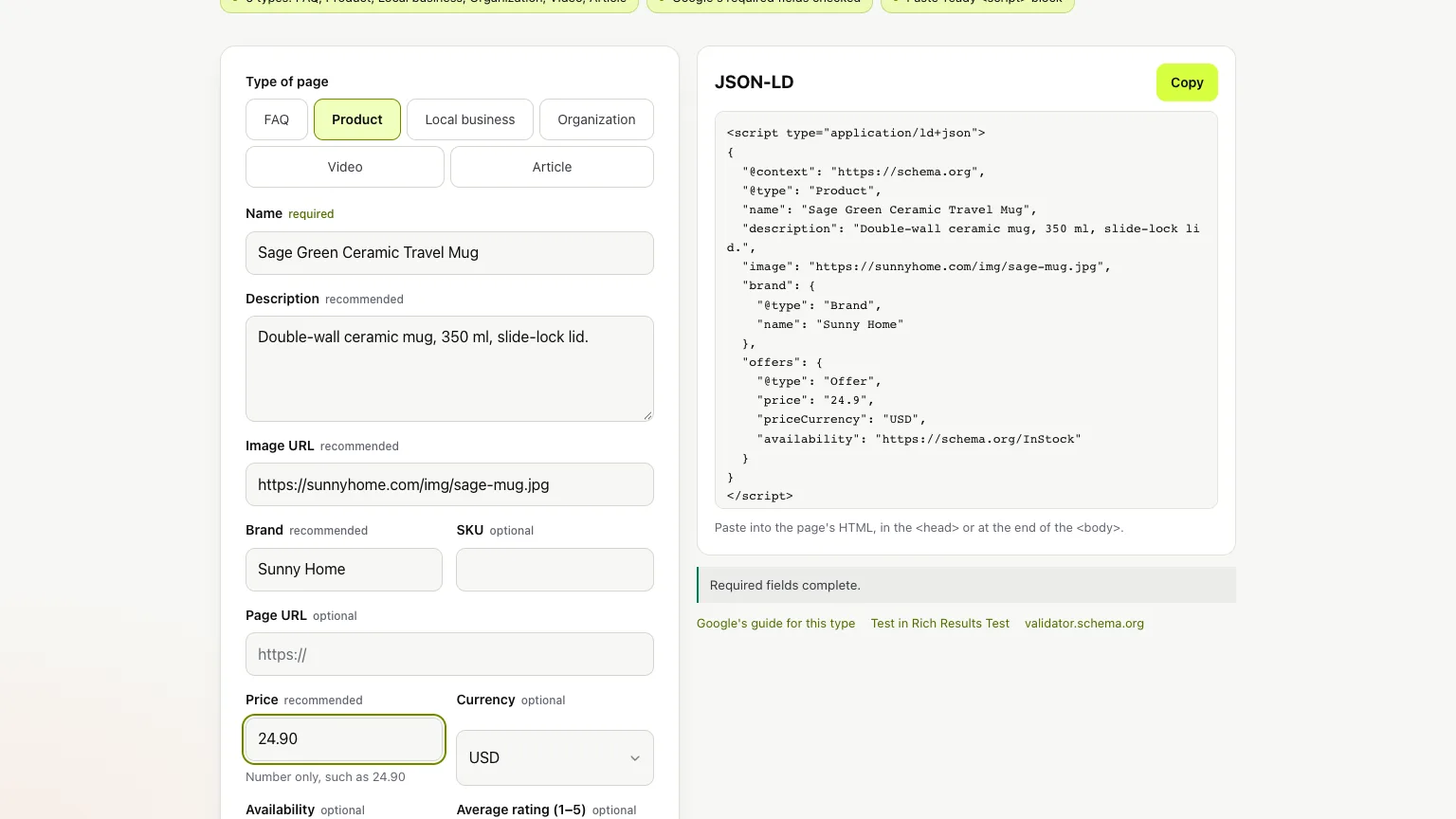
- Open the schema generator. Each draft arrives as an editable question and answer pair. Finalize the visible FAQ on the page, then copy JSON-LD with matching text. Google’s general structured data guidelines say the markup should describe content visible to readers. Google’s structured data guidelines
What FAQPage does today
FAQPage is a Schema.org type for a page with frequently asked questions. Our schema markup generator writes each pair as a Question and its acceptedAnswer. Google stopped displaying FAQ rich results on May 7, 2026 and later removed the feature’s documentation. Schema.org FAQPage · Schema.org Question · Google Search documentation updates
For an answer that takes more than a few sentences, use the AI answer block checker to see whether its opening addresses the question and which numbers have nearby source cues.