AI Product Photography Prompts: 15 Templates
A six-part formula and 15 copy-paste AI product photography prompts for packshots, lifestyle scenes, macros and ad layouts, with the fix lines we use against logos and bad hands.
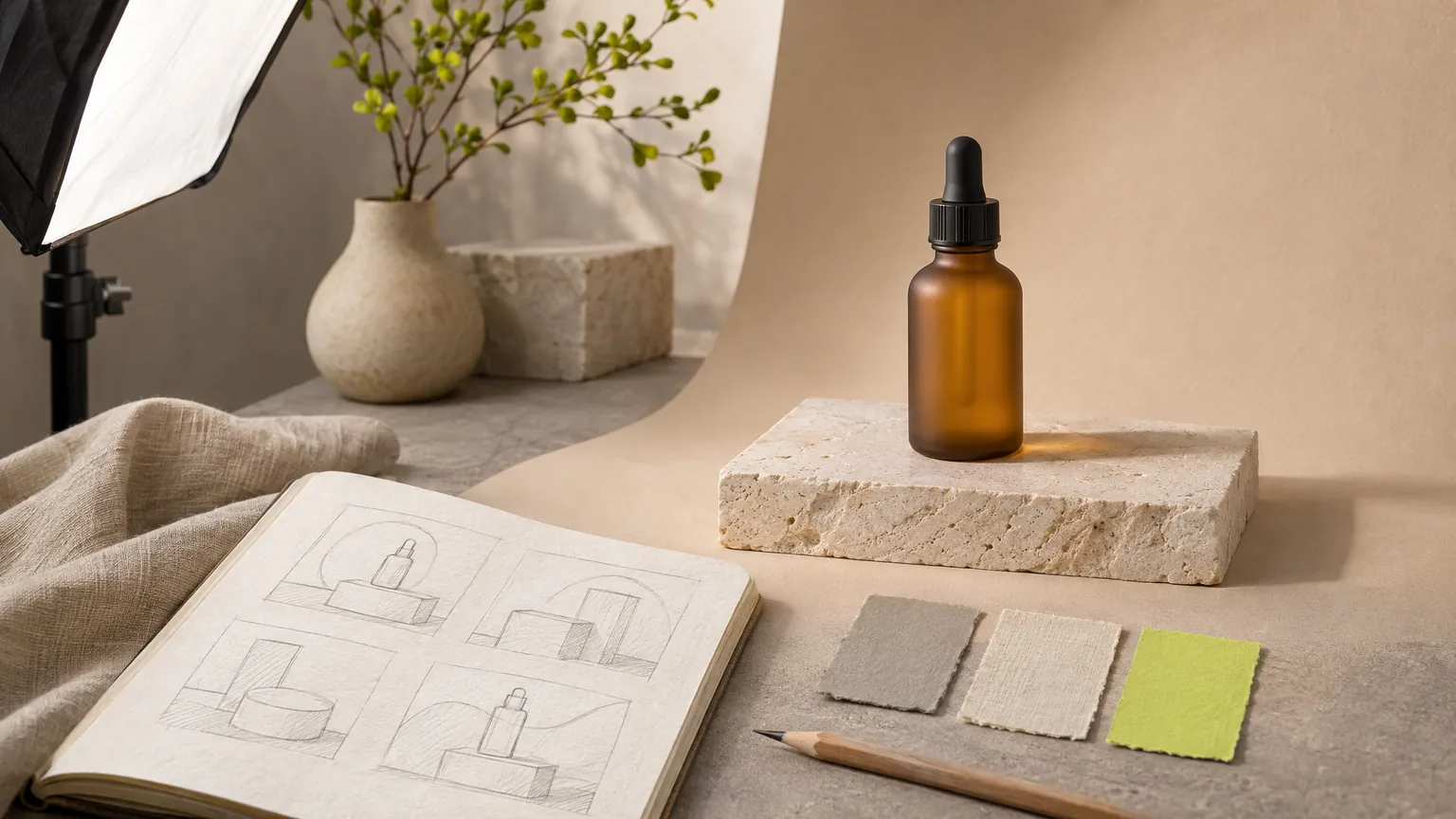
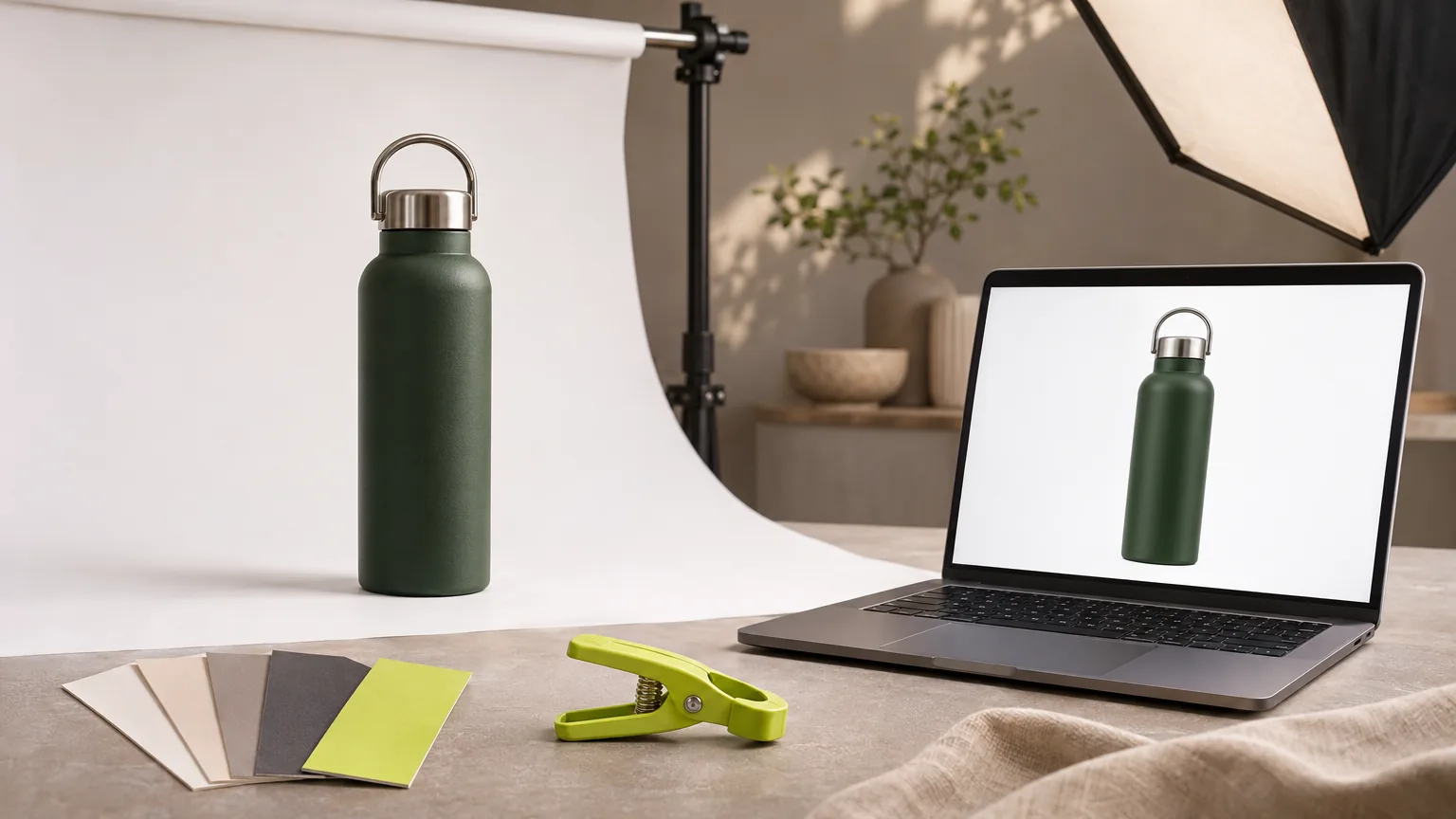
A good AI product photography prompt names six things in order: the subject and its material, the surface or setting, the light, the camera look, the composition and ratio, and what must not appear. If the image is of a real product you sell, upload a photo of it as a reference and prompt only for the scene, because a text-only prompt invents a product instead of reproducing yours. Below are the formula, 15 templates you can copy, and the fix lines from our own production prompts.
In short:
- Use a reference photo for real products. Text-only prompts are for concepts, backgrounds and categories.
- Write nouns and light, not adjectives. “Soft window light from the left” beats “beautiful and premium”.
- End every prompt with an exclusion line for text, logos and watermarks.
- Name known trouble spots directly: hands, displays, wheel hubs, labels.
- One image costs 2 to 16 credits. The 30 trial credits cover five Nano Banana 2.1 images at 1k.
Reference photo or text only?
AI product photography means generating a product image with an image model instead of a camera, either from a written prompt alone or from a prompt plus a reference photo of the real product. The choice between those two decides almost everything:
| You want | Use | Why |
|---|---|---|
| Your actual product in a new scene | Reference Images or Listing Images with your product photo | The model works from the real shape, colour and label |
| A concept, a mood or a background plate | Image Generator, text only | Nothing real has to be reproduced |
| A real photo cleaned up for a listing | Photo Editor Studio | Background removal, enhance, expand or upscale without changing the product |
With a reference, describe the scene and tell the model to leave the product alone. Without one, describe the product completely, knowing the result is fictional.
The six-part formula
- Subject and material. “A frosted amber glass dropper bottle with a black cap.” Material words carry more than quality words.
- Surface and setting. “On a pale travertine plinth in front of a curved sand-coloured paper backdrop.”
- Light. Direction and quality: “one softbox from the left, soft shadow to the right” or “raking late-afternoon sun with leaf shadows”.
- Camera look. “Shot on a full-frame camera with a prime lens, shallow depth of field, true-to-life colour, subtle film grain.”
- Composition and ratio. “Three-quarter front angle, entire product visible with margin, negative space at the top for a headline, vertical 4:5.”
- Exclusions. “Absolutely no text, letters, numbers, logos, brand marks, labels, signage or watermarks anywhere in the frame.”
That is the structure behind the stills in our own showcase. One published example, for a pair of glasses:
A pair of minimalist thin round champagne-gold titanium eyeglasses with crystal-clear lenses, seen from a three-quarter front angle with both temple arms fully open and extending straight back symmetrically, resting naturally on a small rotating white stone display plinth in a bright modern optical boutique; the lenses show soft reflections of warm display lights; softly blurred shelves of eyewear frames and oak cabinetry behind. Premium commercial photography, shot on a full-frame cinema camera with a prime lens, true-to-life colour, rich natural contrast, crisp micro-detail, subtle film grain. Absolutely no text, letters, numbers, logos, brand marks, labels, signage or watermarks anywhere in the frame. Vertical 9:16 ad frame.
Note how much of it is geometry (“both temple arms fully open and extending straight back symmetrically”). Glasses, chairs and anything with thin symmetrical parts need their shape spelled out.
Which model for which prompt
| Model | Listed strength | 1k | 2k |
|---|---|---|---|
| Nano Banana 2.1 | Photoreal product scenes that keep your reference product exact | 6 credits | 8 credits |
| GPT Image 2.6 | Ad images with headlines: accurate text and layout, including Korean | 9 credits | 16 credits |
| Seedream 5.0 Pro | Editorial-grade product photography and reference-guided scenes | 6 credits | 12 credits |
| FLUX.3 Klein | Fast, low-cost concept images for quick drafts | 2 credits | 3 credits |
All four offer 1:1, 4:5, 3:4, 9:16 and 16:9. One credit lists at $0.01. A practical order: explore compositions on FLUX.3 Klein, then render the chosen one with your reference on Nano Banana 2.1, and use GPT Image 2.6 when the image itself must carry a headline.
15 templates
Replace the bracketed parts. Templates 1 to 8 assume you uploaded a reference photo of your product; 9 to 13 are text only; 14 and 15 are ad layouts with text.
With a reference photo
1. White-background packshot
Keep the product exactly as in the reference: same shape, colours and label. Place it centred on a pure white seamless background with a soft natural contact shadow beneath, even diffused studio light, entire product visible with margin on all sides, square 1:1. No added text, logos, props or watermarks.
2. Lifestyle counter scene
Keep the product exactly as in the reference. Place it on a [light stone kitchen counter] beside [a folded linen towel and a small plant], soft morning window light from the left, shallow depth of field with the background softly blurred, product in sharp focus in the lower third, vertical 4:5. No text, no logos other than the product’s own label, no watermarks.
3. In hand, for scale
Keep the product exactly as in the reference. A relaxed hand holds it at chest height against a softly blurred [bathroom] background. The hand is natural and anatomically correct, five fingers, clean short nails. Soft daylight, product label facing the camera, vertical 4:5. No added text or watermarks.
4. Flat lay
Keep the product exactly as in the reference. Top-down flat lay on [pale linen]: the product in the centre, surrounded by [three related objects], evenly spaced with clear gaps, soft bright daylight, calm airy palette, square 1:1. No text, no extra logos, no watermarks.
5. Hero on a plinth
Keep the product exactly as in the reference. Stand it on a [pale travertine] plinth in front of a curved [sand-coloured] paper backdrop, one softbox from the left with a soft shadow to the right, three-quarter front angle, negative space above for a headline, vertical 9:16. No added text or watermarks.
6. Seasonal gift scene
Keep the product exactly as in the reference. Place it on a wooden table beside [kraft wrapping paper, twine and a sprig of pine], warm evening light with soft bokeh lights behind, cosy and uncluttered, product clearly in focus, vertical 4:5. No text on the wrapping, no added logos, no watermarks.
7. In use, outdoors
Keep the product exactly as in the reference. Show it [clipped to a backpack strap on a forest trail], natural overcast daylight, documentary style, product sharp and unobstructed in the foreground, background softly blurred, vertical 9:16. No faces, no added text, no watermarks.
8. Detail macro
Keep the product exactly as in the reference. Extreme close-up of [the cap and shoulder of the bottle], raking side light that shows the surface texture, very shallow depth of field, true-to-life colour, horizontal 16:9. No added text or watermarks.
Text only
9. Food macro
Extreme close-up food photograph of [a double smash cheeseburger cut in half on crinkled butcher paper], [molten cheese stretching between the halves], warm moody backlight with a soft rim, wisps of steam, shallow depth of field, dark bokeh background. Premium commercial photography, true-to-life colour, crisp micro-detail. Absolutely no text, letters, numbers, logos, brand marks, labels, signage or watermarks anywhere in the frame. Vertical 9:16.
10. Beverage pour
Close-up of [a hazy golden beer being poured from an unbranded brass tap into a stemmed glass], thick creamy head forming, fine bubbles rising, condensation on the glass, warm bulbs and dark wood in soft bokeh behind, backlight glowing through the liquid. No text, logos, labels or watermarks. Vertical 9:16.
11. Material macro
Extreme macro of [a curved cream bouclé sofa arm]: [chunky looped wool yarn] in warm ivory, raking golden late-afternoon sunlight casting dappled leaf shadows, a sliver of oak floor softly blurred. Cosy, tactile. No text, logos or watermarks. Vertical 9:16.
12. Empty background plate
An empty [pale stone] tabletop in front of a softly lit [warm beige] wall, soft window light from the left with gentle leaf shadows, large clean area in the centre for placing a product later, nothing on the table. No objects, no text, no logos, no watermarks. Horizontal 16:9.
13. Place or service scene
[A private open-air stone hot-spring bath at a mountain inn at dusk]: [steaming clear water, a cedar deck, round paper lanterns glowing amber], mist over the water. No people. Premium commercial photography, true-to-life colour. Absolutely no text, signage, logos or watermarks. Vertical 9:16.
Ad layouts with text
14. Poster with a headline
Vertical 4:5 ad poster. [A green steel bottle] on a [sand-coloured] background, lit from the left. At the top, the headline “[Cold for 24 hours]” in a clean bold sans-serif, dark grey, centred. No other text, no logos, no watermarks.
15. Korean headline
Vertical 4:5 ad poster. [A ceramic mug] on a [pale linen] tabletop in morning light. At the top, the Korean headline “[아침을 천천히]” in a clean bold sans-serif, centred. No other text, no logos, no watermarks.
Always read generated headlines letter by letter before use. When the wording must be exact, compose it as real type instead: see how to add exact ad copy to an AI product image.
Fix lines for the usual failures
These lines come from the prompts behind our own published showcase images.
| Problem to prevent | Line we use |
|---|---|
| Fake brand marks on a wheel | “The wheel has no centre cap: its centre is a plain dark hub with five exposed chrome lug nuts and nothing else, no emblem, no badge, no symbol.” |
| Characters on an appliance | “No buttons with characters, no display text.” |
| Wrong hands | “Hands are natural and anatomically correct, five fingers each, relaxed realistic pose, clean short nails.” |
| A logo on a hair dryer or a tap | “A matte black hair dryer with no markings”, “an unbranded polished brass tap”. |
| Unwanted people | “No people.” or “Only hair visible, no face.” |
| Random lettering anywhere | “Absolutely no text, letters, numbers, logos, brand marks, labels, signage or watermarks anywhere in the frame.” |
Other fixes that help: for a cropped product, add “entire product visible with margin on all sides”; for a plastic, over-smooth look, add “true-to-life colour, subtle film grain”; for a wrong label, stop describing the label and use a reference photo.
What prompts cannot do
- They cannot guarantee your product. Even with a reference, check shape, colour, label text and proportions on every image. Reject anything that changes what the customer will receive.
- They cannot make claims true. A scene that shows accessories you do not ship, a size that looks bigger or a result the product does not deliver is misleading whatever tool made it.
- They do not replace marketplace rules. Main-image requirements differ by marketplace. For that workflow see AI product photo editing for marketplaces and, for Korea, Coupang and Naver Smart Store images with AI.
From still to video
A finished product still is also the best first frame for a video. The matching motion prompts are in image-to-video prompts for product ads.
FAQ
What is a good prompt for AI product photography?
A good product photography prompt names six things in order: the subject and its material, the surface or setting, the light, the camera and lens look, the composition and aspect ratio, and what must not appear. Example: a frosted amber dropper bottle on a pale stone plinth, soft window light from the left, shallow depth of field, 4:5, no text or logos.
How do I keep my real product accurate in an AI image?
Upload a photo of the real product as a reference instead of describing it in text, and prompt only for the scene around it. Add a line such as “keep the product exactly as in the reference: same shape, colours and label”. A text-only prompt invents a product; it does not reproduce yours.
Which AI image model is best for product photos?
It depends on the job. Cut Marketing has all four in one subscription: Nano Banana 2.1 for photoreal scenes that keep the reference product exact, GPT Image 2.6 for ad images with accurate headline text, Seedream 5.0 Pro for editorial-style product photography and FLUX.3 Klein for fast low-cost concepts.
How do I stop AI from adding fake logos and text?
Add an explicit exclusion line, for example “absolutely no text, letters, numbers, logos, brand marks, labels, signage or watermarks anywhere in the frame”, and name the usual trouble spots directly, such as “no display text” or “the wheel centre is a plain hub with no emblem”. This lowers the odds; still check every image.
How much does an AI product image cost?
In Cut Marketing one image costs 2 to 16 credits depending on the model and size: FLUX.3 Klein 2 or 3, Nano Banana 2.1 6 or 8, Seedream 5.0 Pro 6 or 12 and GPT Image 2.6 9 or 16, at 1k or 2k. One credit lists at $0.01, so a FLUX.3 Klein concept starts from $0.02. Model prices are the same on every plan, plans start at $9 a month, and new accounts get 30 one-time trial credits.
Can I use AI product photos as my marketplace main image?
Be careful. Marketplaces set their own rules for main images, and a generated scene must not misrepresent the product’s colour, size or what is included. A safer pattern is a real product photo with the background removed for the main image and generated scenes for secondary images and ads.
Try a template on your product
Sign in with Google and open Image Generator in the studio to run a text-only template, or use Reference Images with your own product photo. The 30 one-time trial credits cover five Nano Banana 2.1 images at 1k or fifteen FLUX.3 Klein concepts. When a still is ready to move, the AI video prompt generator turns it into a video prompt. Sign in for 2 free runs a day; after that, a run costs 1 credit. See the AI product image generator page for what the studio makes and pricing for credit costs.