AI CREATIVE WORKSPACE

A static ad with a reason to stop

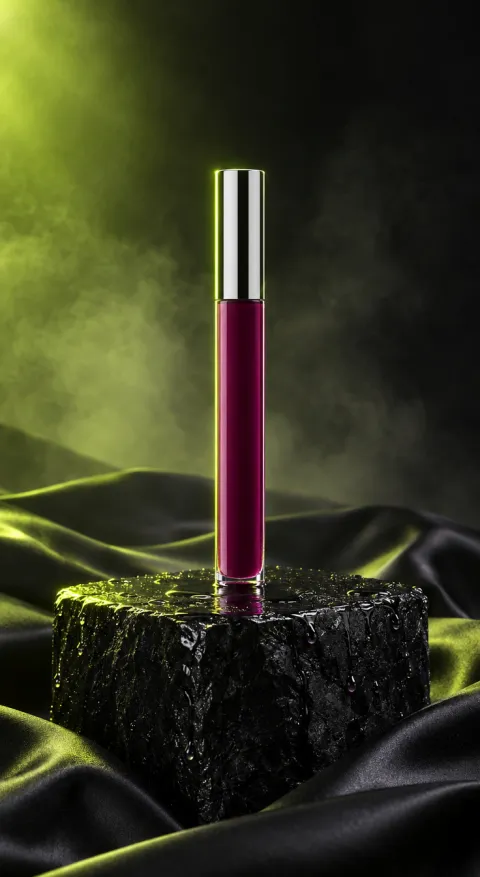
Write the claim, the product proof and the action, then choose the crop. The studio builds a first visual direction around the offer instead of a generic background.

  • Product-first video, image and presenter tools
  • A credit quote before you generate
  • One asset library for the whole set

A workflow to make static ad directions that still carry a product idea. The same studio, credits and asset library power every image tool in the workspace.

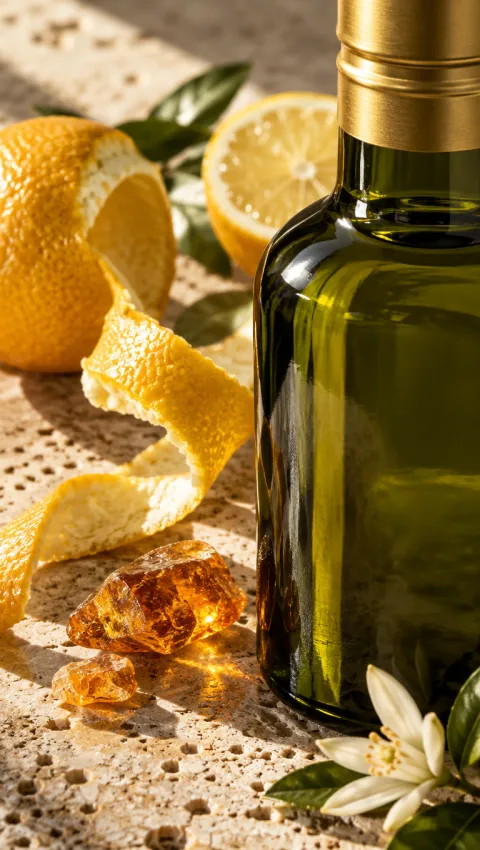
Macro texture example for Cold-Pressed Olive Oil
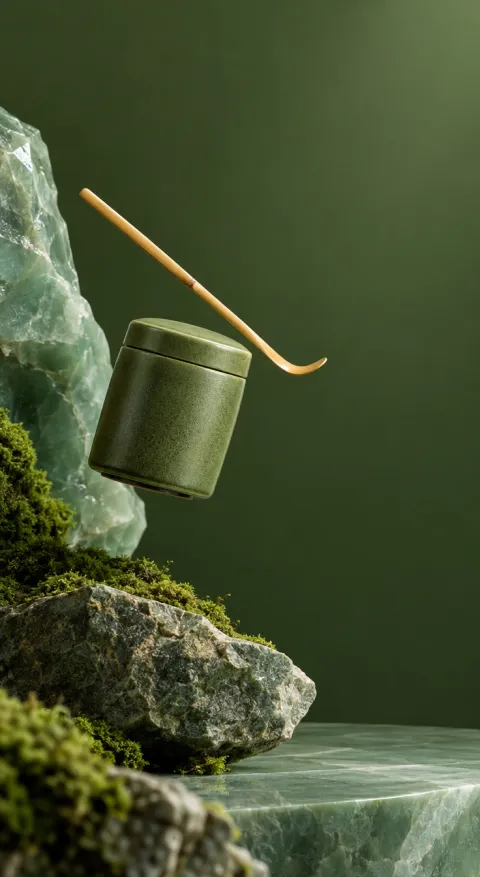
Typographic offer example for Ceremonial Matcha
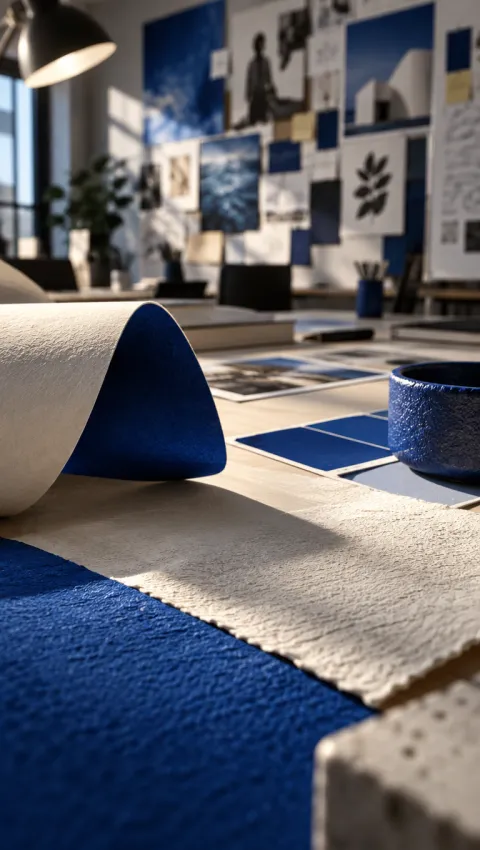
Macro texture example for Moving Service

02 / HOW IT WORKS

How to generate a product image set

  1. Add the product or a starting reference

    Upload a product photo, choose a reference or start from a prompt. Clear source images matter when packaging and material must stay accurate.

  2. Describe the shot and the crop

    Write the background, lighting, composition and text needs. Choose the ratio, resolution and number of outputs.

  3. Generate, inspect and download

    Check label text, product edges and colour, then keep the versions that match the placement.

03 / WHAT YOU CAN DO

Images that still look like the product

01 / PRODUCT FIDELITY

Keep the label, shape and material readable

Upload a clear product photo and describe what must stay exact: packaging, colour, logo placement or texture. Static ad generator uses that image as the visual anchor, so the result starts from your product instead of an unrelated stock scene.

Start from a product photo
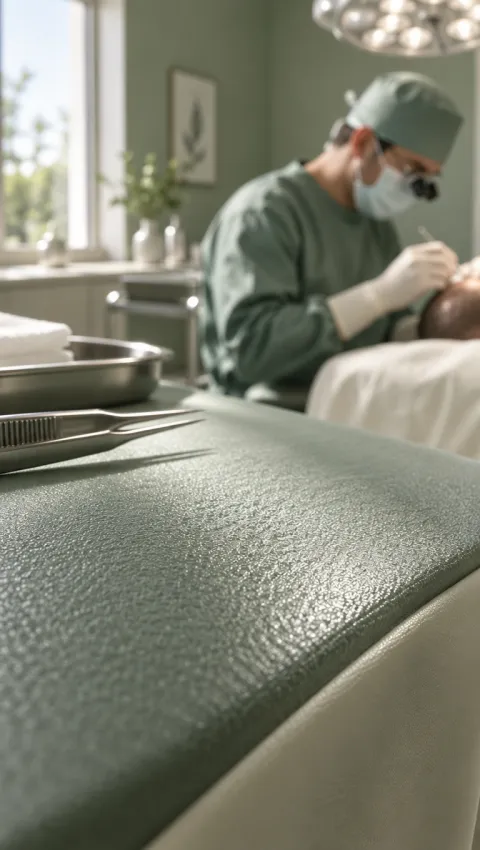
Macro texture direction for Hair Transplant Clinic
Macro texture

02 / EVERY PLACEMENT

Build the crop before the design review

Generate 1:1, 4:5, 3:4, 9:16 or 16:9 assets for a store, marketplace, social post or banner. Keeping one product source across product image sets makes a campaign feel like one campaign. The set to build: make static ad directions that still carry a product idea.

Make placement-ready crops
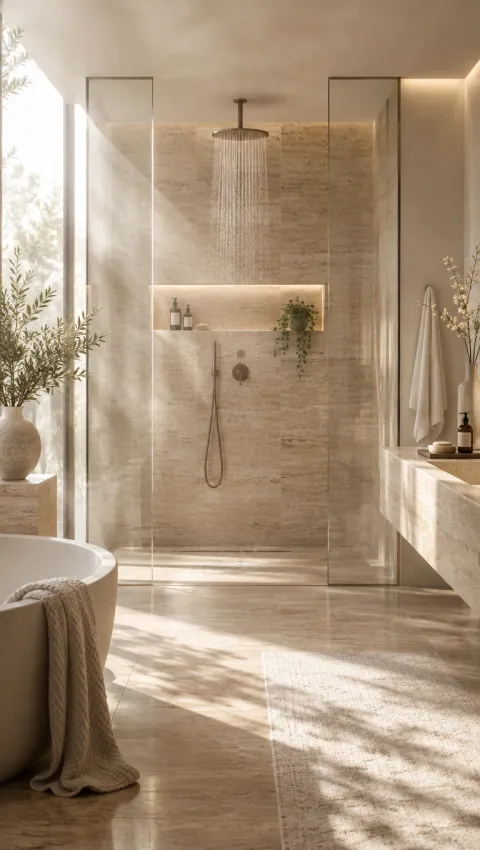
Product hero direction for Bathroom Remodel
Product hero

03 / THE JOB OF THE IMAGE

Give each visual one clear purpose

A main image sells the product, a lifestyle image sells the moment and a detail shot answers a objection. Describe the job first, then the scene. ecommerce teams and marketplace sellers can build a small set instead of one overworked visual.

Plan an image set
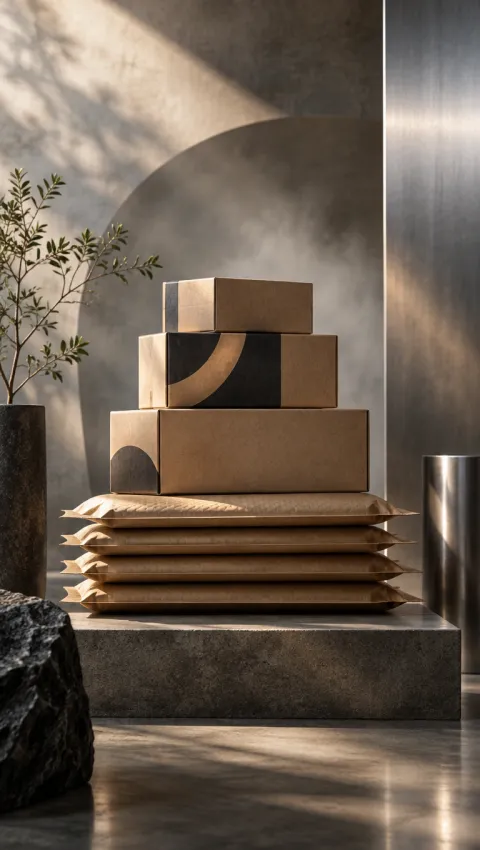
Product hero direction for Smart Greenhouse
Product hero

04 / START FROM AN EXAMPLE

Open a frame in the image studio, replace the product and adapt the crop.

Generate product images

05 / USE CASES

Where a generated image set helps

Marketplace listings

Prepare a main image, detail view and lifestyle frame for a product page.

Paid social

Make several crops and concepts for the same offer without a second photoshoot.

Seasonal promotions

Refresh the background and composition while the product stays unchanged.

06 / WHY THIS WAY

A smaller production loop for visual assets

One product source

Keep packaging and colour consistent across a set of images.

Every ratio in one place

Generate the crops your store, feed and ads actually need.

Quoted before you generate

See the credit cost for the selected model and output count first.

From one photo to a usable set

Area This workflow A manual production loop
Source A product photo, reference or prompt Book a photographer and studio
Crop options Generate the ratios in the same session Reshoot or re-crop every placement
Review Inspect each output before download Wait for a full retouch cycle

07 / FAQ

Questions about AI product images

Can the model keep my label text exactly?

It can get close, but generated lettering is not reliable enough to publish unchecked. Inspect every label and replace the image if the text is wrong.

Which aspect ratios are available?

Availability depends on the selected image model. Common options include 1:1, 4:5, 3:4, 9:16 and 16:9.

Do I need a white-background photo first?

Not necessarily, but a clean source with the whole product visible gives the model the best chance of preserving its shape.

How much does an image cost?

Image models have a per-image credit rate. The studio quotes the selected quality and count before submission.

Can I use the image on a marketplace?

Review the marketplace's image rules and your product claims first. The generated file is a draft asset, not an approval.
09 / START HERE

Turn the product photo you have into the set you need.

Start with one clean product image. Add the placement, then generate and inspect the set.