AI CREATIVE WORKSPACE

A talking video with something to show

Write the line and describe how the presenter holds or uses the product. The studio helps turn the message into a visual scene with a product moment.

  • Product-first video, image and presenter tools
  • A credit quote before you generate
  • One asset library for the whole set

A guided path to build a talking-presenter scene around a product message. Use the same studio, credits and asset library as the rest of the workspace.

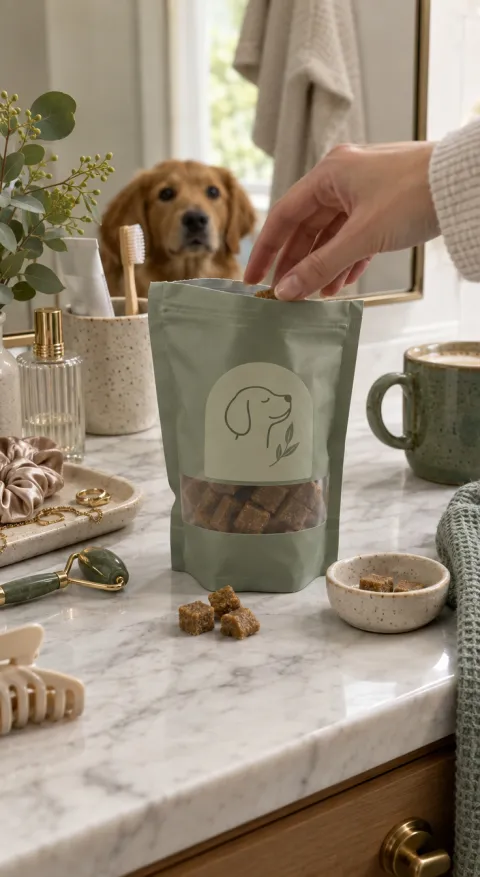
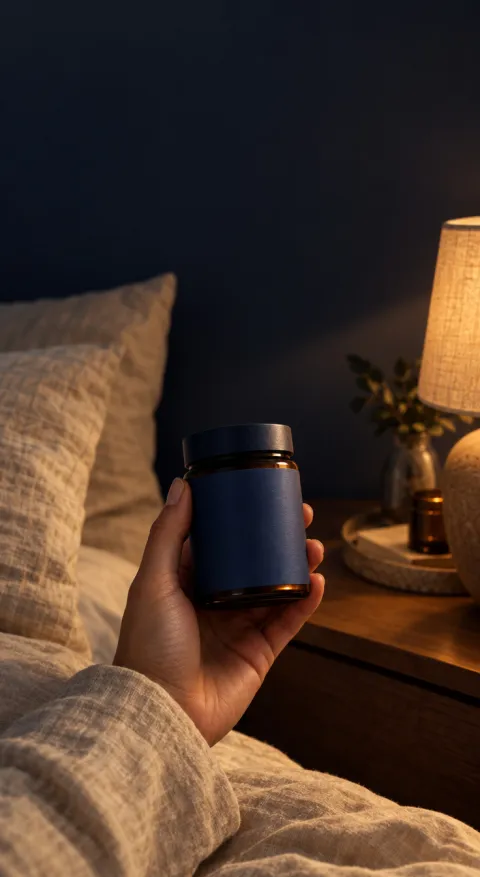
Haul / finds example for Ceremonial Matcha Haul / finds
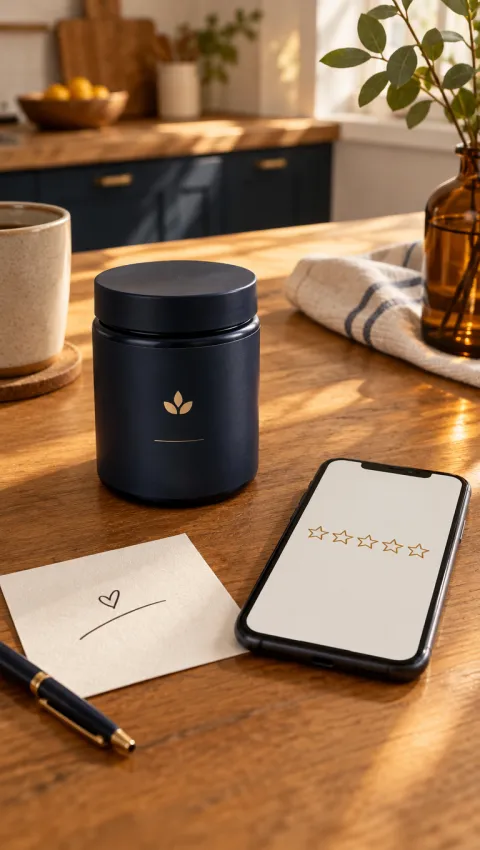
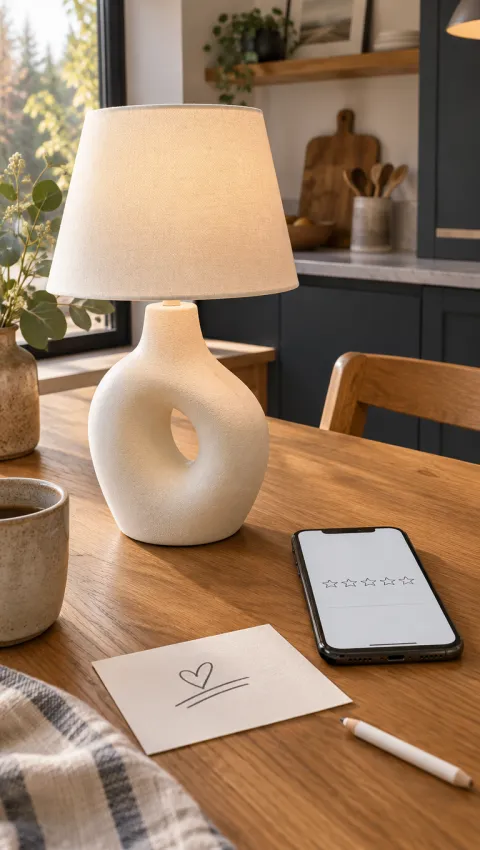
Customer review example for Ceramic Table Lamp
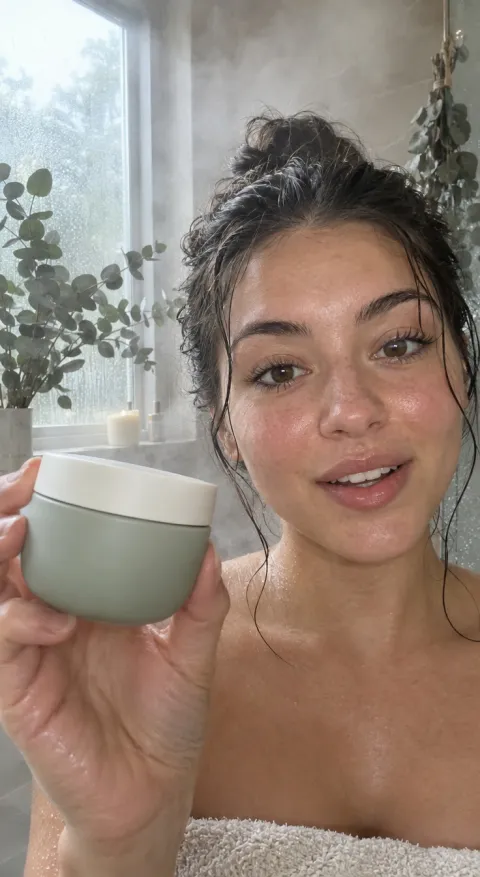
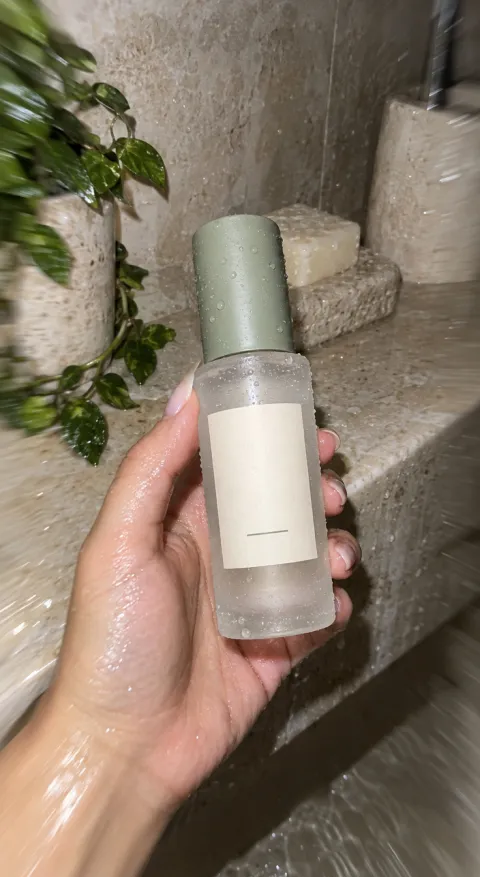
UGC selfie example for Cleansing Balm UGC selfie

02 / HOW IT WORKS

From product photo to a creator-led draft

  1. Choose the UGC structure

    Pick a review, talking-head, unboxing, reaction or demonstration direction that fits the product.

  2. Add the product and the presenter direction

    Upload product images and describe the person, setting, tone and the one benefit to land.

  3. Generate and review the performance

    Watch the output, check product detail and delivery, then iterate from the strongest take.

03 / WHAT YOU CAN DO

Creator-style creative without a casting call

01 / PRESENTER

Put a person in the story, not just a product on a table

Choose a presenter-led structure and describe the delivery you want: a quick review, a first reaction or a direct recommendation. Talking video generator gives the product a human focal point while keeping the scene and pacing under your brief.

Start a presenter concept
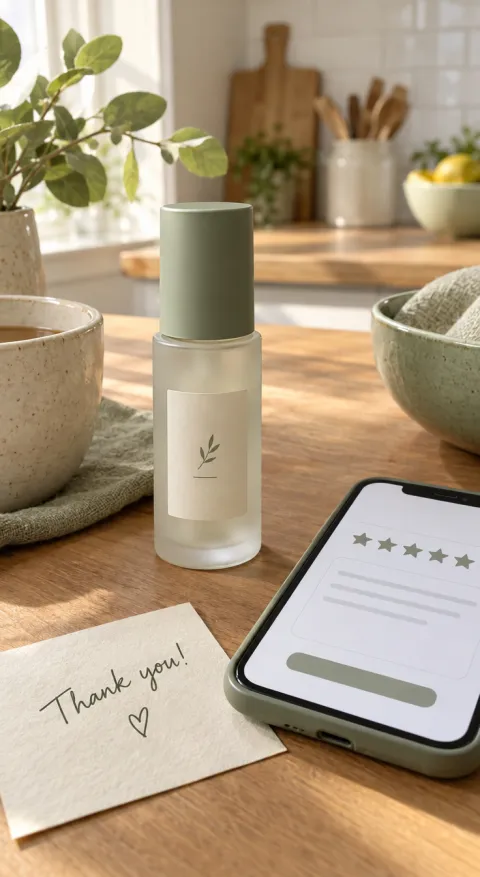
Customer review direction for Barrier Repair Serum
Customer review

02 / PRODUCT IN CONTEXT

Show how the product fits a real moment

Describe the room, the routine and the problem the product solves. creator-led UGC videos feel native when the product appears as part of the scene instead of an isolated packshot with a voiceover pasted on top. The scene to plan: build a talking-presenter scene around a product message.

Build the product scene
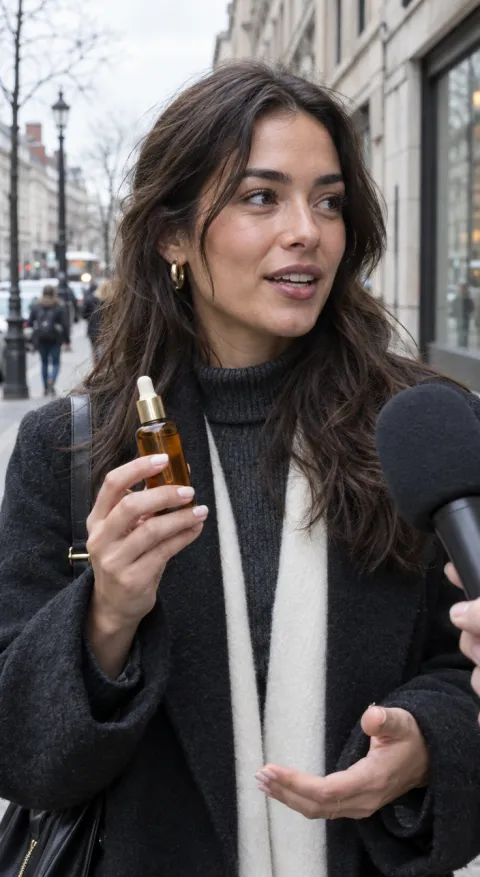
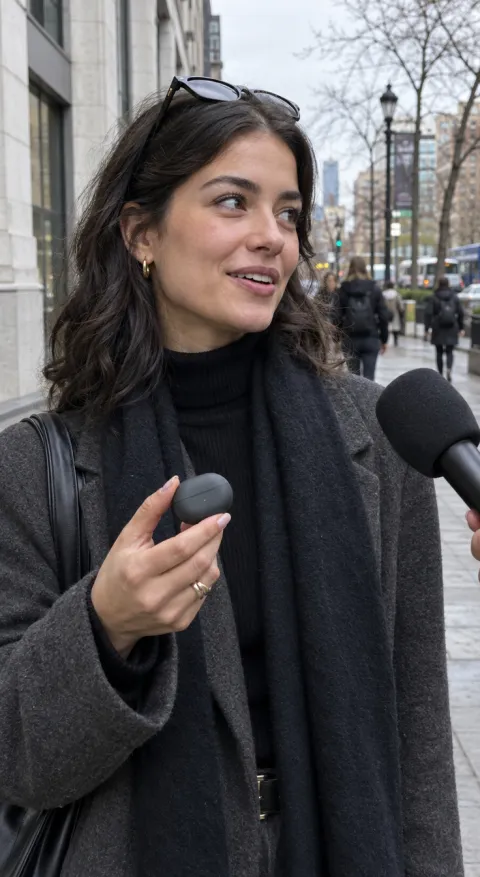
Street interview direction for Vitamin C Glow Serum
Street interview

03 / HOOK TESTING

Make several first impressions from one brief

Change the opening line, the presenter or the first product moment while the offer stays fixed. DTC brands and social sellers can compare the directions, keep the strongest hook and move it into the next round of creative.

Test another hook
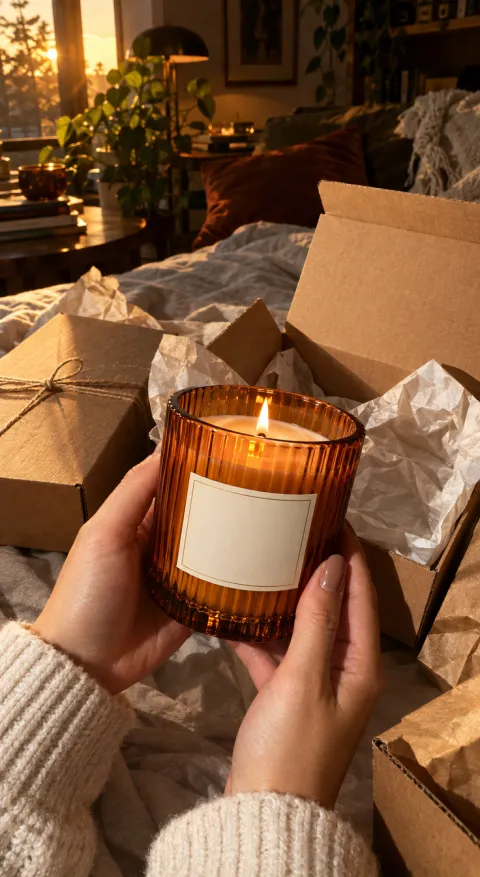
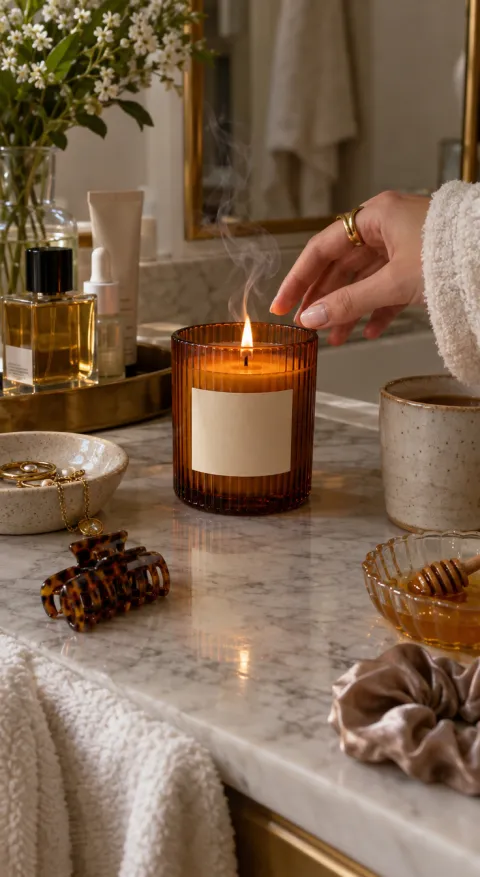
Haul / finds direction for Amber Scented Candle
Haul / finds

04 / START FROM AN EXAMPLE

Open a frame with its prompt, keep the structure and replace the product with yours.

Create a UGC concept

05 / USE CASES

Who uses creator-led concepts

TikTok Shop and social sellers

Turn a product listing into creator-led UGC videos without waiting for a creator shipment.

DTC product launches

Prepare a review, unboxing and demonstration angle for the same launch.

Always-on social proof

Keep a rotation of presenter-led scenes ready for organic posts and paid tests.

06 / WHY THIS WAY

A creator workflow you can repeat

A consistent presenter style

Keep the character, tone and framing recognizable across a small batch of concepts.

Product and presenter in one brief

Avoid passing images, scripts and feedback between separate tools.

Review before you publish

Every output is a draft. Check product accuracy, claims and platform policy first.

What a repeatable creator workflow looks like

Area This workflow A manual production loop
Casting Choose a presenter direction in the studio Find, brief and schedule a creator
Product context Upload product images and describe the scene Ship samples and hope the setting fits
Next hook Change the opening line and regenerate Book another shoot day

07 / FAQ

Questions about creator-led ads

Do I need a real actor or creator?

No. The workflow is built around presenter-led generation from your product images and direction. You review the result before using it.

Can I provide my own script?

Yes. Add the script or the key lines to the brief so the scene and delivery follow your message.

Does lip-sync match exactly?

Exact dialogue and lip synchronization are not guaranteed. Review every take and keep the version that reads naturally for your ad.

Can I use my own product photos?

Yes. Clear, well-lit product images help the model preserve packaging and colour.

How are credits calculated?

The selected model, quality, duration and count determine the cost. The studio shows the quote before submission.

09 / START HERE

Put your product in someone's hands.

Start with one product photo, choose a presenter direction and review the first draft.