AI Product Ad Formats for Creative Experiments
Seven AI ad formats worth testing in 2026, from UGC demos to problem-solution hooks, with the settings and creative checks behind each one.

Most AI ad examples look impressive and say nothing. The ones that convert share a simple trait: the viewer understands the product, the benefit and the next step within a few seconds.
Below are seven formats worth testing, with the settings and checks that make each one useful.
1. The one-hand product demo
Best for: skincare, drinks, small electronics, supplements.
A hand enters frame, picks up the product, turns the label to the camera and uses it. The shot feels like a friend’s video, not a commercial.
- Duration: 5–8 seconds
- Ratio: 9:16
- Prompt focus: hand, label, texture, natural light
- Check: label orientation and finger anatomy
2. Problem → solution
Best for: home, productivity, cleaning, wellness.
Open on the friction — the messy desk, the dull skin, the tangled cable — then cut to the product as the fix. The contrast does the persuasive work.
- Duration: 8–12 seconds
- Ratio: 9:16
- Prompt focus: before/after contrast, one product action
- Check: the “before” is not so unpleasant that viewers scroll
3. The unboxing POV
Best for: subscription boxes, gifts, accessories.
A first-person view opens the package, reveals the product and shows the first reaction. It is a discovery format, so the product should appear late but clearly.
- Duration: 8–15 seconds
- Ratio: 9:16
- Prompt focus: hands, packaging, table texture
- Check: packaging resembles the real thing or is removed
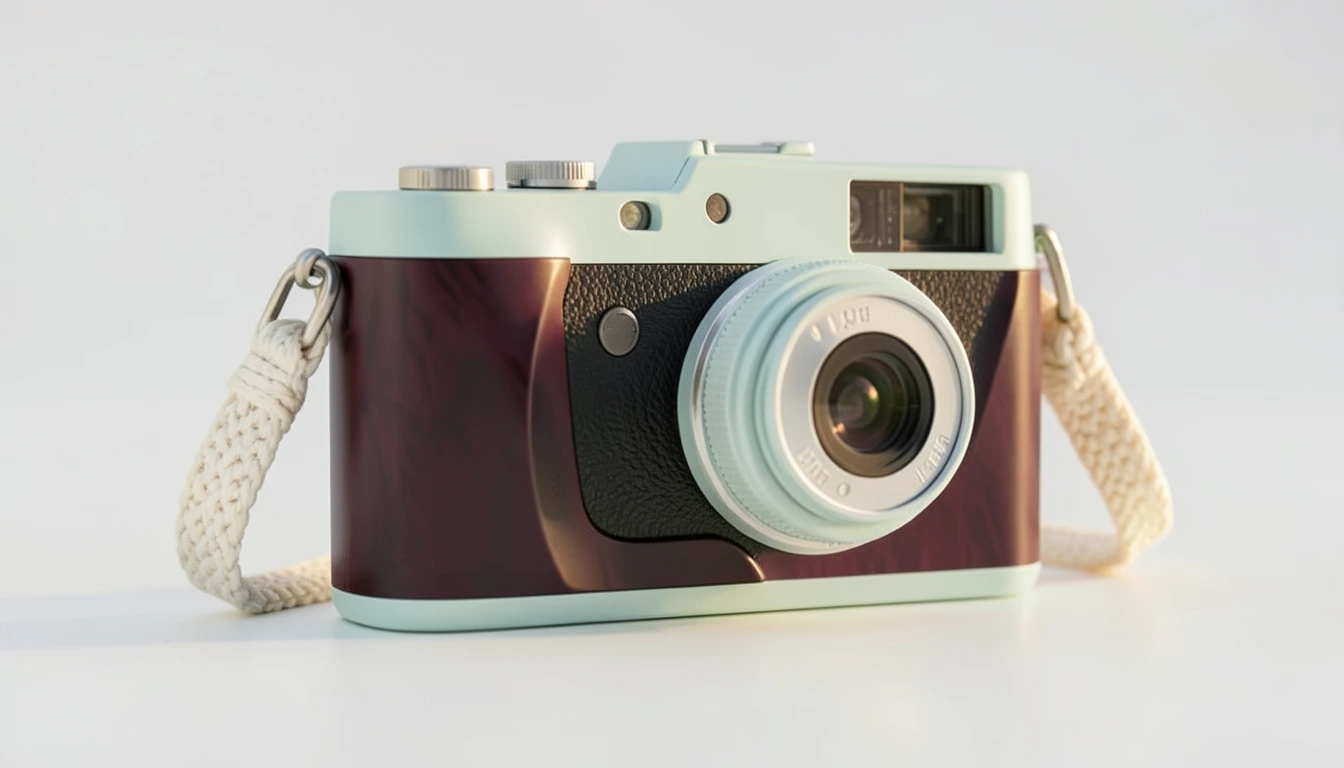
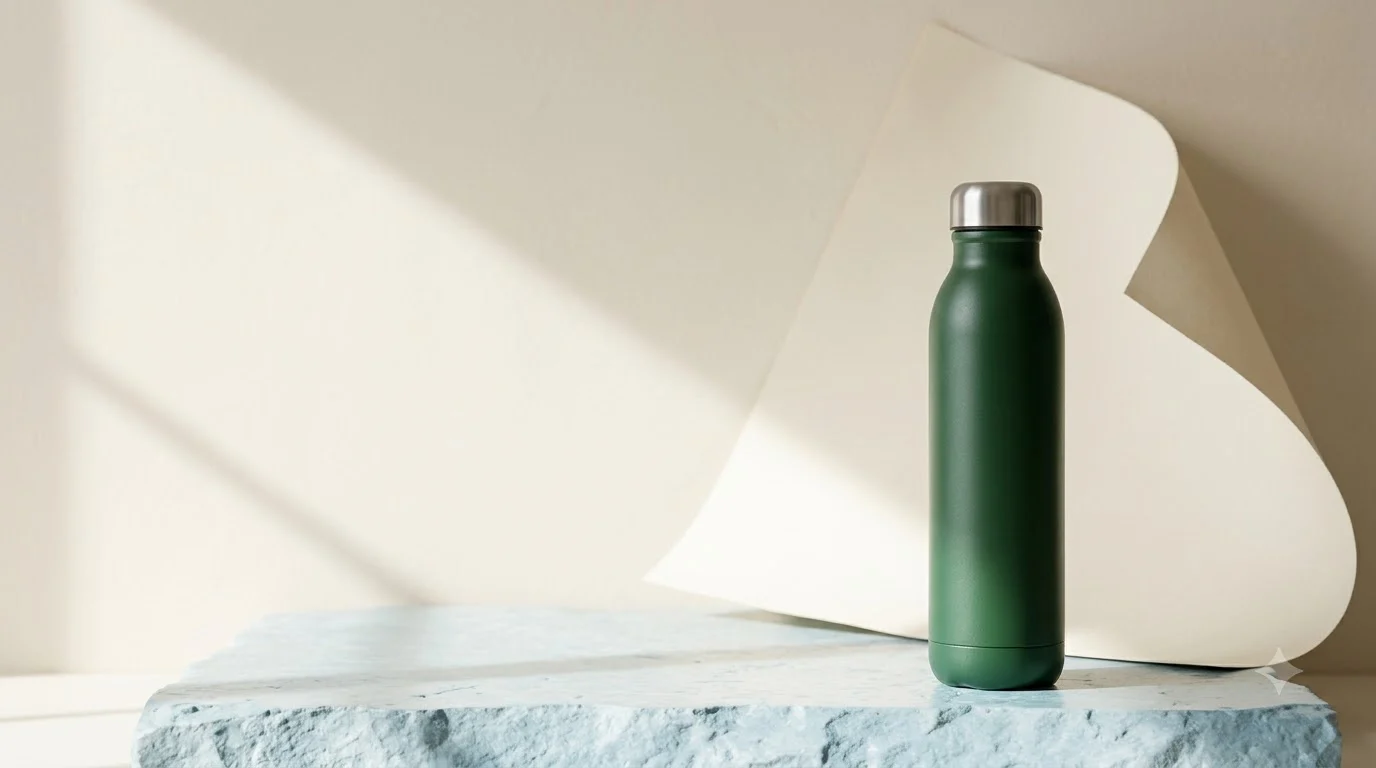
4. The studio packshot
Best for: premium products, marketplace listings, brand campaigns.
A clean surface, one product, controlled light and a slow push-in. This is the easiest format to keep product-accurate.
- Duration: 4–6 seconds
- Ratio: 1:1 or 4:5
- Prompt focus: material, label, shadow, camera move
- Check: reflections and label text
5. The talking presenter
Best for: education, services, products that need explanation.
A presenter speaks directly to the camera. The script carries the ad, so write it before choosing a model.
- Duration: 10–20 seconds
- Ratio: 9:16
- Prompt focus: framing, eye line, gesture, tone
- Check: lip-sync, teeth, hand gestures, claims
6. The comparison grid
Best for: crowded categories where buyers compare specs.
Show the product next to the old way of solving the problem. Keep the comparison factual and avoid competitor trademarks.
- Duration: 6–10 seconds
- Ratio: 1:1 or 9:16
- Prompt focus: layout, labels, equal lighting
- Check: no unverified claims, no competitor logos
7. The detail montage
Best for: texture-led products — fabrics, food, cosmetics, hardware.
Three close-ups: texture, mechanism, result. Fast cuts, no voiceover, music-led.
- Duration: 5–8 seconds
- Ratio: 9:16
- Prompt focus: macro detail, motion, light
- Check: consistency of color and material
A simple testing framework
For each product, build a small matrix:
| Variable | Options |
|---|---|
| Hook | problem, claim, result |
| Format | demo, problem-solution, packshot |
| Creator | hand only, presenter, no person |
| Duration | 5s, 8s, 12s |
Run the cheapest useful resolution first. Keep the winning hook and visual, then change the CTA or the opening frame. Do not change everything at once.
Common mistakes
- Too many actions. One product, one action, one CTA.
- Product drift. Use a clear reference and check the label every time.
- Generic lifestyle footage. The product must be visible in the first two seconds.
- No claims review. AI will happily write a promise a human should not make.
- One variant. A single ad is a guess; three hooks are a test.
Where to start
The Image Generator is the fastest way to build static concepts and packshots. For motion, start with Create Video Ad or UGC Product Video. The studio shows the credit cost before every run, and failed jobs are refunded automatically.
Great AI ads are not the ones with the most effects. They are the ones where the product, the benefit and the next step are impossible to miss.