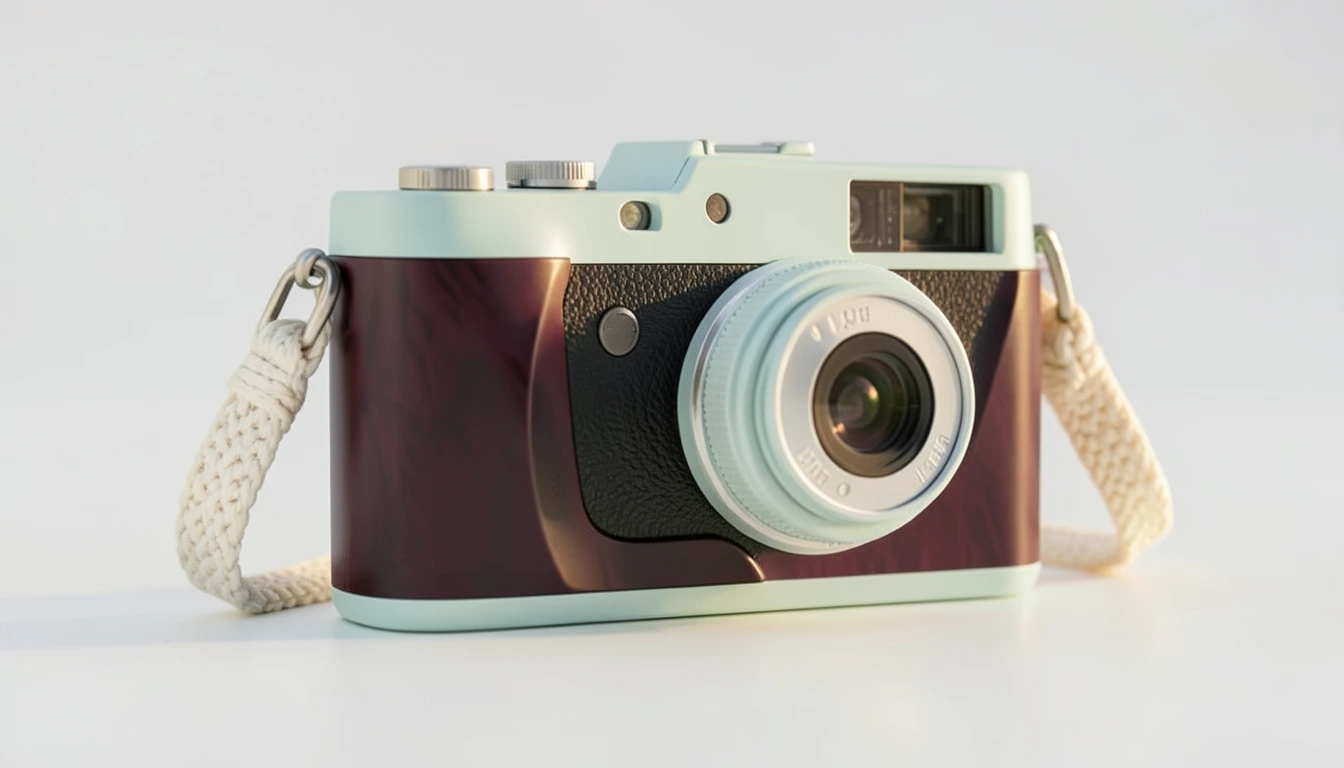
How to review an AI product video before export
Use an actual bottle study to check product shape, camera movement, exact ad copy and approval. A practical review before handing off an AI product video.

Review the actual video, its wording and its source together before export. A good first frame can conceal a changing cap, a cropped product base or an unexpected camera move later in the clip.
For this study we used a fictional green steel bottle. The reference was an existing Pickshot Indigo image. We used Google Flow to make two landscape stills, then animated one of them twice with the same first frame and prompt. These are our editorial assets; customer media generation in Cut Marketing uses Pickshot.
Keep the reference beside the result
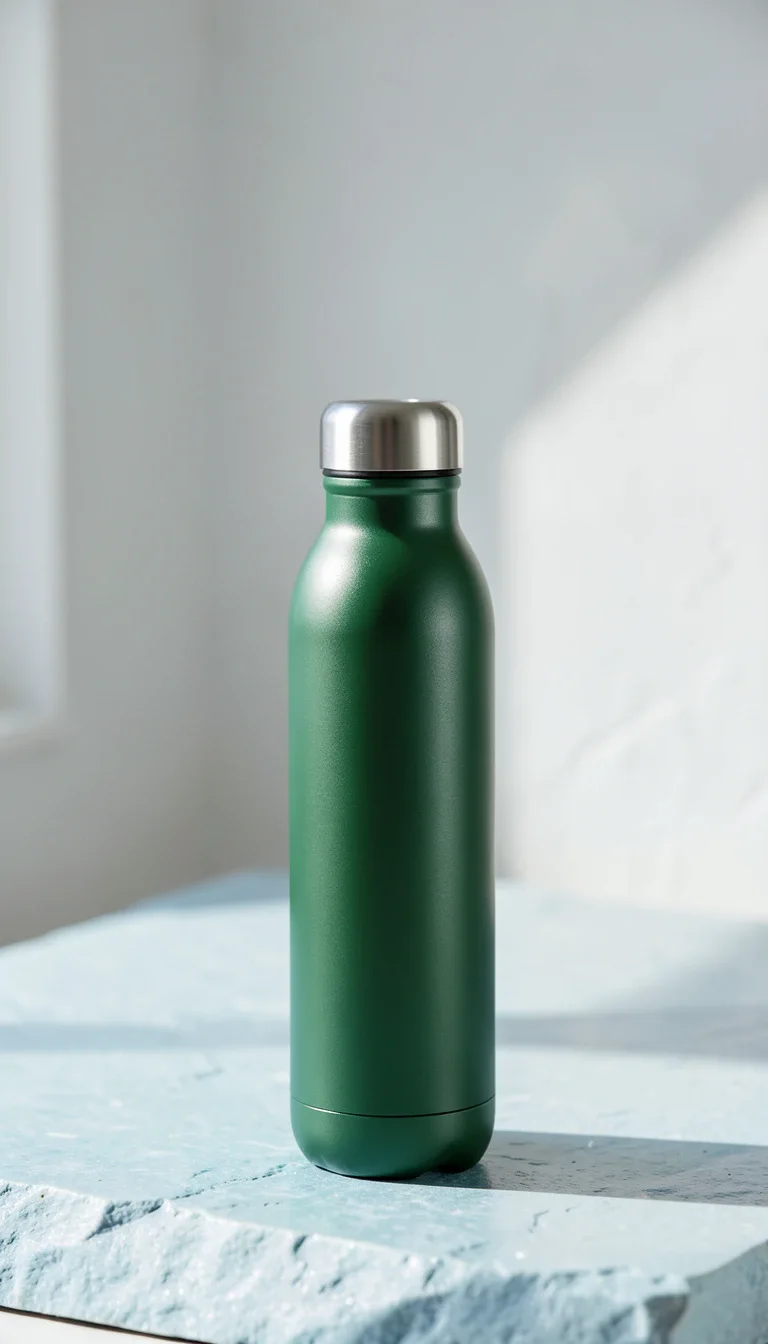
The landscape images were made with Nano Banana 2.1 in Google Flow. The selected file at the top of this article is 1376×768 pixels. The alternative below came from the same two-output request. Both use the same supplied reference, yet the paper, stone, light and bottle placement differ.

For a real product, use verified product photographs and packaging information. Check the cap seam, neck width, shoulder, surface finish, printed details and proportions. This AI-generated fictional reference cannot establish that a real manufactured product has been reproduced accurately.
Watch the whole movement
We asked for a stationary bottle, a slow leftward camera arc, gentle parallax and no additional objects, words or speech. Both requests used the selected landscape image as the first frame, 720p,16:9 and one 8-second output. The generated files are shown below without a crop or a camera-move edit. The public versions are silent; the original downloads are retained.
Measured video-stream properties of the downloaded files:
| Output | Dimensions | Frames | Duration |
|---|---|---|---|
| Omni 1.1 Flash | 1280×720 | 192 | 8.000s |
| Veo 3.1 Quality | 1280×720 | 190 | 7.917s |
The UI request was 8 seconds for each; the delivered stream durations differ slightly. Pause near the beginning, middle and end, then replay at normal speed. Follow the bottle’s outline and its contact with the stone. Check that the entire cap and base stay visible. Watch whether moving highlights read as light on metal or as a change in shape. Inspect the paper edge and background too; motion can introduce a distraction away from the product.
These two samples let you inspect two actual outputs. They are not a model benchmark or evidence of an advertising result. The request record describes the intention; the delivered frames show what happened.
Review what the ad says and implies
The supplied facts here are deliberately limited: a green, reusable steel bottle with a screw cap. The brief excludes insulation time, certification, health benefits, discounts and customer outcomes. A scene can imply a claim even when no sentence says it, so inspect imagery alongside the copy.
For exact wording, keep the approved copy as real text during composition. See adding exact copy to an AI product image for the PNG workflow. Approved video treatments also offer Compose video ad on supported browsers. Editing the treatment requires review again; keep the original source and the composition record with the exported file.
Make the final review a clear decision
Before approving the current treatment, check these together:
| Check | What to inspect |
|---|---|
| Product | Shape, material, packaging and supplied reference |
| Movement | Full clip, frame edges, contact shadows and unwanted changes |
| Copy | Exact opening, body and CTA; no unsupported claim |
| Version | The current render and wording are the ones being approved |
| Handoff | Original media, copy and layout/source record stay together |
In Cut Marketing, an edited treatment needs another review. A stale approval is not enough for a new export. Downloading the pack does not publish an ad. Bring back actual delivery data, with its period, currency, time zone and attribution settings, before discussing performance.
Questions from this study
Does a reference image guarantee product accuracy?
Treat each result as a new image to inspect. This fictional study does not establish a product-fidelity guarantee. Compare the silhouette, cap, material and packaging with your verified product references.
Are these Google Flow models available inside Cut Marketing?
These are operator-made Google Flow editorial examples. Customer media generation in Cut Marketing uses Pickshot. This article does not add a Flow integration to the workspace.
Does approving or exporting a treatment publish an ad?
Approval records the current treatment for export. Downloading a creative pack does not publish an ad or spend an advertising budget.
Production notes
Created on November 3, 2026. The observed account quote was 0 credits for the two Nano Banana 2.1 stills, 12 for the Omni clip and 100 for the Veo clip. These are recorded quotes for these requests, not promised prices. Check the current settings; Google explains how Flow credits work.
Original downloads and provenance are retained. Image derivatives preserve the full frame; videos copy the encoded picture stream with audio removed. We have not removed supplied visible marks. Google’s Flow help describes visible watermarking and SynthID. The production records link model, prompt, reference and file checksums so this example can be traced.
Start with a product brief, or follow the creative testing workflow to connect review, export and reporting.