
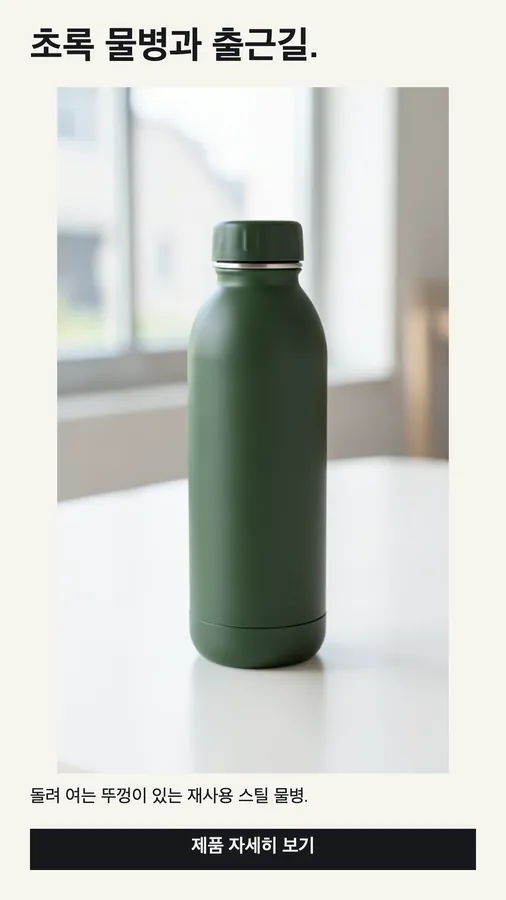
Just say what to remove
Plain-language instructions replace the brush: "the coffee cup on the left", "the logo on the shirt".
AI UTILITY
Type what should go — "the person in the background", "the price sticker", "the headline at the top" — and get a clean photo in about 20 seconds. No brushing or masking.
18 credits per image · result about 2K on the long edge
The Image Object & Text Remover is an AI eraser: you describe one object or line of text, it removes that element and continues the surrounding background, lighting and shadows so the photo looks untouched. Everything you did not mention stays the same.
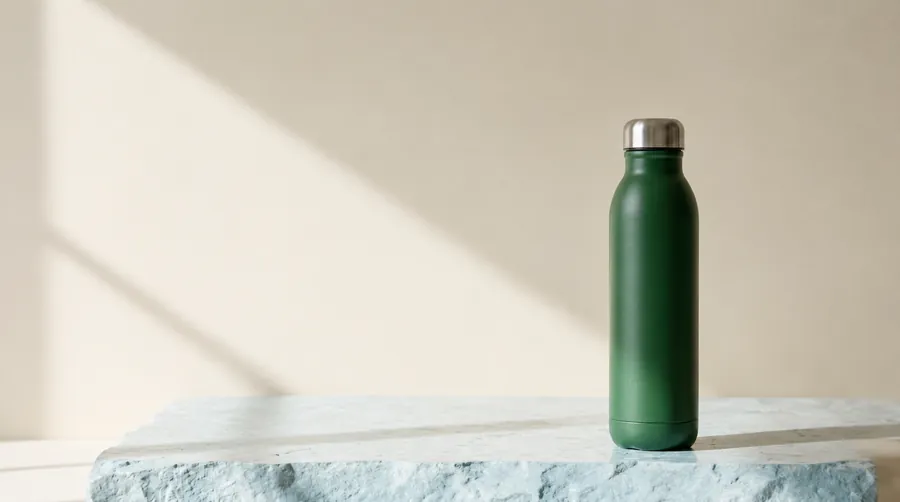 Before After
01 / MORE EXAMPLES
Drag the divider. These are real outputs of this tool on Cut Marketing demo images.
 Before After
02 / HOW IT WORKS
JPG, PNG or WebP up to 10 MB.
Name one object or line of text and where it is, then confirm your rights.
Check the before/after view and download the PNG. Run it again to erase a second item.
03 / WHAT IT DOES
Plain-language instructions replace the brush: "the coffee cup on the left", "the logo on the shirt".
Backgrounds, surfaces and shadows are continued so there is no smear or obvious patch.
The product, other objects and remaining text keep their shape, colour and position.
04 / USE CASES
Remove stickers, tags, cables and props before a listing goes live.
Erase an old headline or price so you can set new copy in your editor.
Take a passer-by or clutter out of an otherwise perfect frame.
05 / RESPONSIBLE USE
Every request asks you to confirm that you own the file or have permission to edit it, and the server rejects requests without that confirmation. Removing watermarks, logos or credits from other people's work is prohibited by our terms. Read the terms
06 / FAQ
Upload the photo, write what should be removed and where (for example "the person on the right"), confirm your rights and press Erase. The result is ready in about 20 seconds.
Yes. Describe the line, such as "the headline at the top" or "the price in the corner". Other text stays, so you can replace just one line.
No. A clear description is enough. For the cleanest result, name one thing at a time and say where it is.
18 credits per image (1 credit = $0.01), shown before you start. Failed jobs are refunded.
Yes. New accounts get 30 free credits — enough for one image removal (18 credits) right away. Failed jobs are refunded automatically.
08 / START HERE
Sign up for 30 free credits, upload a file you own and see the exact cost before you start.