Naver Blog and SmartStore Title Limits
Check Naver’s published limits for Blog post titles and SmartStore group-product display names, with Korean character and byte counts.
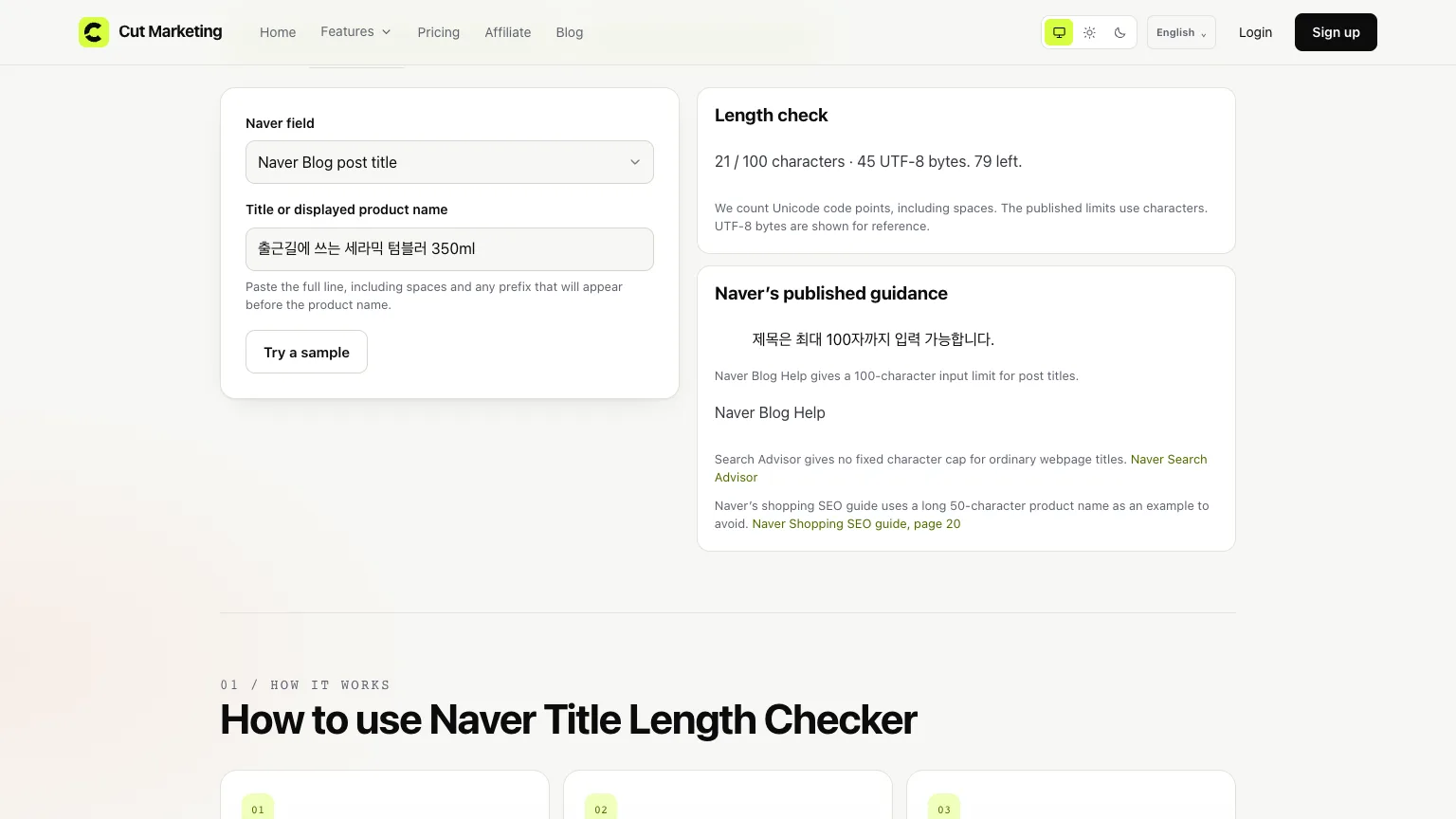
Cut Marketing’s Naver title checker gives you a live character count for a Naver Blog post title or a SmartStore group-product display name. Choose the field, paste the full title, and read the limit and its source alongside the count.
Two fields with a published limit
- Naver Blog post title. Naver’s editor help says you can enter up to 100 characters. Naver Blog Help
- SmartStore group-product display name. Naver’s group registration API gives a 100-character cap for the displayed name, including any promotional text placed before the product name. Copy the entire line when you check this field. Naver Commerce API
The character counter uses Unicode code points and includes spaces. For example, 텀블러 350ml is nine code points and 15 UTF-8 bytes. The cited limits are in characters, and the byte count is for reference. Naver’s help does not specify how the editor counts emoji sequences or decomposed Hangul.
Shorten a title where it helps the reader
Naver’s shopping SEO guide shows a long, keyword-heavy 50-character product name as an example to avoid. Keep the words that help shoppers tell your item apart, such as the model or capacity, and check whether category words or sales phrases repeat information already on the listing. Naver Shopping SEO guide, page 20
For an ordinary website, Search Advisor gives no fixed cap for the HTML title element. It recommends a distinct, concise title that explains what the page covers. Naver can also choose its search title from other parts of the page and from links. Naver Search Advisor