AI CREATIVE WORKSPACE

A lookbook clip from the photo you just made

An AI lookbook video is a short fashion clip generated from one photo of a person wearing the outfit, such as a street walk, a mirror OOTD or a 360° turn, with the garments kept the same in every frame. In Cut Marketing (Cutma) it starts from an on-model photo and goes on to Finish the Ad for captions, music and 9:16, 1:1 and 4:5 exports. Paid plans start at $9 a month for 900 credits with every model included, and new Google accounts get 40 free credits for 30 days.

Start from a Virtual Try-On result or any photo of someone wearing the outfit. Choose a style, and the video model moves the scene while keeping the garments, colors and the person the same.

  • Video from $0.32: 8 seconds at 1080p with Veo 3.1 Fast
  • Plans from $9 a month (900 credits), the same model prices on every plan
  • Captions, AI narration and music in Finish the Ad; uploads to Meta, Google Ads and TikTok
  • 40 free credits for new accounts, valid 30 days

A practical workflow to turn a try-on photo into a daily-life lookbook or promo clip. Pick Veo 3.1 Fast, Seedance 2.5, Kling 4.0, Wan 3.0 or another model, finish the clip with captions and narration, and upload the approved ad to Meta, Google Ads or TikTok from the same workspace.

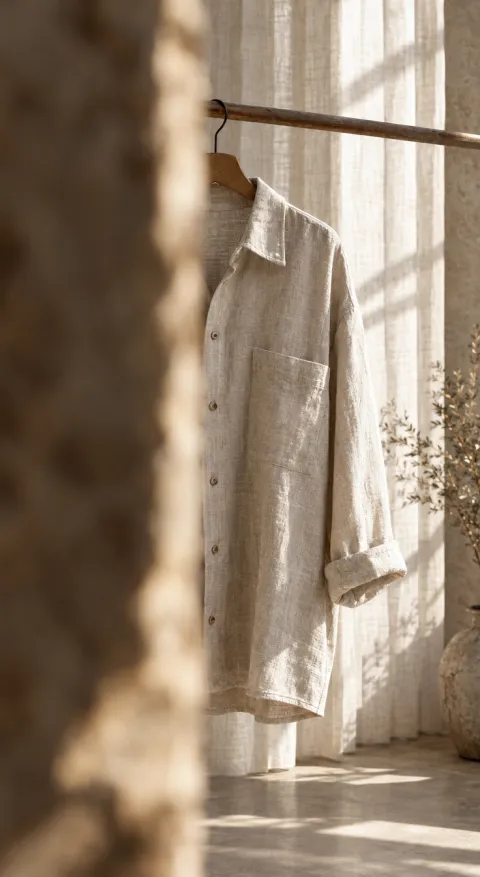
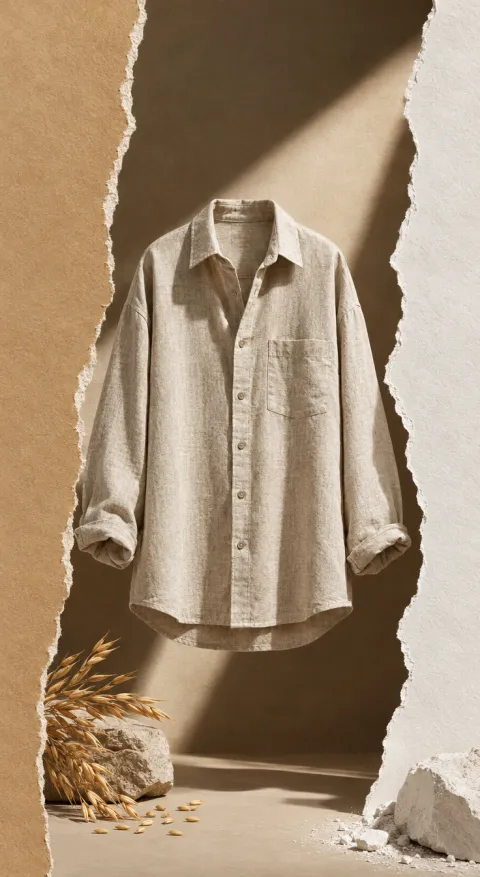
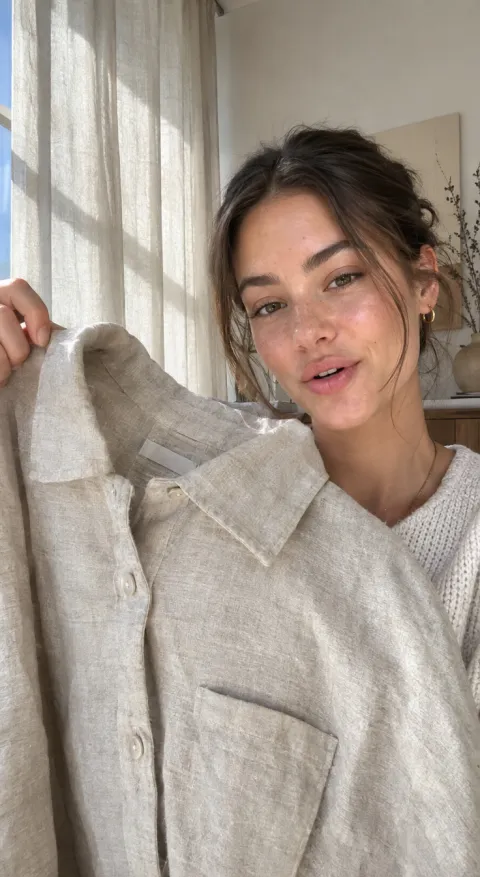
Washed Linen Overshirt · Before / after Before / after
Fashion Live Commerce · Price reveal Price reveal
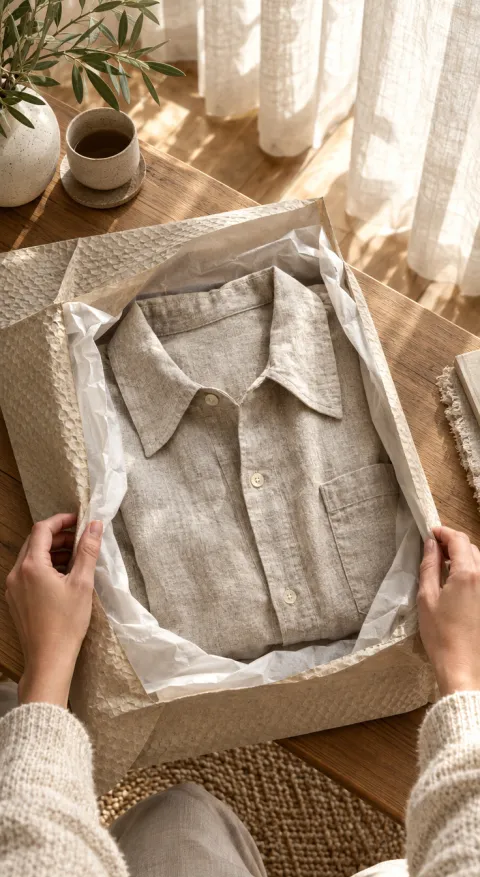
Washed Linen Overshirt · Wait for it Wait for it

02 / HOW IT WORKS

How the workflow runs

  1. Add a product reference or write the brief

    Upload a product image or reference frame. Add the audience, offer and the moment the video should show.

  2. Pick a format and model

    Choose the aspect ratio, duration and quality. The studio shows the credit cost for that exact setup before you submit.

  3. Generate, review and refine

    Review each output against the brief, keep the strongest direction and make the next variation from the same project.

03 / WHAT YOU CAN DO

Built around the product, not a generic template

01 / PRODUCT FIRST

Keep the item recognizable while the scene moves

Start from a product photo, a reference frame or a clear brief. AI lookbook video keeps the offered item as the anchor while the model adds motion, light and camera direction. The goal is a usable draft that still looks like the product you sell.

Start from a product image
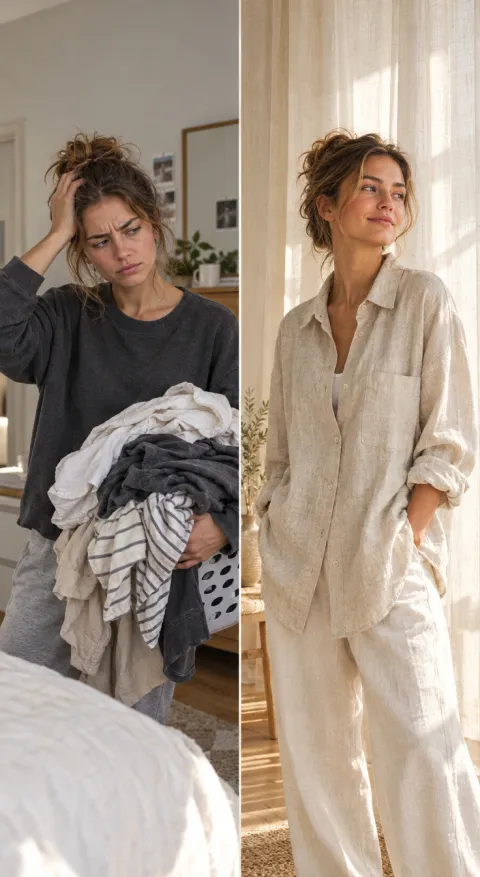
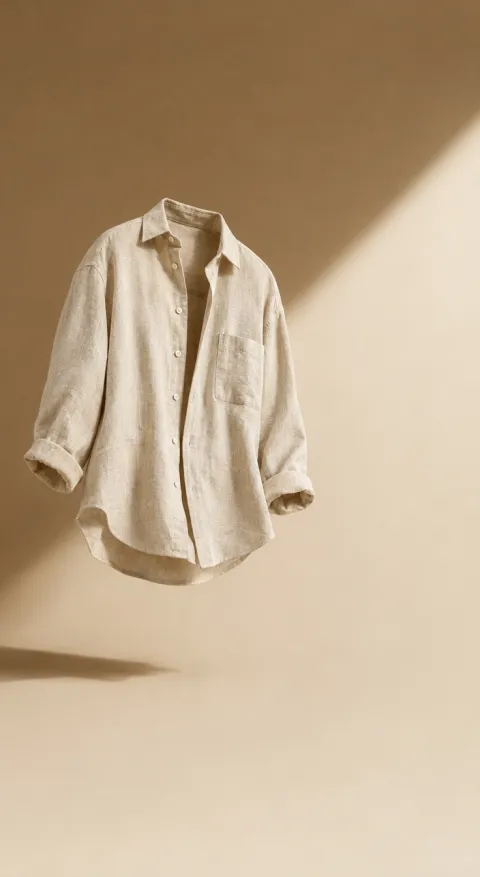
Washed Linen Overshirt · Problem → solution Problem → solution
Problem → solution

02 / HOOK & PACING

Give the first two seconds a job

Describe the opening beat, the one benefit to land and the action you want. Short product video ads work when the hook, product moment and ending are planned together. The studio turns that direction into a prompt you can iterate on, not a one-off roll of the dice. Brief to test: turn a try-on photo into a daily-life lookbook or promo clip.

Generate a video concept
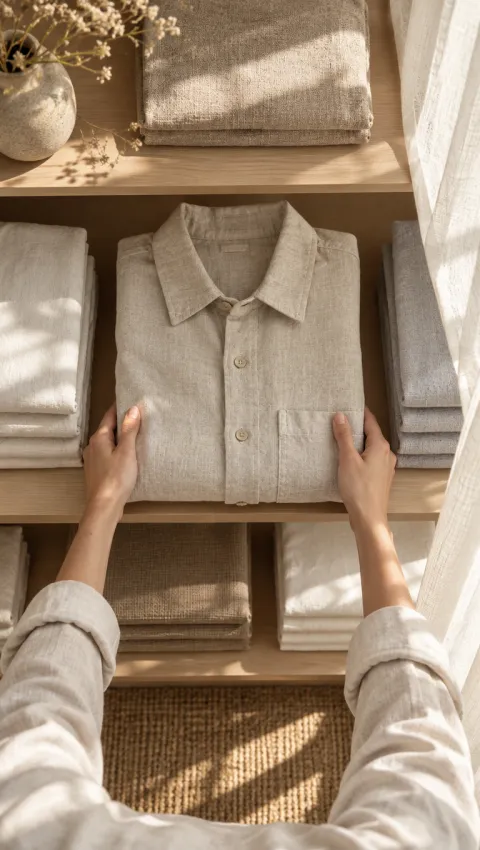
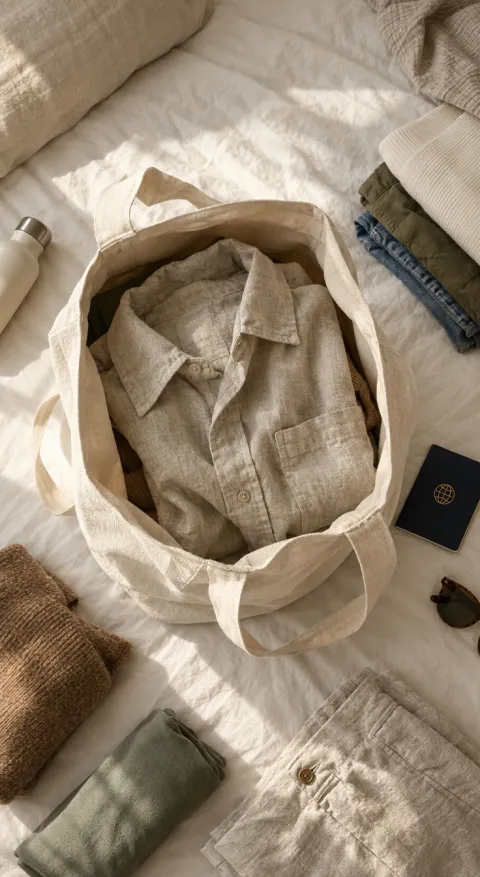
Washed Linen Overshirt · Restock / organize Restock / organize
Restock / organize

03 / ITERATION

Change one variable at a time

Duplicate the brief and swap the hook, presenter, scene or call to action. Performance marketers and ecommerce teams can compare directions in the same workspace and carry the strongest treatment into the next test instead of restarting from zero.

Plan the next variation
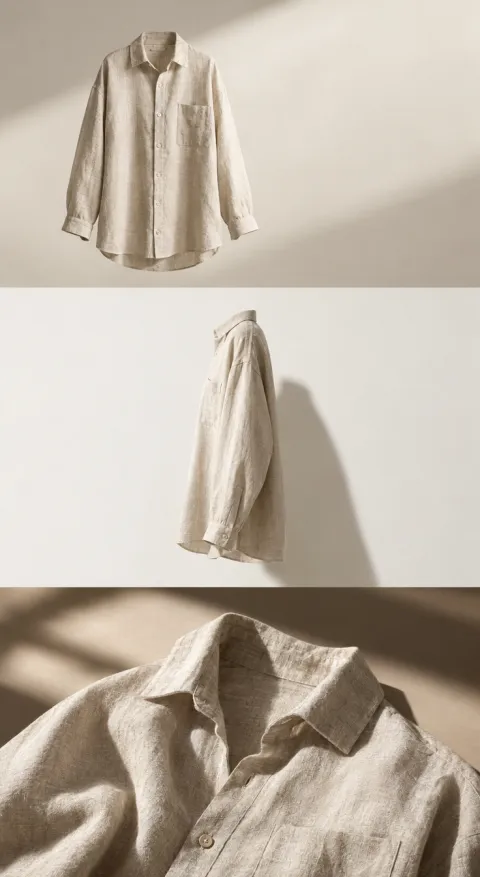
Washed Linen Overshirt · 3 reasons 3 reasons
3 reasons

04 / START FROM AN EXAMPLE

Open any frame with its prompt in the studio, replace the product and keep the structure.

Generate a video ad

05 / USE CASES

Where this workflow fits

Product launches

Build a first round of short product video ads before the product page and paid campaigns go live.

Always-on social

Keep a small library of hooks and scenes ready for the next placement.

Agency concepts

Give clients concrete video directions instead of another written treatment.

06 / WHY THIS WAY

What changes in the day-to-day

One brief, several directions

Keep the product and offer consistent while you test different openings and formats.

Low prices, quoted first

An 8-second 1080p Veo 3.1 Fast video is 32 credits ($0.32). Every model costs the same on every plan, and the studio quotes the job before you submit.

Finished in the same place

Join clips, add captions, your exact offer text, AI narration and music, then export 9:16, 1:1 and 4:5 at once.

A repeatable loop instead of a one-off production

Area This workflow A manual production loop
Starting point A product photo, reference frame or brief A blank timeline or a new shoot brief
Next version Duplicate the brief and change one variable Re-book talent, studio and edit time
Cost visibility A credit quote before you submit Quotes after scope and production meetings
Captions and text Captions, exact text, narration and music in Finish the Ad Export to a separate editor
Launch Upload to Meta, Google Ads or TikTok as a paused campaign Download, re-upload and rebuild in each ads manager

07 / FAQ

Questions about this workflow

What is AI lookbook video?

An AI lookbook video is a short fashion clip generated from one photo of a person wearing the outfit, such as a street walk, a mirror OOTD or a 360° turn, with the garments kept the same in every frame. In Cut Marketing (Cutma) it starts from an on-model photo and goes on to Finish the Ad for captions, music and 9:16, 1:1 and 4:5 exports.

How do I make a lookbook video from a try-on photo?

Under the photo in Virtual Try-On, press Make a lookbook video. The photo opens as the first frame; choose a style such as daily street walk or 360° outfit turn, pick the length and 9:16 for Reels, and generate.

Do I need a product photo?

A clear product image helps the model keep shape, packaging and colour consistent. A reference frame or a written brief can also start a concept depending on the selected tool.

Can I choose the format?

Yes. Pick the ratio, duration and quality that match the placement before generating.

How much does it cost?

A video starts at 32 credits ($0.32) for an 8-second 1080p Veo 3.1 Fast clip. The price depends on the model, length and resolution and is the same on every plan. One credit is $0.01, and the studio shows the exact cost before you submit. Paid plans start at $9 a month for 900 credits with every model included, and new Google accounts get 40 free credits for 30 days.

Can I use the result in paid ads?

Yes, after your review. Check product details, claims and platform rules, finish the clip in Finish the Ad, then download it or upload it to a connected Meta, Google Ads or TikTok account as a paused campaign.

09 / START HERE

Make the next ad from the product you already have.

Open the studio, add one product image and a clear hook. An 8-second 1080p Veo 3.1 Fast video is $0.32, and you see the exact cost before you generate.