01 / PRODUCT FIRST
Keep the product recognizable
Start from a product photo or a reference. Describe the scene, crop and text needs so the output begins with your item instead of a generic background.
Start from a product image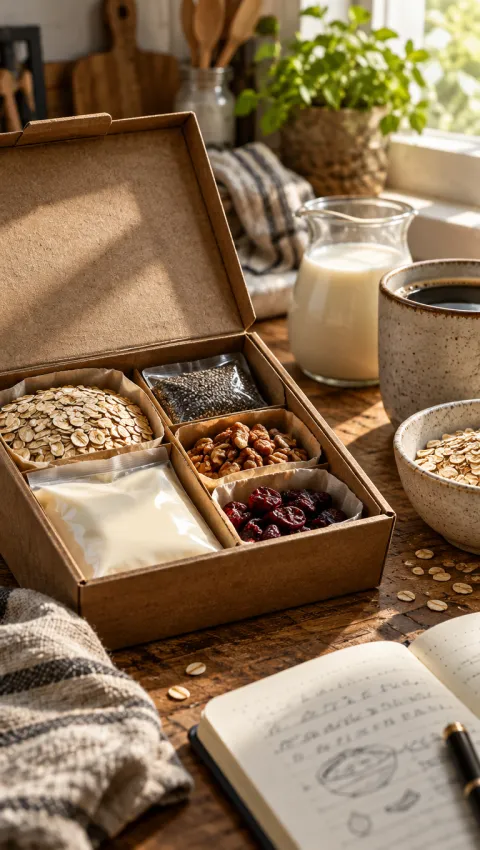
Image
Upload a model photo and your garment, or only the garment for a fictional AI model, and get front, side, snapshot and detail photos for your shop.
AI Virtual Try-On for Clothing is an AI tool that turns a product image or a short brief into static ad creatives. It is built for e-commerce and performance marketers who need fresh creative without a shoot.
02 / HOW IT WORKS
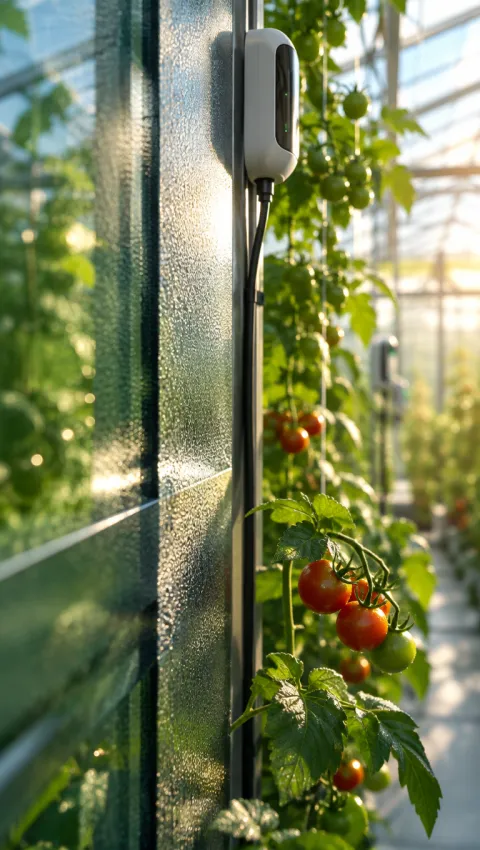
Write the product, audience and the hook you want. Add a reference image if you have one.
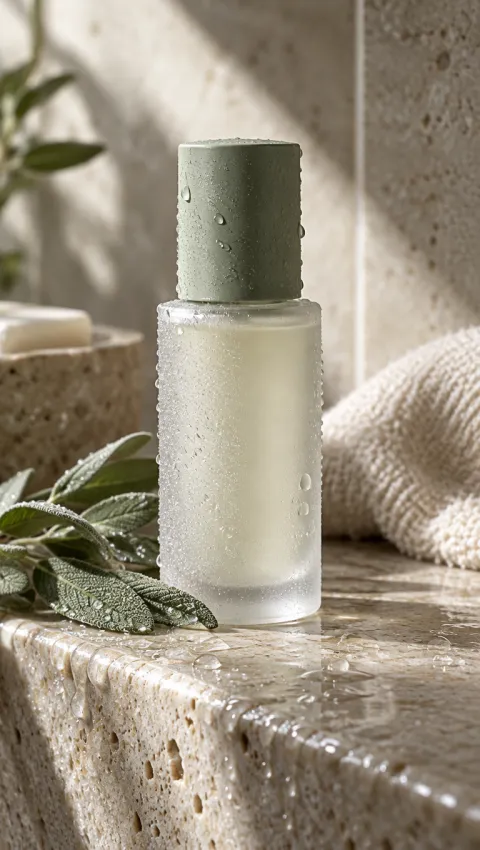
Pick quality, aspect ratio and duration. The studio shows the exact credit cost.
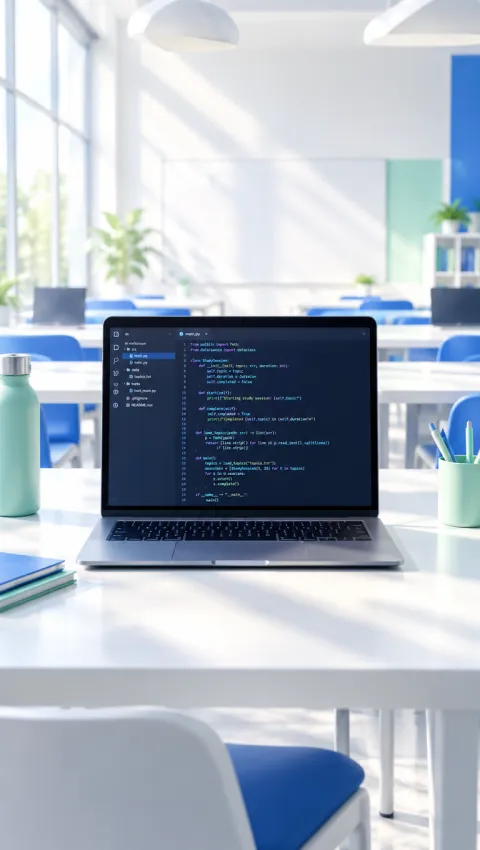
Track the job in the studio. Download when it lands, or retry with the same setup.
03 / WHAT IT DOES
01 / PRODUCT FIRST
Start from a product photo or a reference. Describe the scene, crop and text needs so the output begins with your item instead of a generic background.
Start from a product image 02 / THE SHOT
A main image, a detail shot and a lifestyle frame answer different questions. Generate the set with a clear purpose for each crop.
Plan an image set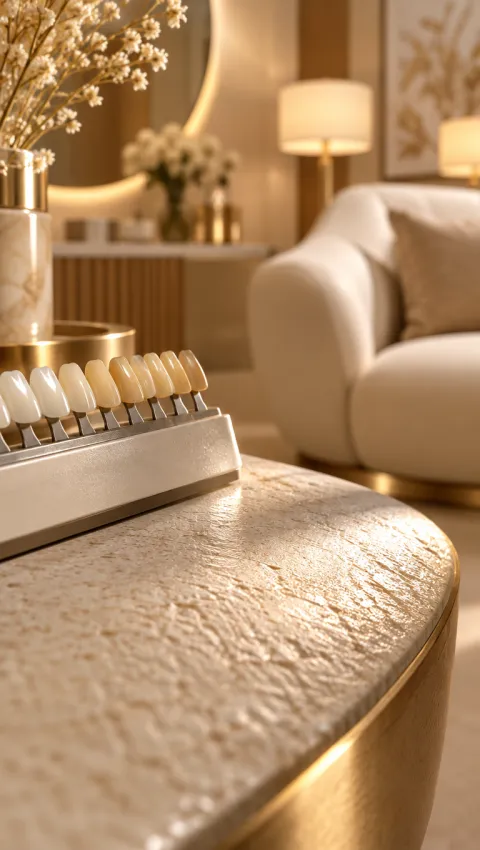
03 / REVIEW
Generated lettering is not reliable enough to publish unchecked. Zoom into the label, compare the product and replace anything that drifted.
Generate a product image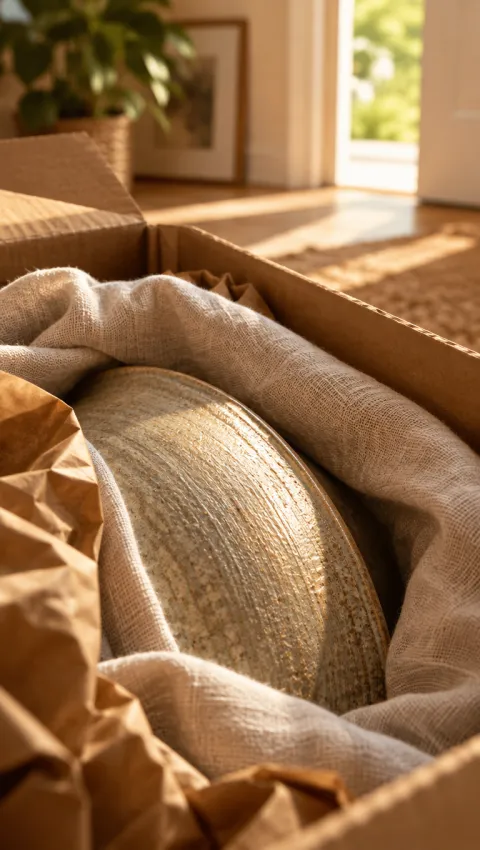
04 / SHOWCASE
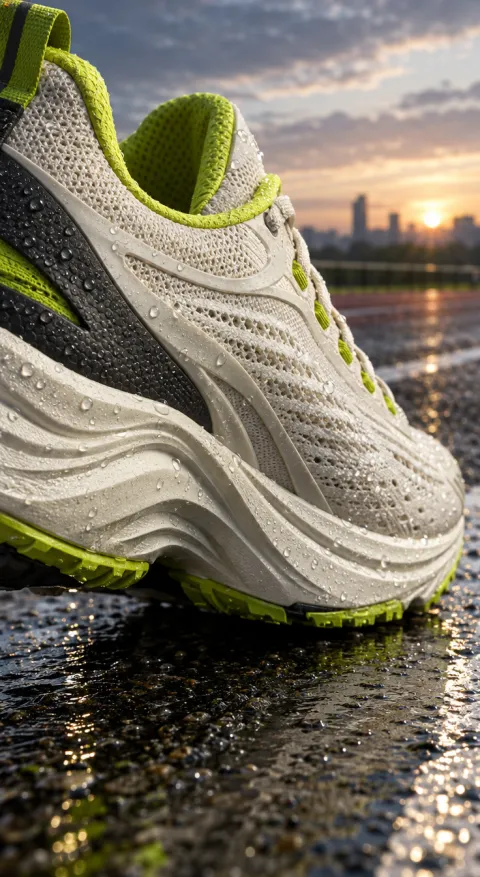
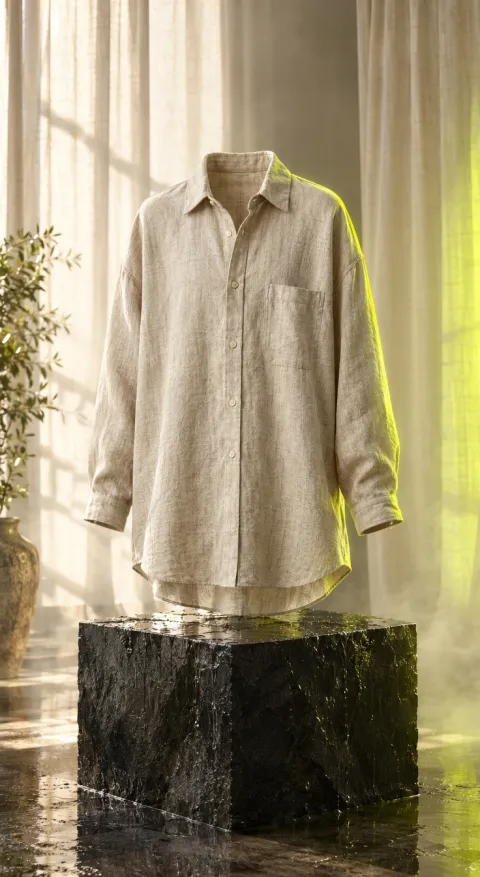
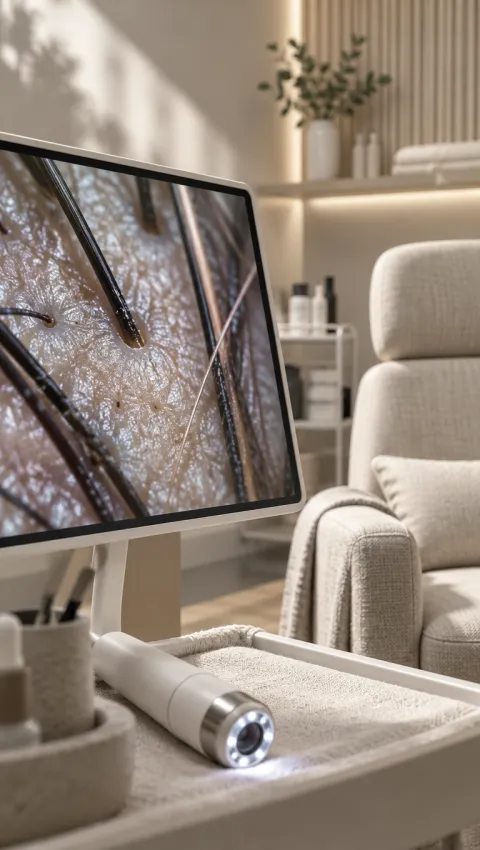
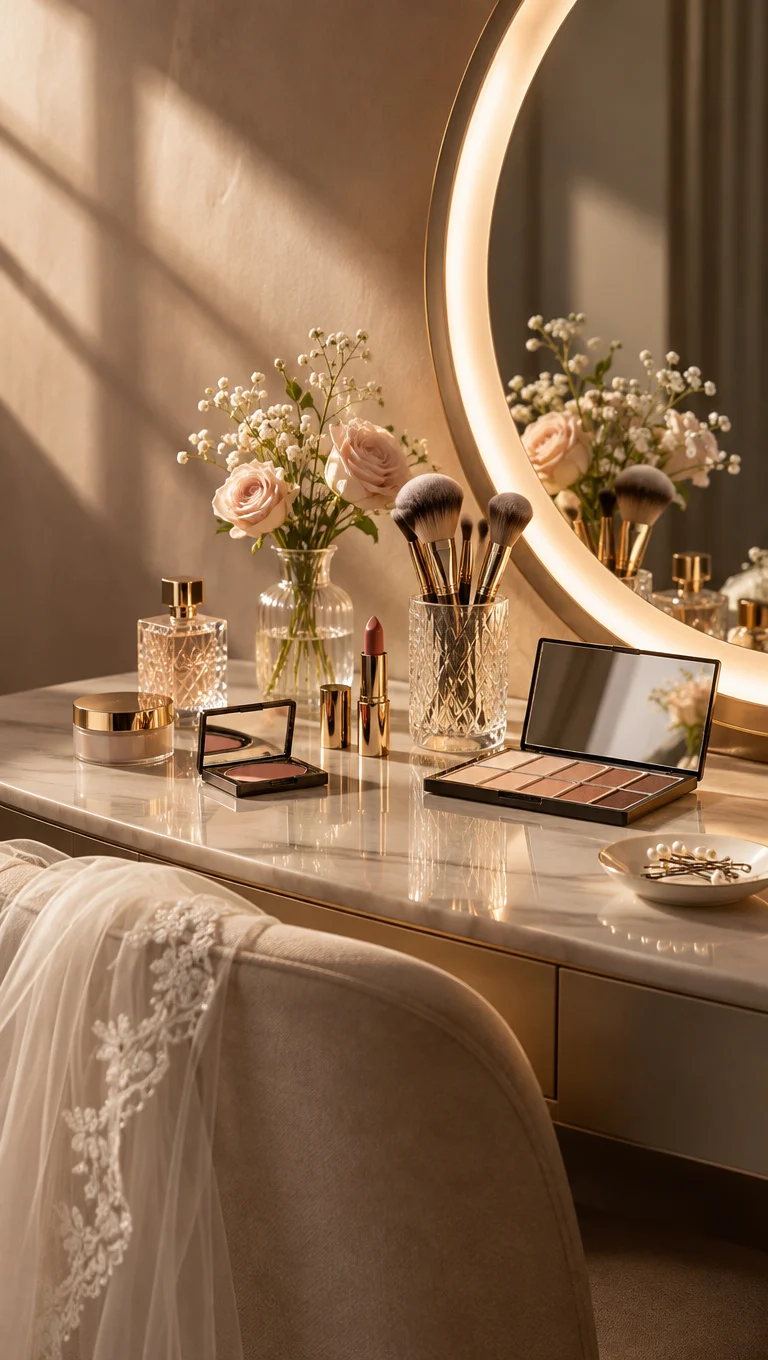
Open any frame as a prompt in the studio, replace the product and keep the structure.


05 / USE CASES
Prepare a main image, detail view and lifestyle frame for the same listing.
Make the crops and concepts a campaign needs without a second shoot.
Refresh the scene while the product stays the same.
06 / WHY THIS WAY
Keep the product, brief and output together as you iterate.
Every model shows its rate and the job is quoted before submission.
Generated work is a draft; check product accuracy and claims before publishing.
| Area | This tool | Manual production |
|---|---|---|
| Starting point | A product photo or short brief | A blank timeline or new shoot |
| Next version | Change one variable | Re-book the full production |
| Cost | Credit quote before submission | Quote after a scope meeting |
07 / MODELS
Compare quality, formats and credit rates before you generate.
| Model | Quality | Ratios | Credits |
|---|---|---|---|
| GPT Image 2.6 | 1k, 2k | 1:1, 4:5, 9:16, 16:9, 3:4 | from 9 credits/image |
| Nano Banana 2.1 | 1k, 2k | 1:1, 4:5, 9:16, 16:9, 3:4 | from 6 credits/image |
| Seedream 5.0 Pro | 1k, 2k | 1:1, 4:5, 9:16, 16:9, 3:4 | from 6 credits/image |
| FLUX.3 Klein | 1k, 2k | 1:1, 4:5, 9:16, 16:9, 3:4 | from 2 credits/image |
Cut Marketing is an independent service that provides access to third-party AI models through its own interface. It is not affiliated with, endorsed by or sponsored by the providers of those models, and model names are trademarks of their respective owners.
08 / FAQ
AI Virtual Try-On for Clothing is an AI tool that turns a product image or a short brief into static ad creatives. It is built for e-commerce and performance marketers who need fresh creative without a shoot.
A product image is recommended for product-specific tools. Text-only tools can start from a prompt.
It depends on the model and resolution. Images start at 2 credits ($0.02) with FLUX.3 Klein at 1K. The default model, Nano Banana 2.1, starts at 6 credits ($0.06). The studio shows the exact cost before submission and refunds failed jobs.
Yes. A new account gets 40 credits once, with no card, which covers up to 20 outputs with the cheapest model here.
The output is a draft. Check product accuracy, claims and platform rules before publishing.
10 / START HERE
Open the studio, add a product image and see the credit cost before you generate.